
 AI Assistant
 AI Chatbot
 AI Search
 AI Accessibility
 AI Localization
 AI Builder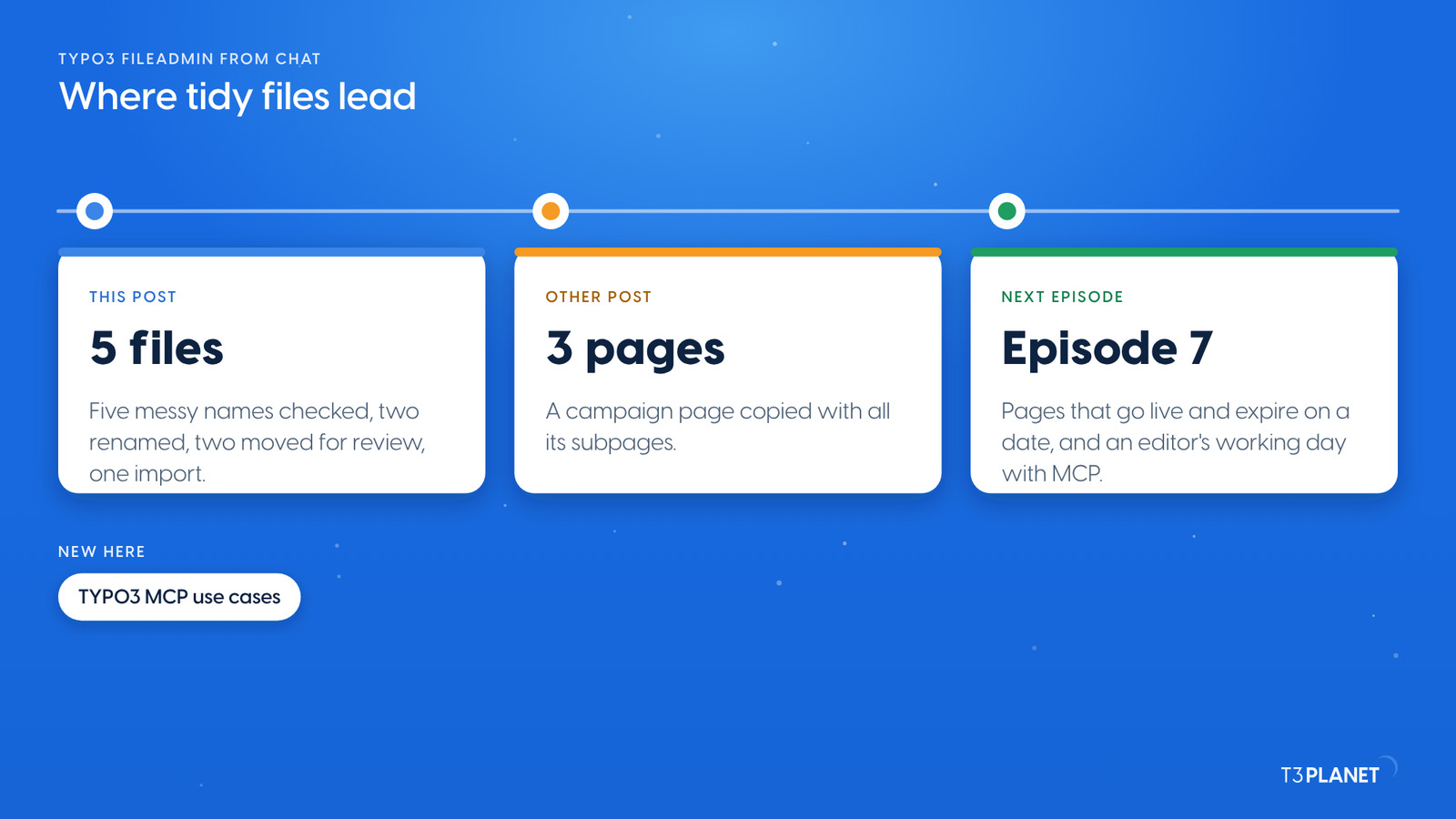
Copy a TYPO3 campaign page with all its subpages from chat
TYPO3 MCP



Every TYPO3 fileadmin collects files called IMG_4711.JPG or tent_view_final_final.jpg, and nobody knows which ones are still in use. With TYPO3 MCP your AI assistant checks where each file is used and gives files clear names. It moves the unused ones to a review folder and imports a file from a URL. We ran all four on our demo install, then put every step back. MCP, the Model Context Protocol, lets an assistant such as Claude work inside TYPO3 through tools that AI Foundation provides for free. One rule comes first: file changes act at once, with no dry run and no undo.
One minute, with captionsAll videos
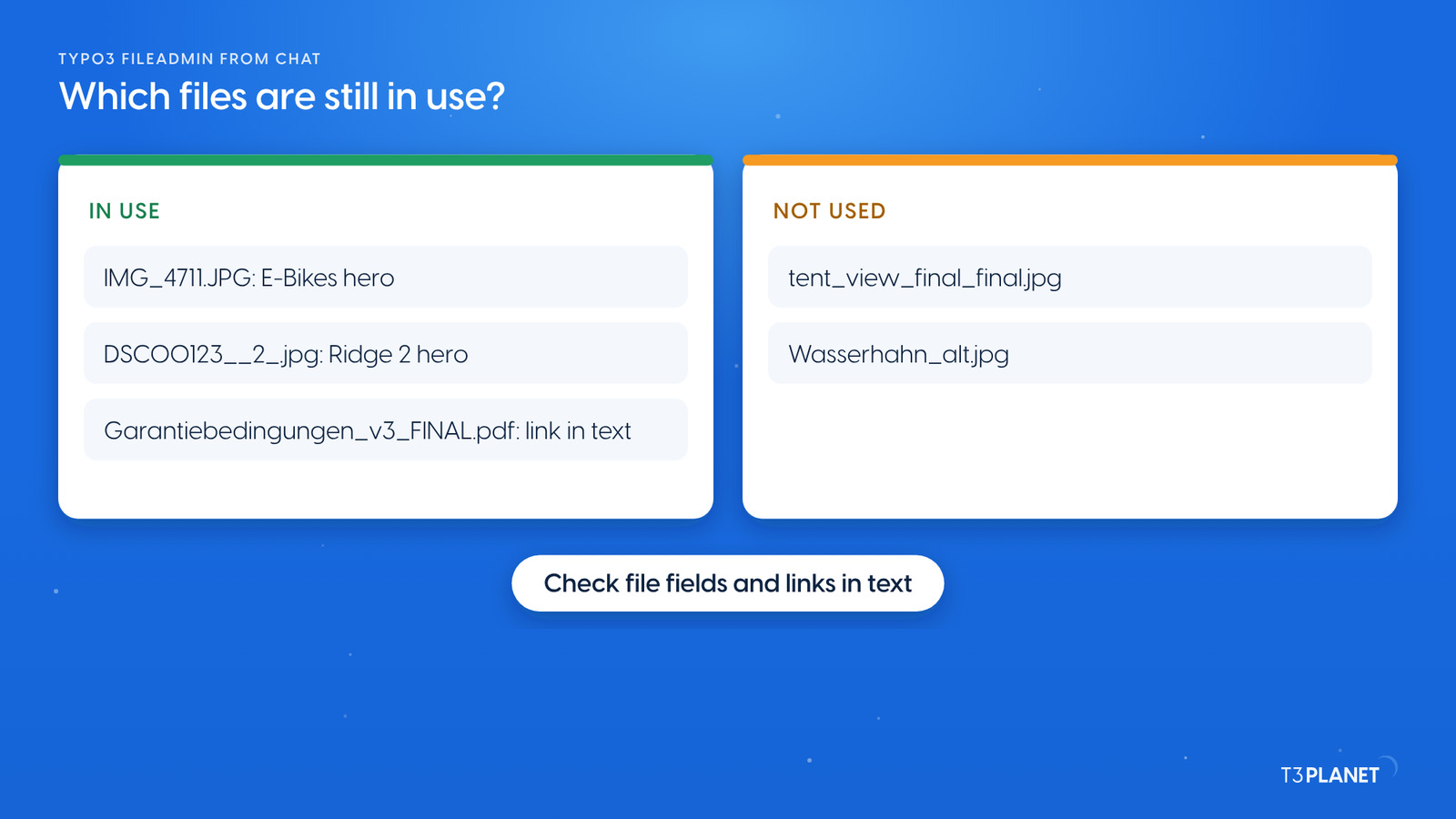
Start with a question, not a change: Which images and PDFs in our Mustermann Outdoor folders and in user_upload have messy names, and which of them are not used on any page? The assistant listed the folders and found five messy names. Then it checked usage in two places:
So only two files were really unused: tent_view_final_final.jpg and Wasserhahn_alt.jpg. A check of file fields alone would have called the warranty PDF unused. Ask for both checks, every time.
Which images and PDFs in our Mustermann Outdoor folders and in user_upload have messy names, and which of them are not used on any page?
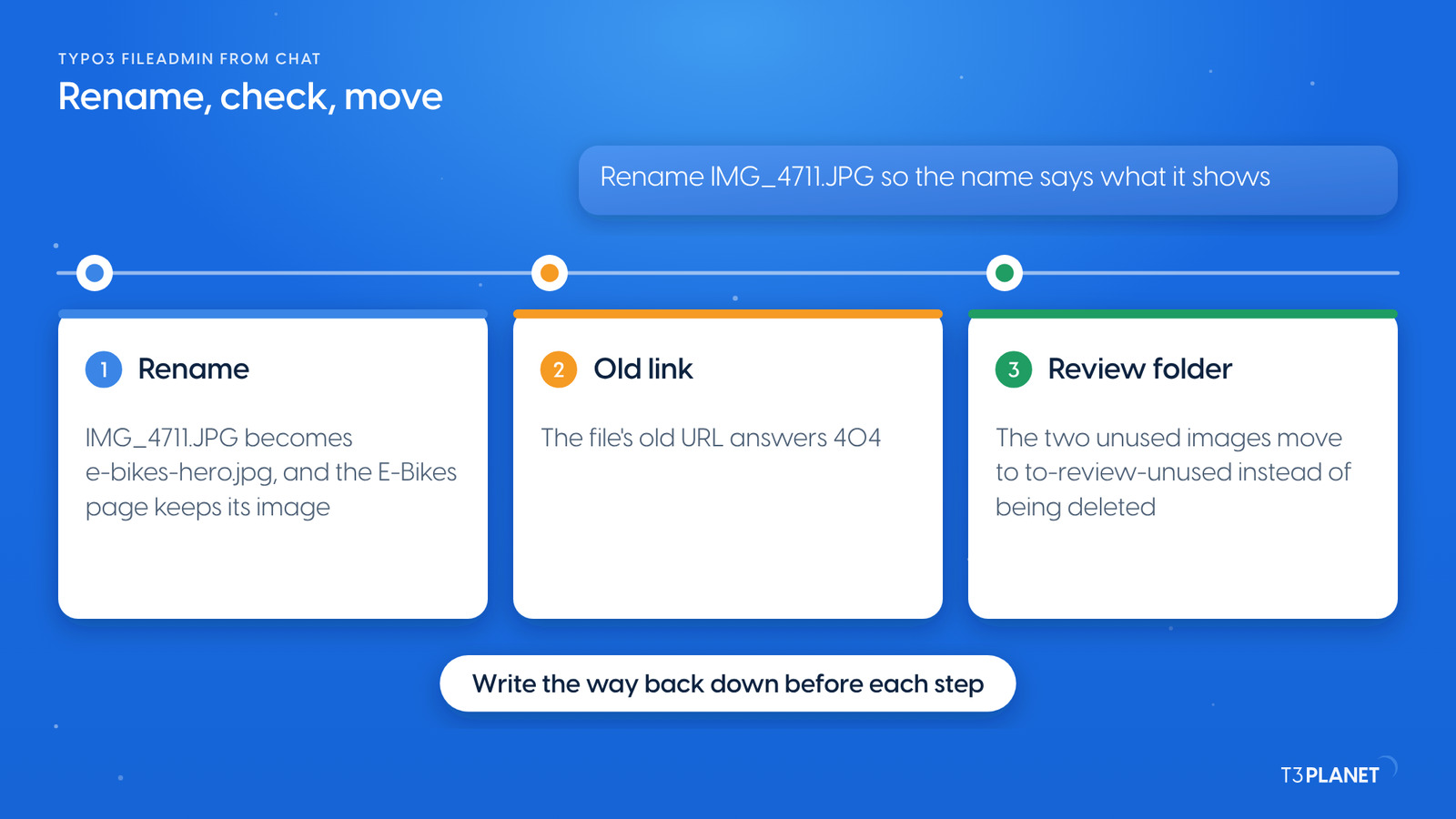
The second request: Rename IMG_4711.JPG and DSC00123__2_.jpg to names that say what they show. They must stay on their pages. The assistant used file_rename twice, with e-bikes-hero.jpg and ridge-2-tent-hero.jpg as new names. Then it checked:
The third request moved the two unused images into a new folder, to-review-unused, with directory_create and file_move. A review folder is the safer choice than a delete: someone can still say we need that one before anything is gone.
Rename IMG_4711.JPG and DSC00123__2_.jpg to names that say what they show. They must stay on their pages.
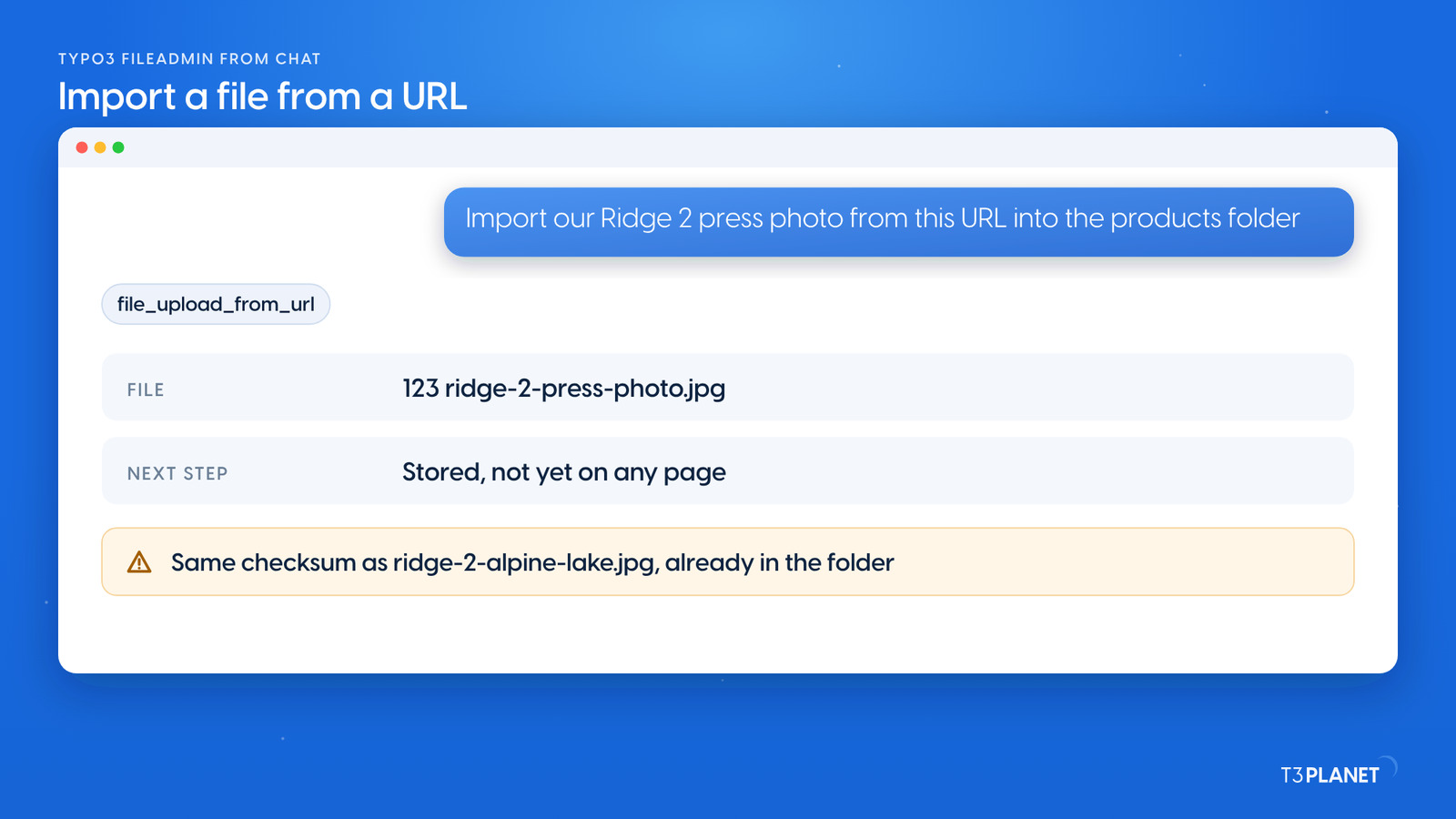
The fourth request: Import our Ridge 2 press photo from this URL into the products folder as ridge-2-press-photo.jpg. The assistant used file_upload_from_url. TYPO3 downloaded the file on the server and answered with three useful facts:
Two jobs per episode, each with a one-minute video. New episodes appear as soon as they are ready.
This episodeEpisode 6
Sovereign TYPO3 AI

T3AFThe base every extension runs on. Manage providers, prompts, permissions and costs in one place.
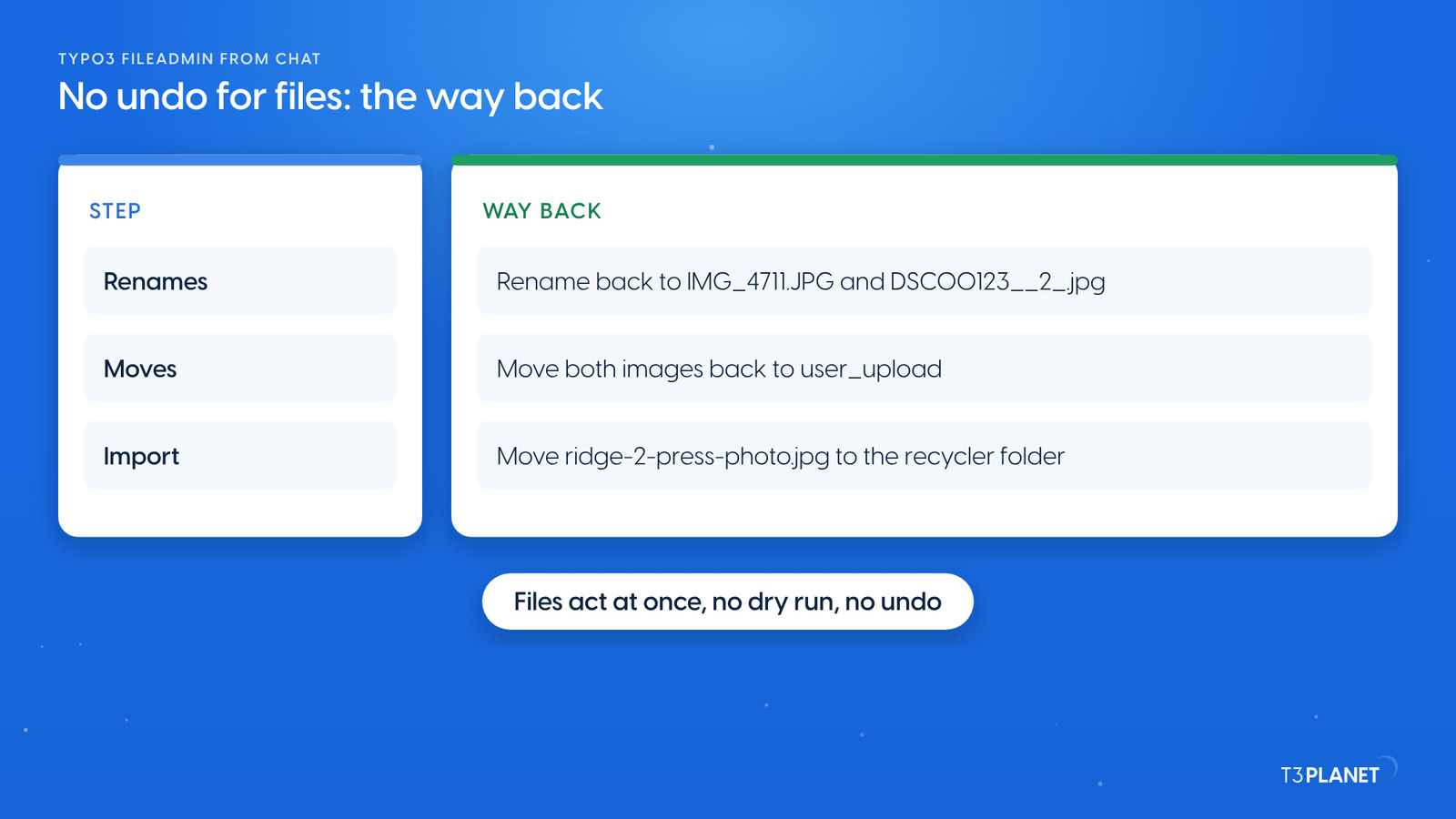
Files, file metadata, redirects, scheduler tasks and cache clears act at once. A file change is not part of a TYPO3 draft workspace, and records_undo does not reach it. So the way back is the opposite operation, and it is your job to note it before each step. We did that on our demo:
Afterwards the old file URLs answered again and the E-Bikes page showed its image as before. We show you each check on our demo, so you see what to look at on yours.
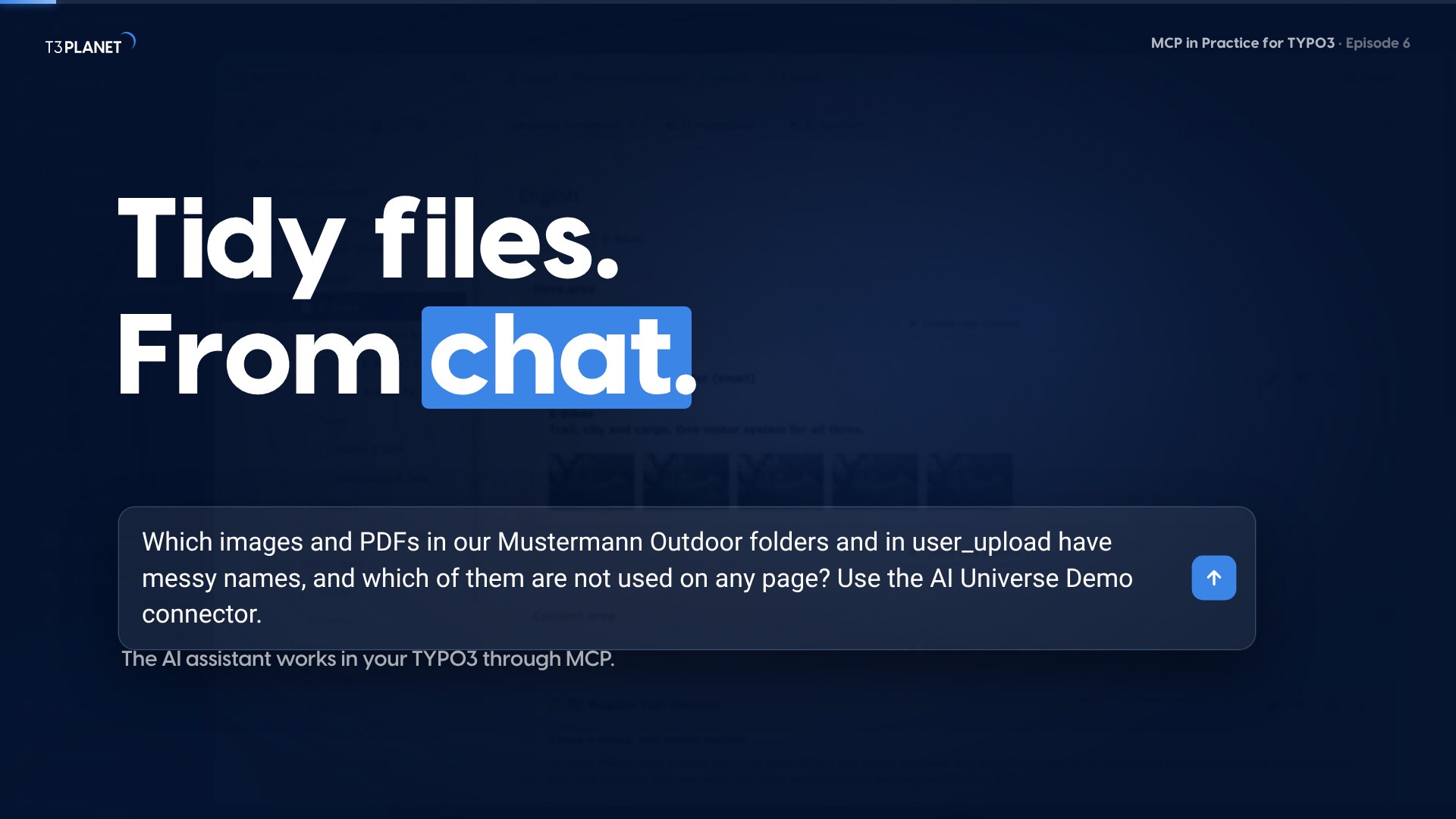
The video for this episode asks for the usage check and the rename in Claude on our demo install, then shows the renamed file in the TYPO3 file list and the E-Bikes page with its image on the website. Shown in Claude; other MCP assistants work too.
This job uses AI Foundation's core tools, which are free and open source, no licence key, no registration. AI Assistant, AI Accessibility, AI Chatbot and AI Search add their own MCP tools for writing, translation, alt text, chatbots and search. Each needs its own licence. Together with AI Foundation they bring 100+ MCP tools.
What your assistant reads, it sends to its vendor, as with any chat. Keep that in mind before you let it read pages that are not public yet.
The other post of this episode copies a campaign page with all its subpages, and shows where the copy still needs you. Episode 7 sets pages to go live and expire on a date and follows an editor through a working day with MCP. Episode 3 changed one phone number in many places, and episode 5 introduced draft workspaces, which hold page changes but not file changes. If you are new to the series, start with TYPO3 MCP use cases: what you can hand to an AI assistant, on one map.
The series comes from T3Planet by NITSAN Technologies, a TYPO3 Association Gold Member with more than 15 years of TYPO3 work. Its episodes are written by Jürgen, our AI Consultant for TYPO3. Every episode runs its job on our demo install before it is published.
file_listThe folders listed, messy names foundrecord_searchUsage checked in file fields and in links in textfile_renameTwo images renamed; their pages keep themWhat stays with you: deciding what to keep, noting the way back before each step, and redirects for old file links.
Ask your assistant to check two things for each file: file references in content and links to the file in text. A file with neither is a candidate. Move candidates to a review folder before anyone deletes them.
Not the pages. TYPO3 keeps the file's ID, so images on pages stay. The file's own URL changes, so direct links to the old name break.
Not with an undo tool. File changes act at once, outside draft workspaces. Note the opposite operation before each step and run it if needed.
No. It uses the core tools of AI Foundation, which is free and open source. The assistant you connect comes with its own plan from its vendor.
Sovereign TYPO3 AI: AI Foundation is free and open source, six AI extensions build on it.
Explore TYPO3 AI

Jürgen Pietschmann
AI Consultant for TYPO3Jürgen Pietschmann is a T3Planet Product Consultant at T3Planet Shop. He specialises in integrating AI into editorial workflows – from intelligent content creation and automated SEO to AI-powered search and chatbot solutions for TYPO3 sites. As a technical consultant for T3Planet AI Universe, he works closely with agencies and editorial teams on practical TYPO3 implementations. Jürgen has been writing the This Month in TYPO3 series since December 2025 and has spoken at T3CON25 and TYPO3 Developer Days 2026 (T3DD26), where he co-presented Content Editing Unlocked.
More From Author