Most TYPO3 content editing is small: fix a sentence, move a block up, show a page, clear the cache. With TYPO3 MCP your AI assistant does these four jobs from a chat message, and you check each result in the backend. MCP, the Model Context Protocol, lets an assistant such as Claude work inside TYPO3 through tools that AI Foundation provides for free. We ran all four on our demo install, then took them back in one step.
TYPO3 editors who want small changes done without clicking through the backend
By hand
Opening each page and element, editing, saving, clearing the cache
By prompt
One request on our demo install
Check and put back
Written on the demo, checked, then taken back with records_undo
In this post
Which edits can you ask for?
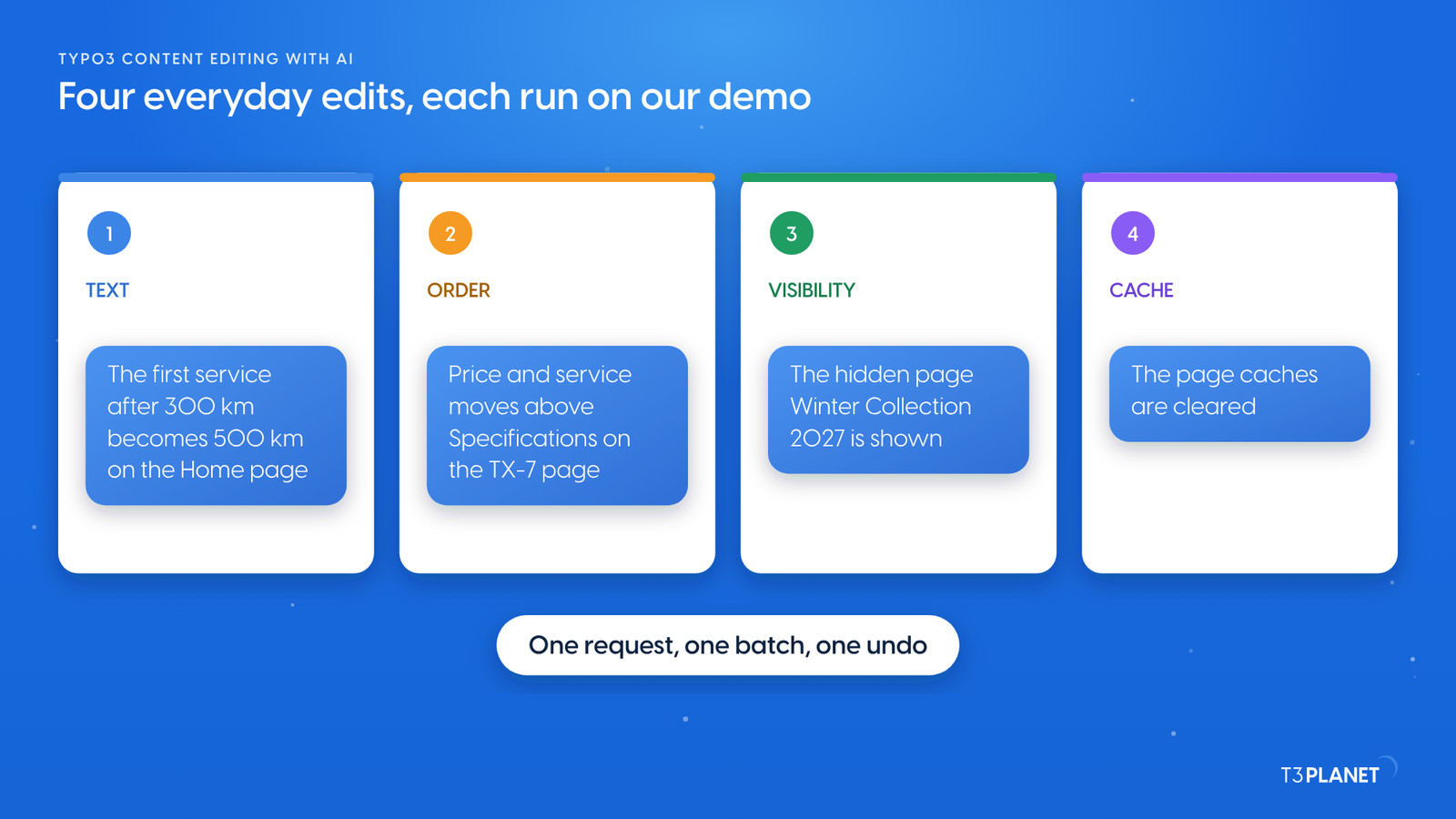
Illustration: four everyday edits, each run on our demo install.
The four jobs of this post:
Text. Change a sentence in a content element. The assistant reads the element, rewrites the one sentence and writes the field back.
Order. Move a content element up or down on its page.
Visibility. Show a hidden page or hide a live one.
Cache. Clear the page caches so visitors see the change.
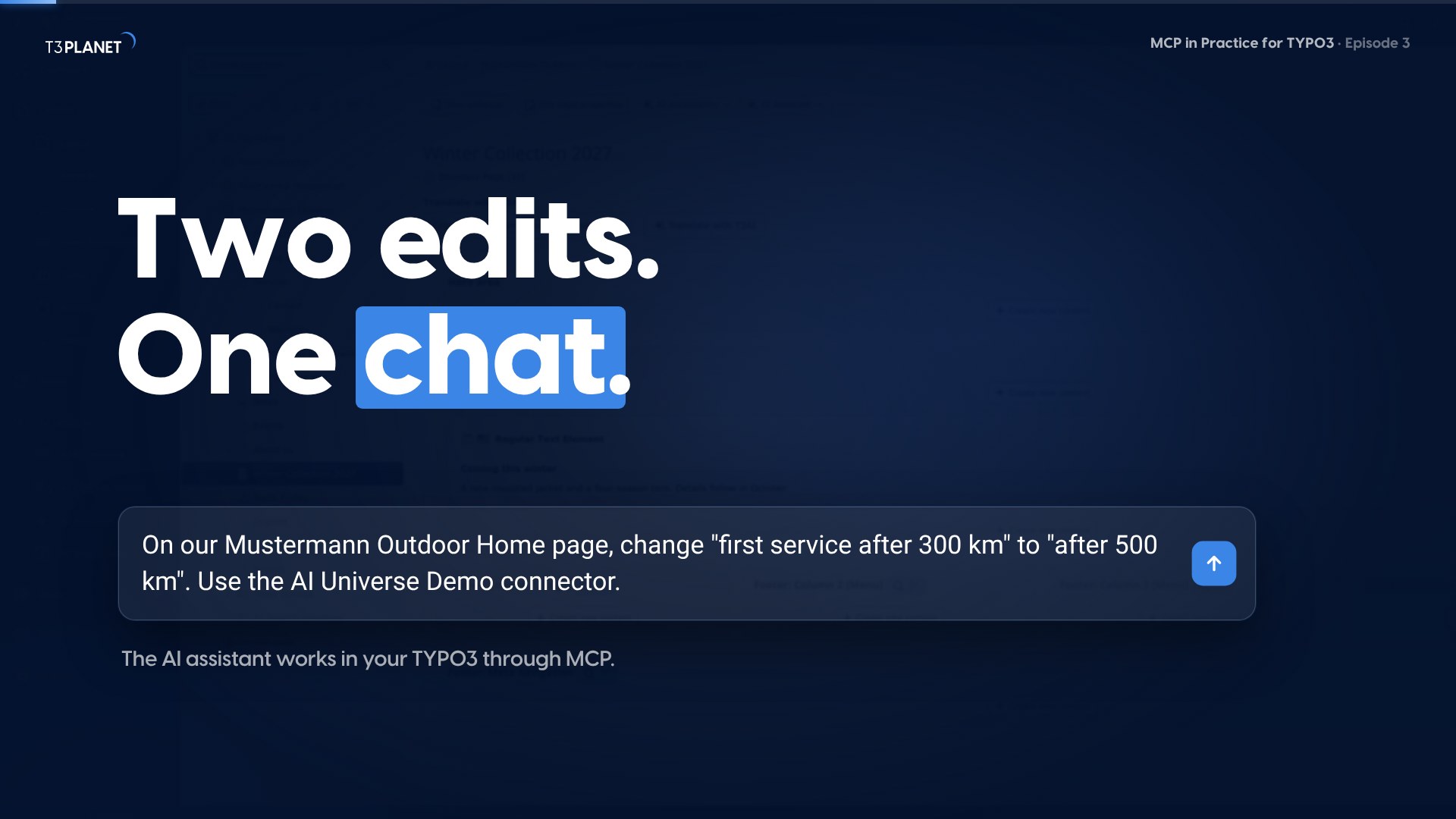
You ask in plain words. A good request names the place: On our Mustermann Outdoor Home page, change "first service after 300 km" to "after 500 km". The more exact the place, the fewer questions come back.
Try this promptOn our Mustermann Outdoor Home page, change "first service after 300 km" to "after 500 km".
Writes one element
One request, four edits, all checked
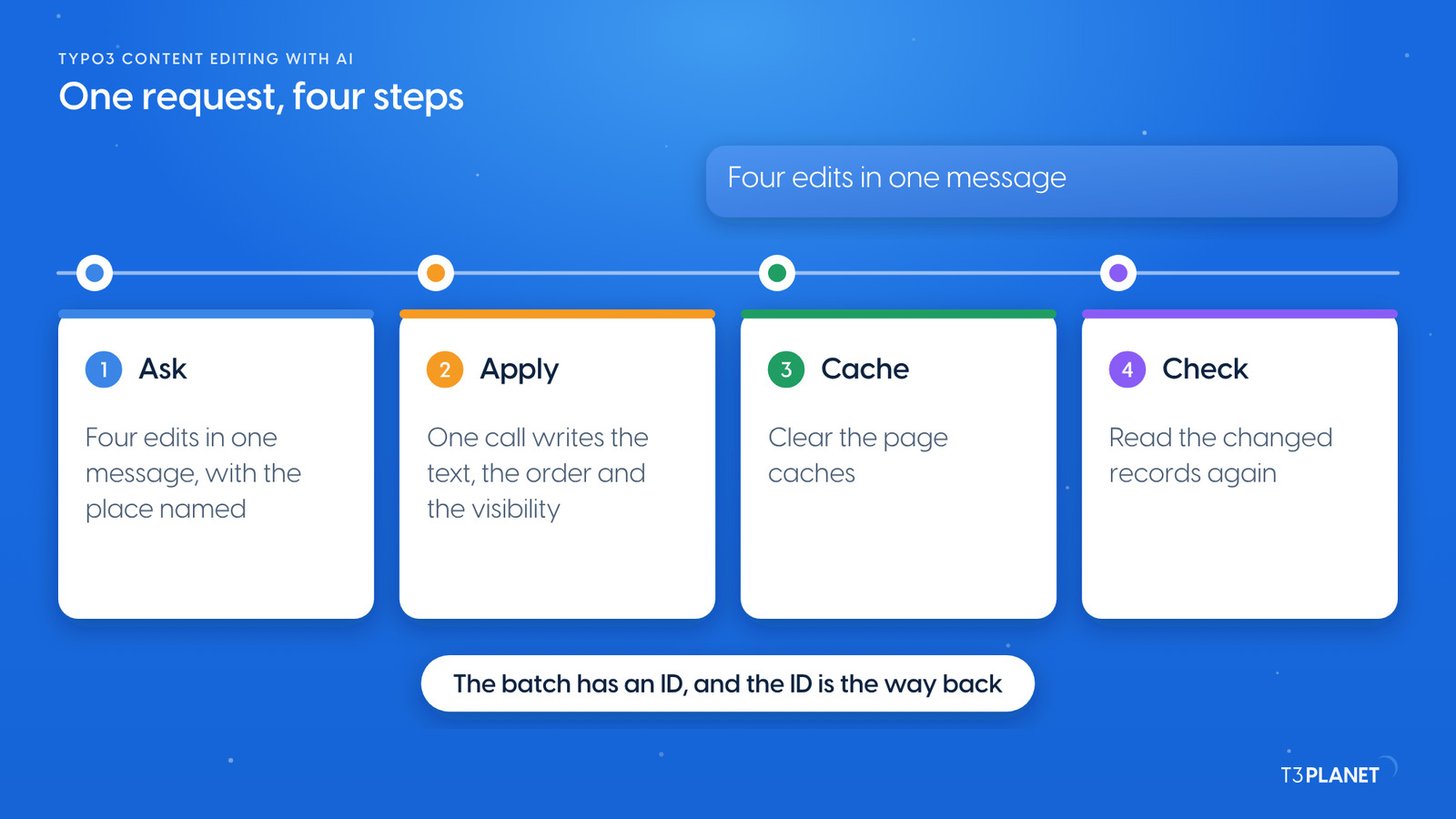
Illustration: ask, apply, clear the cache, check. The batch ID is the way back.
We ran all four edits as one request on our demo install. Behind the answer sit these steps:
Read the places. The assistant looks up the Home element, the TX-7 page and the hidden page.
Write in one batch. It changes the text, moves the element and sets the page to visible with records_apply, AI Foundation's tool for writing many records in one call. The call is all or nothing: if one part is refused, none is written. With dryRun the server shows what would happen and rolls it back; for a change you are unsure about, ask for a dry run first.
Clear the cache. It is a separate, small call, because a cache is not a record.
Check. It reads the changed records again and tells you the new values.
Try this promptShow the hidden page Winter Collection 2027, then clear the page caches.
Writes one page, then the cache
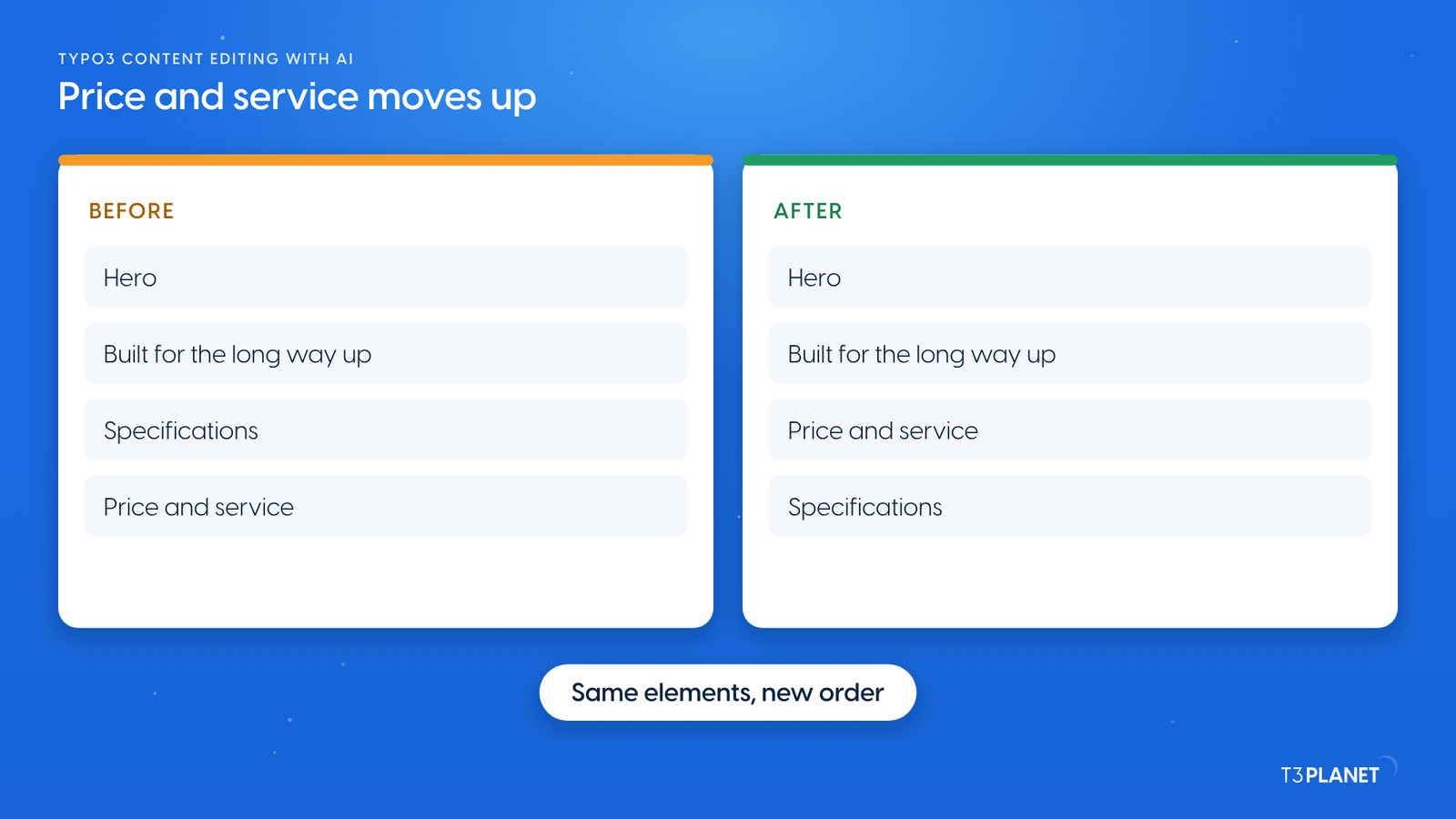
Illustration: Price and service moved above Specifications. Nothing else changed.
On the TX-7 page, Price and service sat last. The assistant moved it above Specifications. The elements are the same; only their order changed. Open the page in the backend and you see it at once.
Check it, then put it back
We show you each check on our demo. Every edit leaves a trace you can read, so trust the result only after you looked:
In the backend. Open the page or element. TYPO3's history shows who changed what.
On the website. Clear the cache and reload. A change that is saved but not yet visible is usually a cache.
In the answer. Ask: Show me the changed records as they are now.
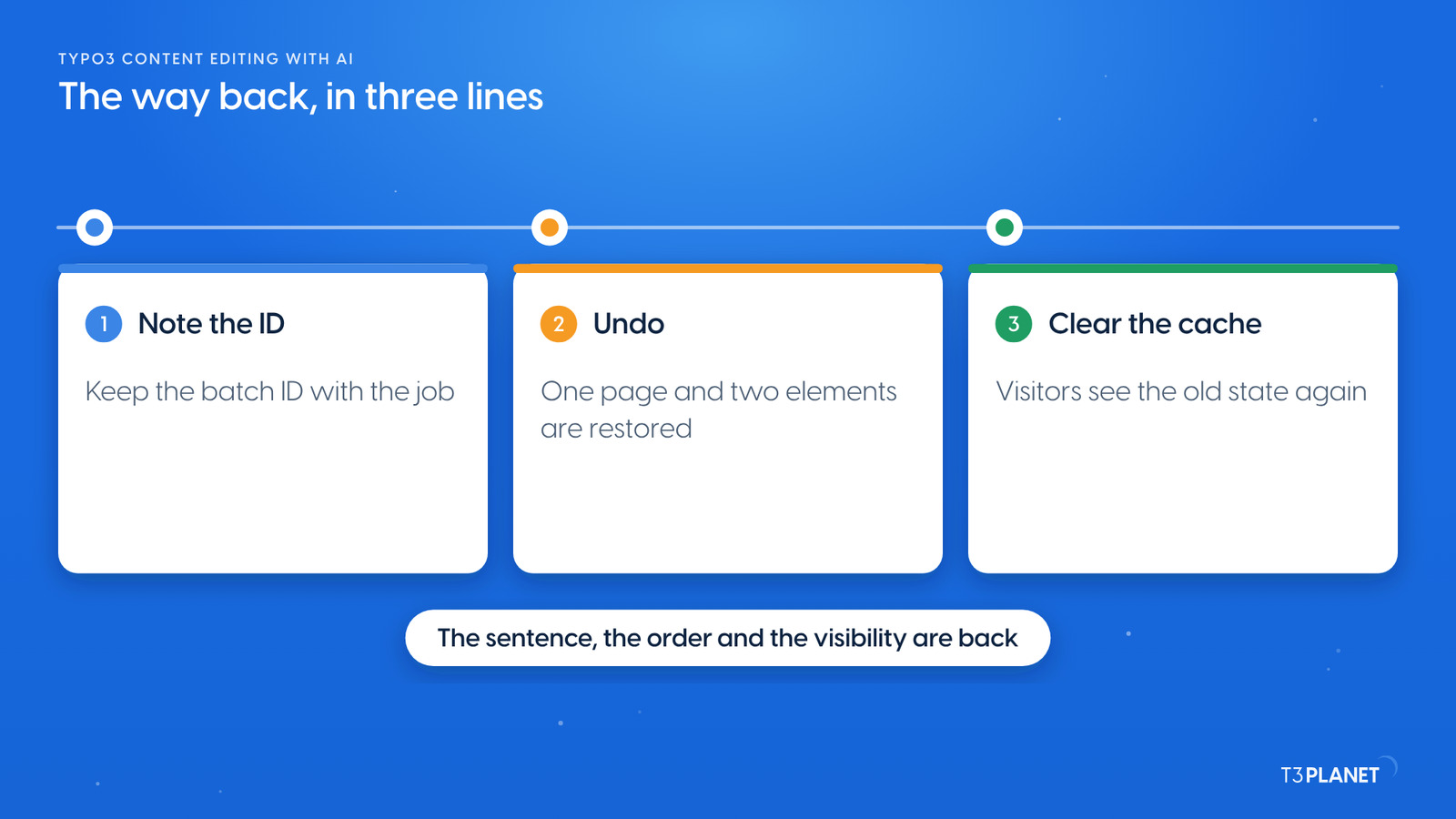
To put the whole batch back, give the batch ID to records_undo. We did that on our demo: the sentence, the order and the visibility were restored. Files, file metadata, redirects, scheduler tasks and cache clears act at once; they are not part of a TYPO3 draft workspace. AI Foundation can hold other changes in a draft workspace for review.
Illustration: a batch is taken back by its ID. Clear the cache once more afterwards.
What the assistant cannot do for you
It does not decide. A request to change something is carried out as the backend user who signed in. Name the place, and read the answer before the next request.
It writes only what the user may write. If your backend account may not edit a field, the call is refused and says why.
A cache is not undone by the undo. After an undo, clear it again.
It cannot tell you what is right.Is 500 km the correct number? is your call, not the tool's.
Blog series · TYPO3 MCP
MCP in Practice for TYPO3
Every Wednesday: two new jobs for your AI assistant, each with a one-minute video.
Episode 3 of 29 is live · Next: Friday 30 Oct 2026
This episodeEpisode 3 · 23 Oct 2026
MCP in Practice for TYPO3Episode323 Oct 2026
Ask and edit
TYPO3 content editing with AI: four everyday edits from chat
Screenshot: the poster of the one-minute video, recorded on our demo install.
The video for this episode asks for the text edit and the visibility change in Claude on our demo install, then checks both in the TYPO3 backend and on the website, where the German page still says 300 km because only the English text was changed. The recording shows no undo; the batch was taken back afterwards, as described above. Shown in Claude; other MCP assistants work too.
Every edit here uses AI Foundation's core tools, which are free and open source, no licence key, no registration. AI Assistant, AI Accessibility, AI Chatbot and AI Search add their own MCP tools for writing, translation, alt text, chatbots and search. Each needs its own licence. Together with AI Foundation they bring 100+ MCP tools.
What your assistant reads, it sends to its vendor, as with any chat. Keep that in mind before you let it read pages that are not public yet.
Next: one change in many places
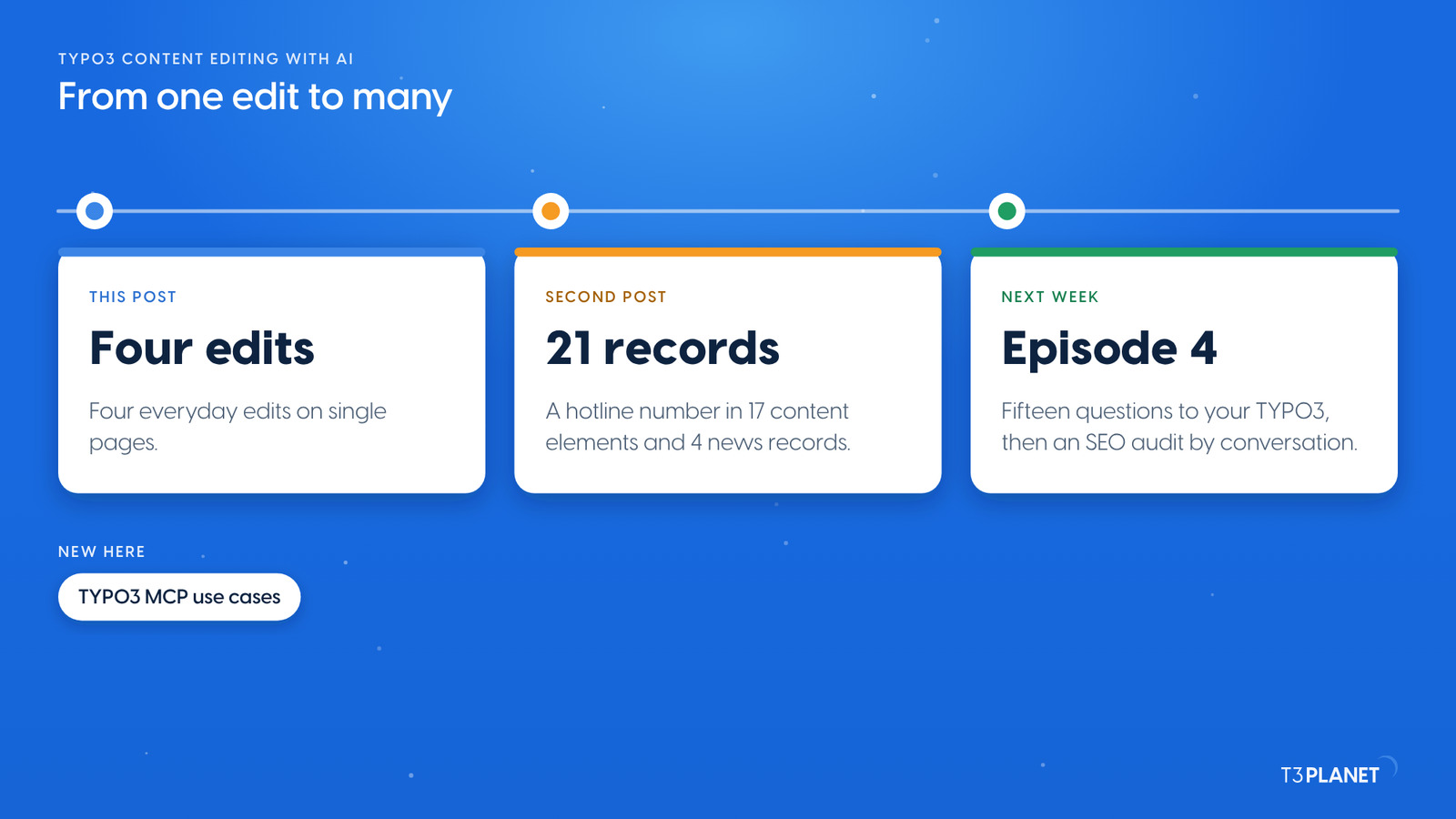
Illustration: from one edit to the same change in many places.
The second post of this episode changes one phone number in 17 content elements and 4 news records, with a count first and an undo after. Next week, episode 4 asks your TYPO3 fifteen questions and runs an SEO audit by conversation. If you are new to the series, start with TYPO3 MCP use cases: what you can hand to an AI assistant, on one map.
The series comes from T3Planet by NITSAN Technologies, a TYPO3 Association Gold Member with more than 15 years of TYPO3 work. Its episodes are written by Jürgen, our AI Consultant for TYPO3. Every episode runs its job on our demo install before it is published.
Frequently asked questions: TYPO3 content editing with AI
Yes. With TYPO3 MCP the assistant changes text, order and visibility through AI Foundation's tools, as the backend user who signed in. Name the place and check the result in the backend.
A batch written with records_apply can be taken back in full with records_undo and its batch ID. Ask for a dry run (dryRun) before the batch and before the undo. Cache clears are not undone; clear the cache again.
Not always. TYPO3 caches pages. Ask for a cache clear after an edit, then reload.
No. They use the core tools of AI Foundation, which is free and open source. The assistant you connect comes with its own plan from its vendor.
Share This Article
Jürgen Pietschmann
AI Consultant for TYPO3
Jürgen Pietschmann is a T3Planet Product Consultant at T3Planet Shop. He specialises in integrating AI into editorial workflows – from intelligent content creation and automated SEO to AI-powered search and chatbot solutions for TYPO3 sites. As a technical consultant for T3Planet AI Universe, he works closely with agencies and editorial teams on practical TYPO3 implementations. Jürgen has been writing the This Month in TYPO3 series since December 2025 and has spoken at T3CON25 and TYPO3 Developer Days 2026 (T3DD26), where he co-presented Content Editing Unlocked.




Jürgen Pietschmann
AI Consultant for TYPO3Jürgen Pietschmann is a T3Planet Product Consultant at T3Planet Shop. He specialises in integrating AI into editorial workflows – from intelligent content creation and automated SEO to AI-powered search and chatbot solutions for TYPO3 sites. As a technical consultant for T3Planet AI Universe, he works closely with agencies and editorial teams on practical TYPO3 implementations. Jürgen has been writing the This Month in TYPO3 series since December 2025 and has spoken at T3CON25 and TYPO3 Developer Days 2026 (T3DD26), where he co-presented Content Editing Unlocked.
More From Author