
 AI Assistant
 AI Chatbot
 AI Search
 AI Accessibility
 AI Localization
 AI Builder
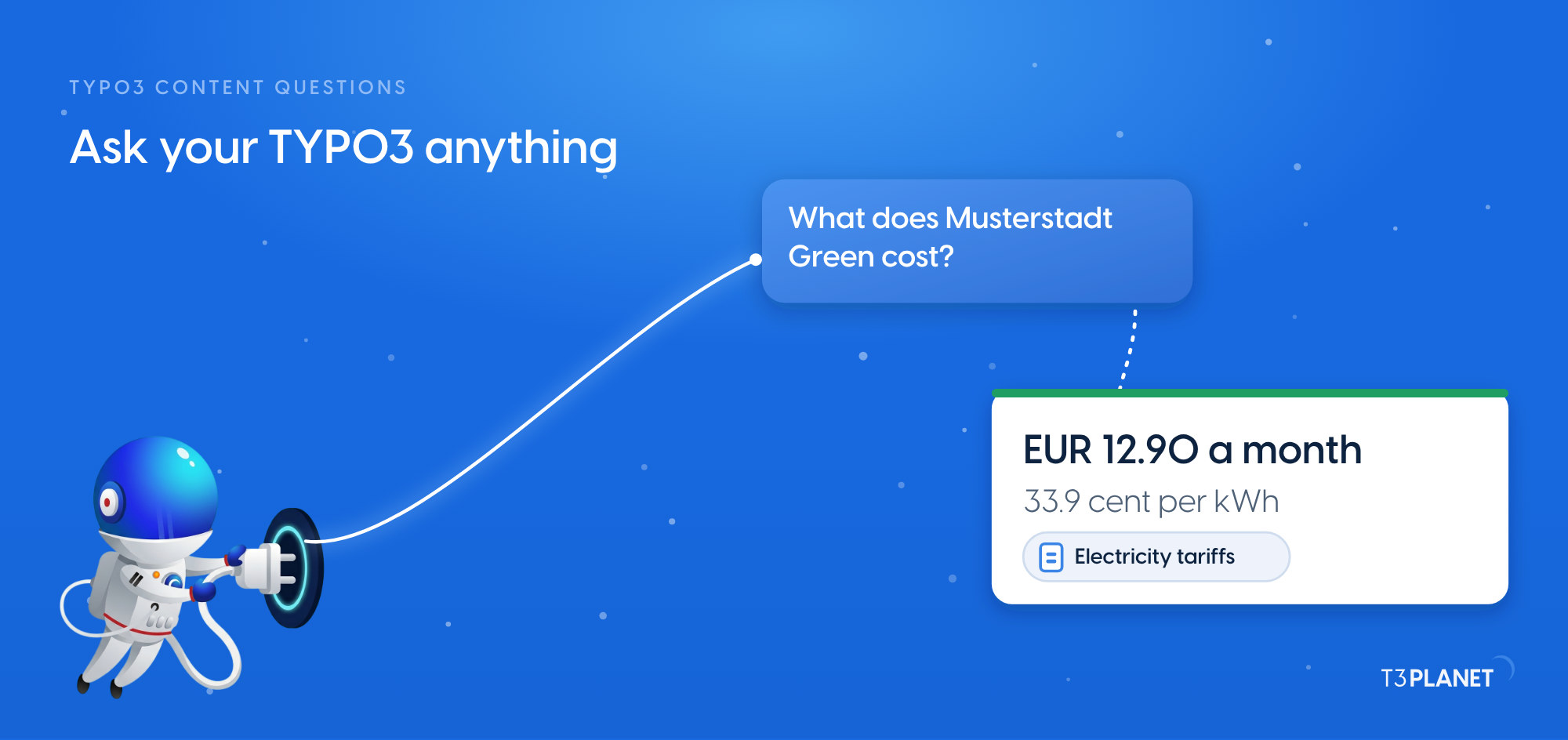
Ask your TYPO3 anything: 15 questions answered in seconds
TYPO3 MCP


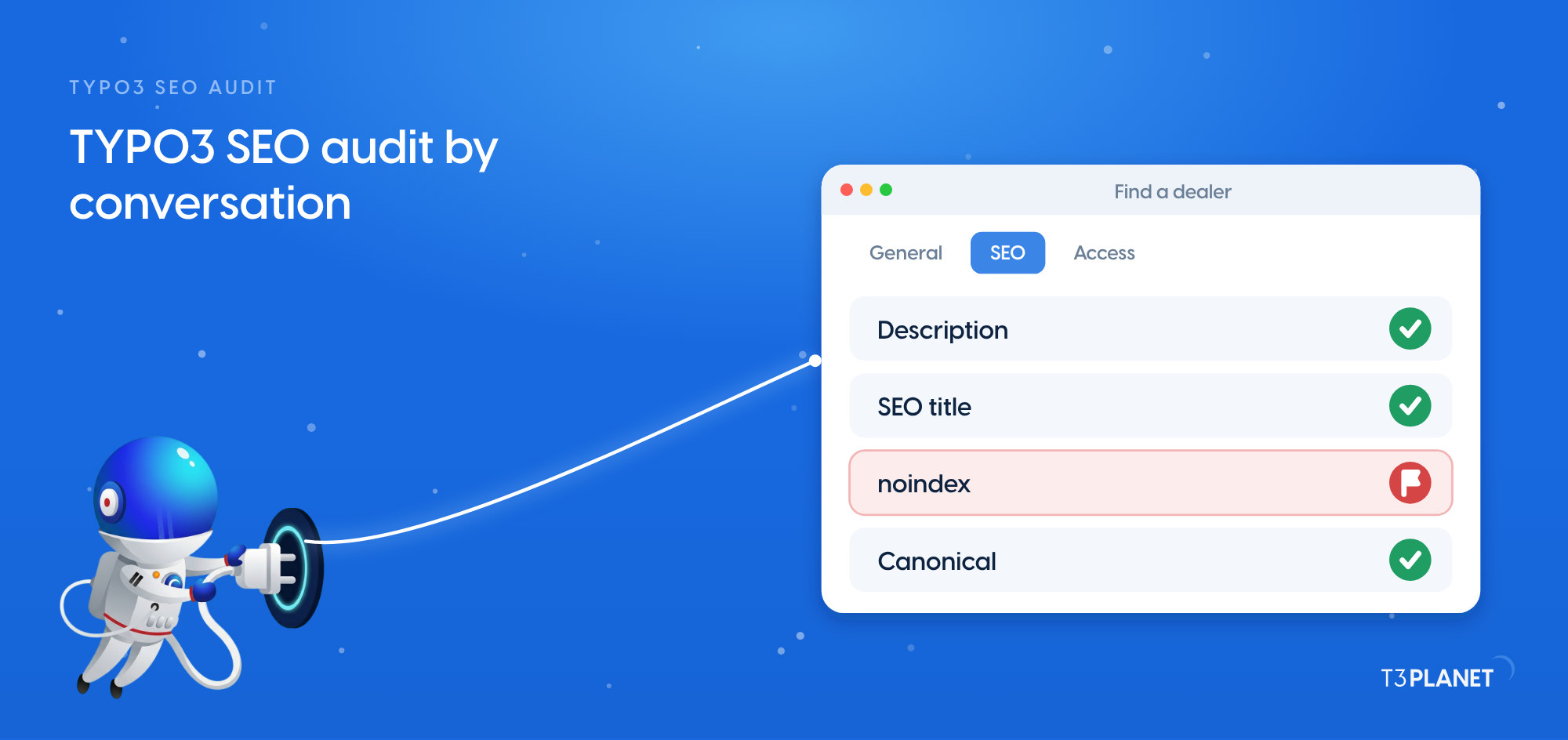
A TYPO3 SEO audit by conversation takes one prompt. Ask your AI assistant to check the SEO fields of every page, and it reads them from your backend and tells you what to fix. On our demo install it checked 48 pages on two sites. It found five missing meta descriptions, two pairs of duplicate titles, and one title and one description far too long. It also found one page set to noindex by mistake and two pages without a main heading. The canonicals were fine. MCP, the Model Context Protocol, lets an assistant such as Claude work inside TYPO3 through tools that AI Foundation provides for free. The audit only reads; you decide what changes.
One minute, with captionsAll videos
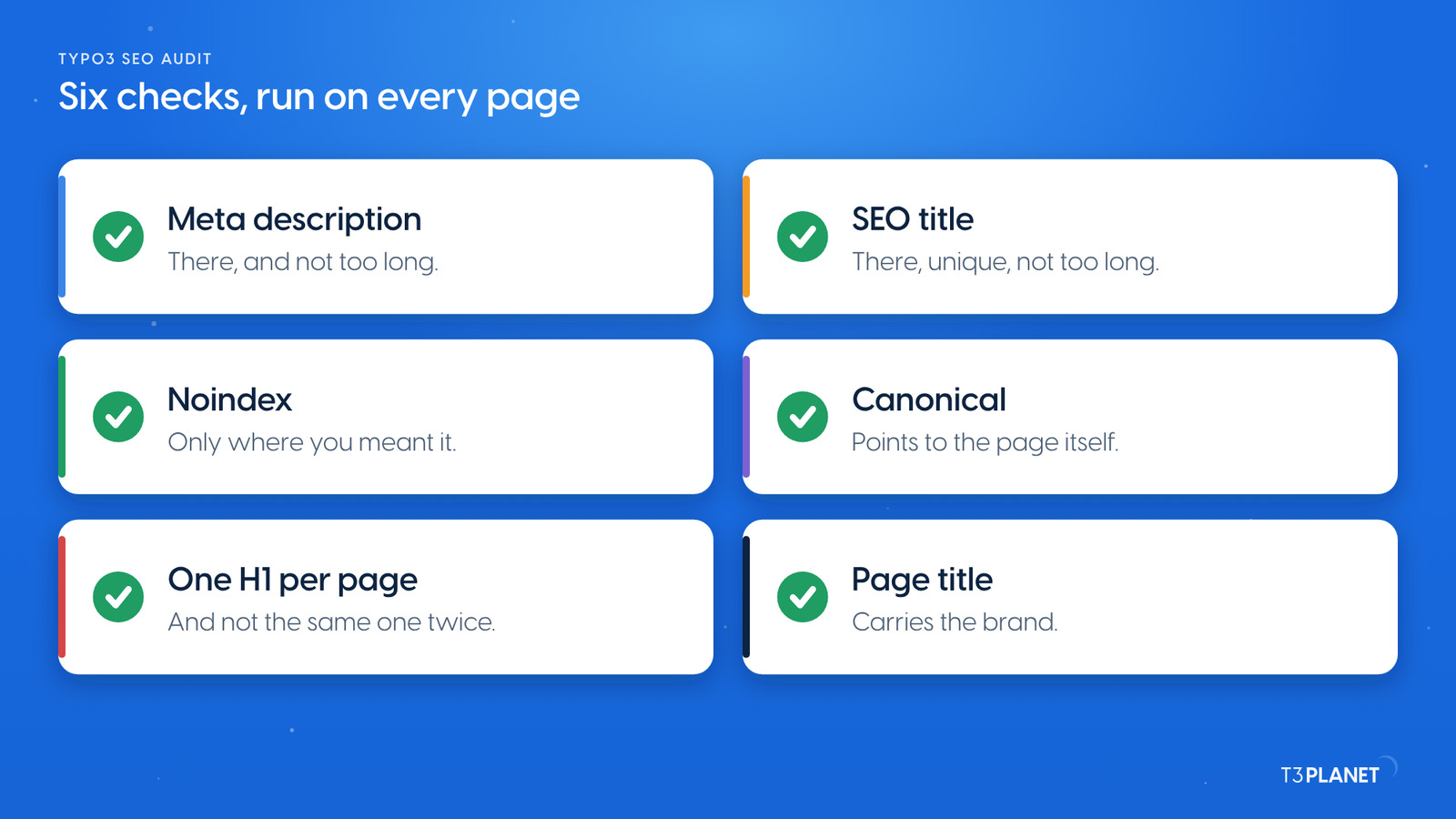
Six checks cover the SEO fields an editor controls in TYPO3:
The first four live in the page properties, on the SEO tab, and the assistant reads them through MCP. Headings and the rendered canonical are what the website outputs, so check those on the page itself as well. We did both for this post.
We gave our assistant one prompt on 6 October 2026, as an administrator working on Live:
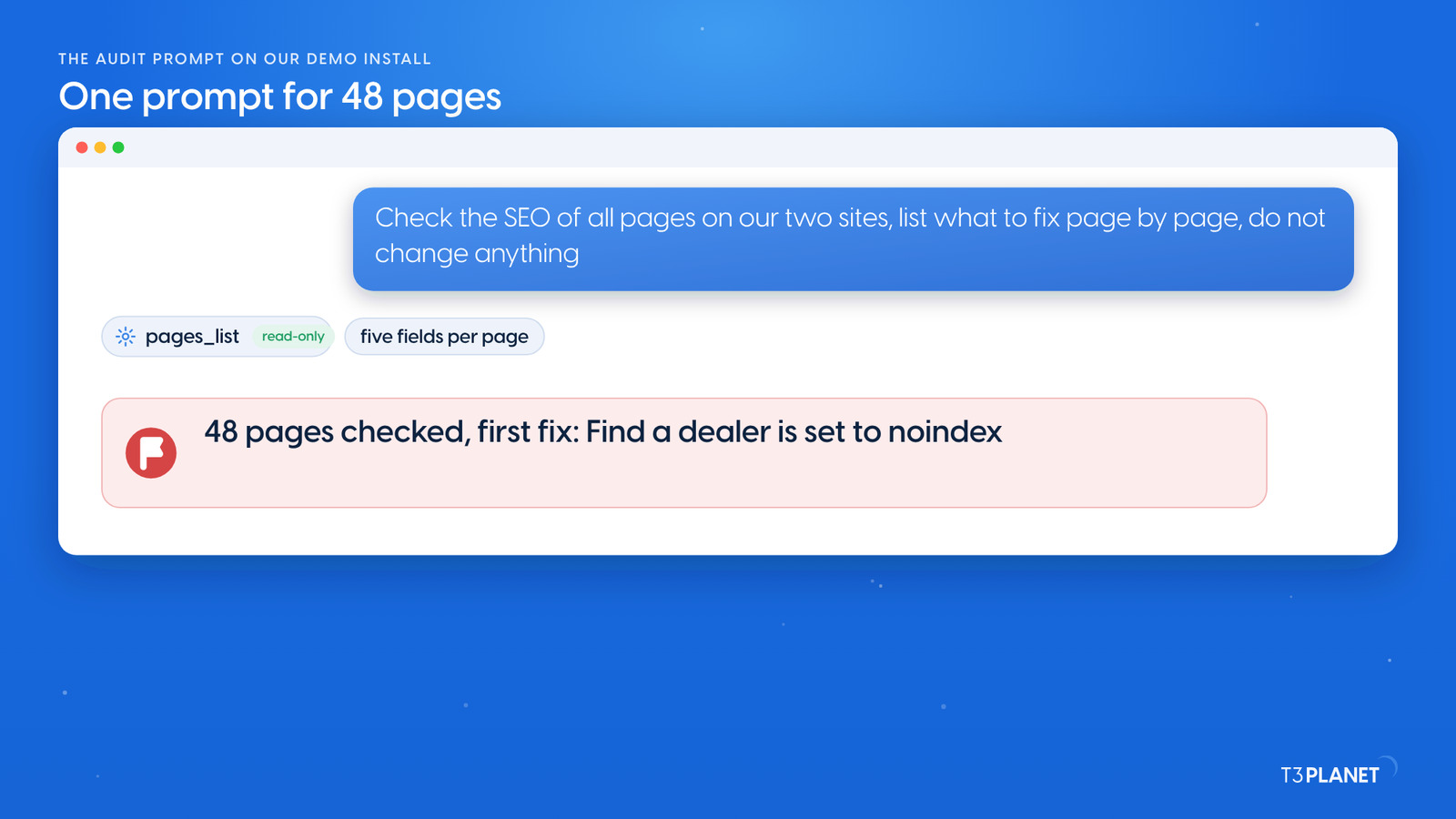
Check the SEO of all pages on our two sites: missing or overlong meta descriptions, missing, duplicate or overlong SEO titles, noindex, and canonicals. List what to fix, page by page. Do not change anything.
The assistant listed the pages of each site with pages_list, asking only for the title, SEO title, description, noindex and canonical fields, and compared them. The demo runs two fictional brands: Mustermann Outdoor, which sells e-bikes, tents and jackets, and Stadtwerke Musterstadt, a utility.
| Check | What the audit found | Pages |
| Missing meta description | Five pages | Cargo E-Bike K-1, Basecamp 4 Tent, Events, Water quality, Timetables |
| Duplicate SEO title | Two pairs | Products and E-Bikes; Customer centre and Contact |
| SEO title too long | 124 characters | Storm Shell Jacket |
| Meta description too long | 289 characters | Electricity tariffs |
| Noindex by mistake | One page | Find a dealer |
| Noindex on purpose | Four pages | Imprint and Privacy on both sites |
| Canonical | Nothing to fix: no page sets its own, and each indexable page points to itself | All |
| No H1 | Two pages | Basecamp 4 Tent, Events |
| Same H1 twice | One pair | Home and Products: Gear for long days outside |
| No SEO title, no brand in the title | One page | Events |
The audit used the core tools of AI Foundation, which are free. It changed nothing.
Check the SEO of all pages on our two sites: missing or overlong meta descriptions, missing, duplicate or overlong SEO titles, noindex, and canonicals. List what to fix, page by page. Do not change anything.
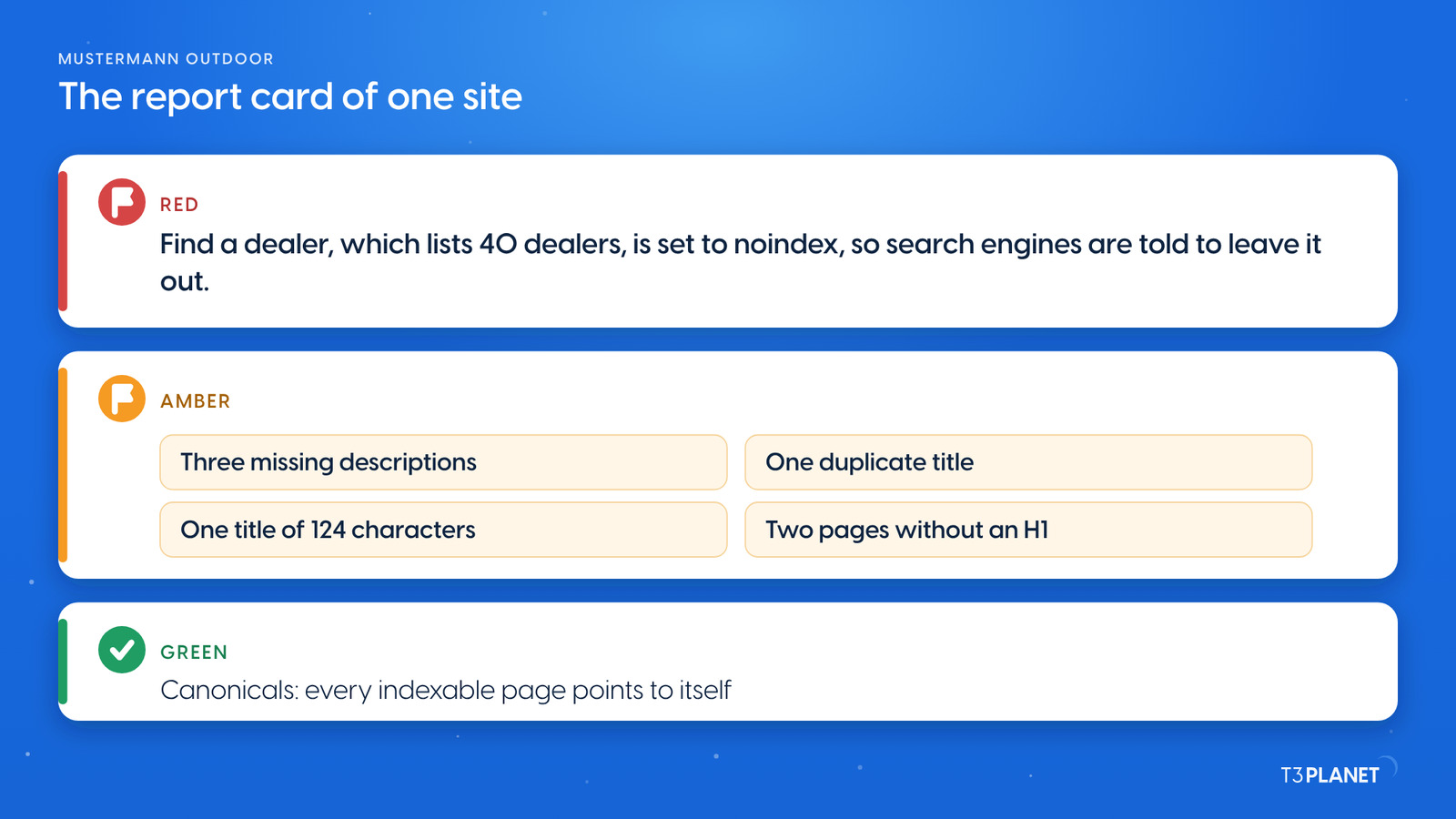
Noindex by mistake. Find a dealer lists 40 dealers in three countries and is set to noindex, which tells search engines to leave it out. The assistant told it apart from the four legal pages, where noindex is intended. This is the first fix: one switch, Index this page, in the page properties.
Missing descriptions. A TYPO3 meta description check finds five pages without one: two product pages, an empty events page and two Stadtwerke service pages. Without one, a search engine writes its own snippet from the page text. The assistant drafted a description for four of them from the page's own content, each under 140 characters; Events needs content before it needs a description.
Duplicate titles. E-Bikes carries the same SEO title as its parent, Products, word for word, most likely copied. Customer centre and Contact share Customer service. Two pages with one title can compete for the same search; each needs its own.
Too long. The Storm Shell title runs to 124 characters, so a search result is likely to cut it after about 60. The Electricity tariffs description runs to 289. The assistant proposed shorter versions that keep the key words first.
Headings. Basecamp 4 Tent and Events have no H1, and Home and Products share the same one. Headings come from the content elements, not the SEO tab, so these are content edits.
Canonicals. No page sets its own canonical, and TYPO3 renders one that points to the page itself on every page that may be indexed. Pages set to noindex render none. Nothing to fix, and that is worth knowing too.
Two extras came up on the way. The Spring Sale deals description still names the old TX-6 model, and the Timetables heading still uses the old operator name MVB.
Every Friday: two new jobs for your AI assistant, each with a one-minute video.
This episodeEpisode 4 · 27 Oct 2026
Sovereign TYPO3 AI

T3AFThe base every extension runs on. Manage providers, prompts, permissions and costs in one place.
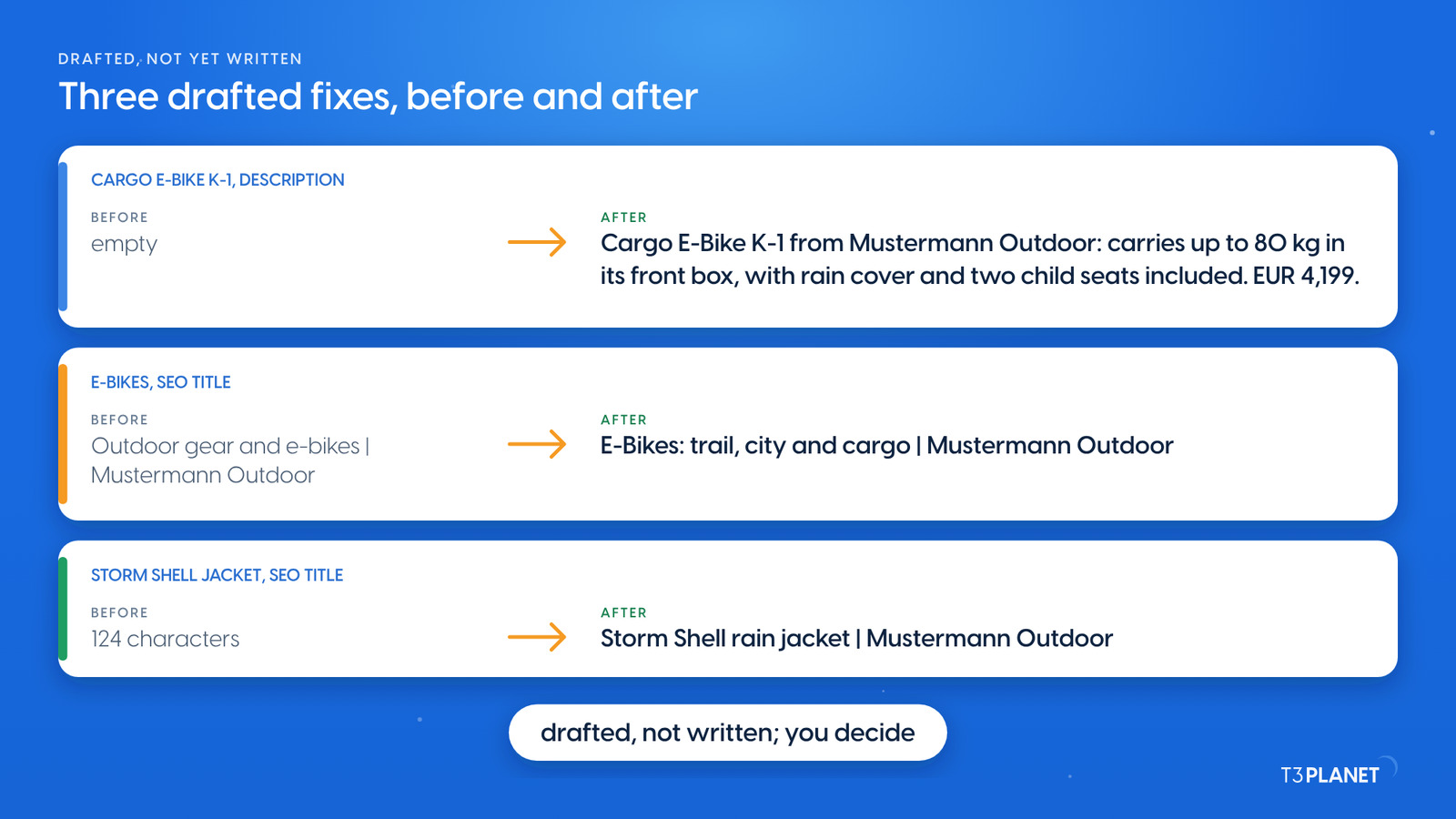
The audit ends with a list, and the list is yours to decide on. For each fix, the habit from episode 3 holds. Read the current value, change one field in one language and check the page. If you do not want the change, put the old value back. Keep the old value with the job, or, when the assistant writes with records_apply, its batch ID for records_undo, as episode 3 shows.
You can make the changes in the page properties yourself, or ask your assistant to write them. If you want a review step first, AI Foundation can hold changes to pages in a TYPO3 draft workspace.
AI Assistant, which needs its own licence, lets the assistant also write the descriptions, titles and Open Graph texts for you. It works on one page or a queue of many, in the languages of your site. That is episode 9, and our post on T3AI Mass SEO shows the queue.
The video for this episode runs the audit prompt in Claude on our demo install. It then opens Find a dealer in the backend to show the Index this page switch, turned off, which means noindex, and the same page on the website, where visitors can still open it. Shown in Claude; other MCP assistants work too. Nothing is changed.
The audit uses AI Foundation's core tools, which are free and open source, no licence key, no registration. AI Assistant, AI Accessibility, AI Chatbot and AI Search add their own MCP tools for writing, translation, alt text, chatbots and search. Each needs its own licence. Together with AI Foundation they bring 100+ MCP tools.
What your assistant reads, it sends to its vendor, as with any chat. Keep that in mind before you ask about pages that are not public yet.
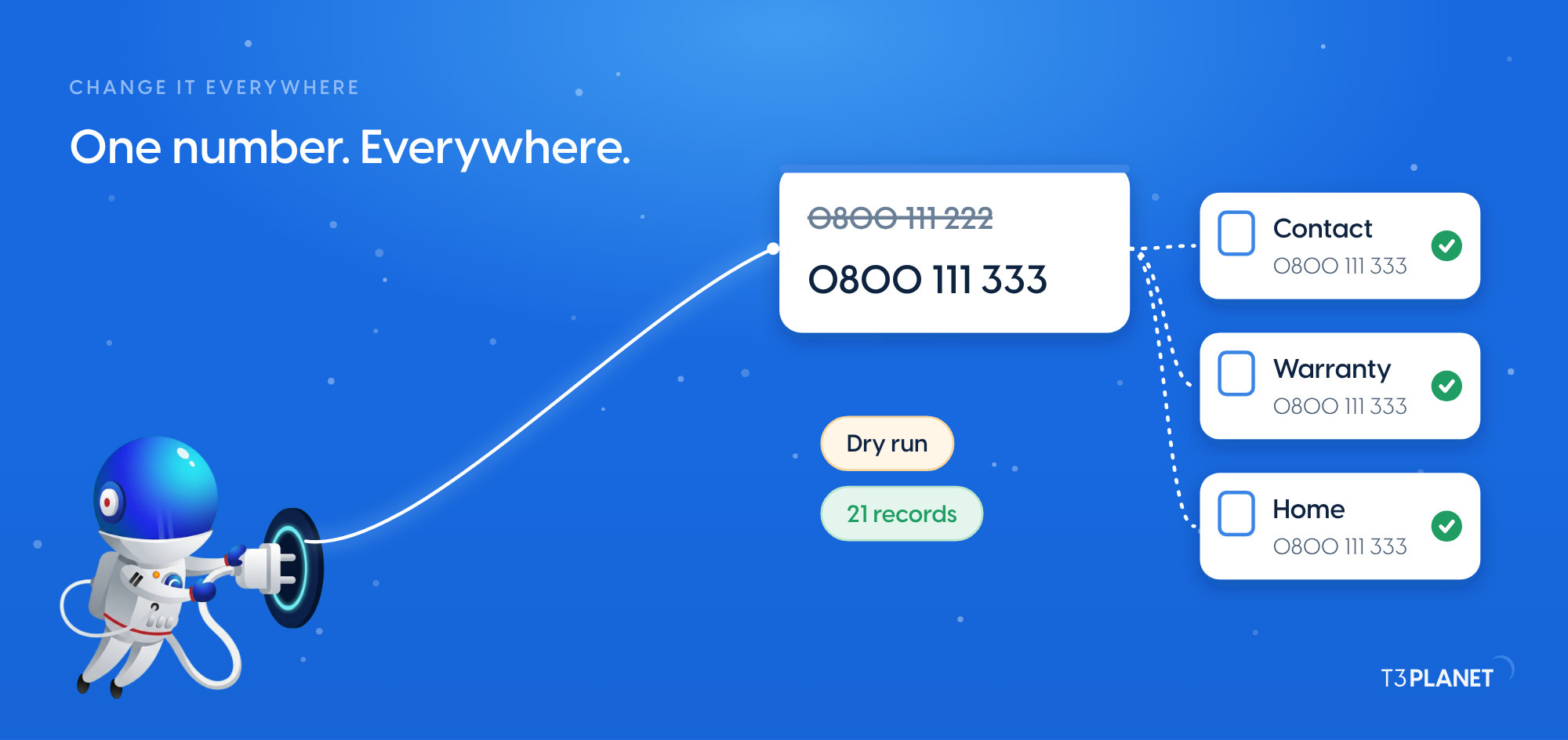
This episode starts with TYPO3 content questions: fifteen questions to your TYPO3, answered in seconds. Episode 3 turned findings into everyday edits from chat and changed a phone number everywhere it appears. Next week, episode 5 brings your first prompts in the Playground and workspaces for changes that need a review first. New to the series? Start with TYPO3 MCP use cases.
The series comes from T3Planet by NITSAN Technologies, a TYPO3 Association Gold Member with more than 15 years of TYPO3 work. Its episodes are written by Jürgen, our AI Consultant for TYPO3. Every episode runs its job on our demo install before it is published.
pages_listSEO fields of 48 pages read, five fields per pagecontent_listPage content read to draft four descriptionsWhat stays with you: deciding which findings to fix, and reading the current value before any change.
Connect your assistant to TYPO3 through AI Foundation's MCP server and ask it to check the SEO fields of all pages: descriptions, titles, noindex and canonicals. Tell it not to change anything. It reads the page properties and lists what to fix, page by page.
No. It only reads. Fixes come afterwards, made by you in the page properties or by your assistant on your request, one field at a time.
It reads the canonical field in the page properties. What the website renders, the canonical tag and the H1, is best checked on the page itself. On our demo every indexable page rendered a canonical to itself.
No. The audit uses the core tools of AI Foundation, which is free and open source. Writing new descriptions and titles with AI Assistant needs its licence.
Sovereign TYPO3 AI: AI Foundation is free and open source, six AI extensions build on it.
Explore TYPO3 AI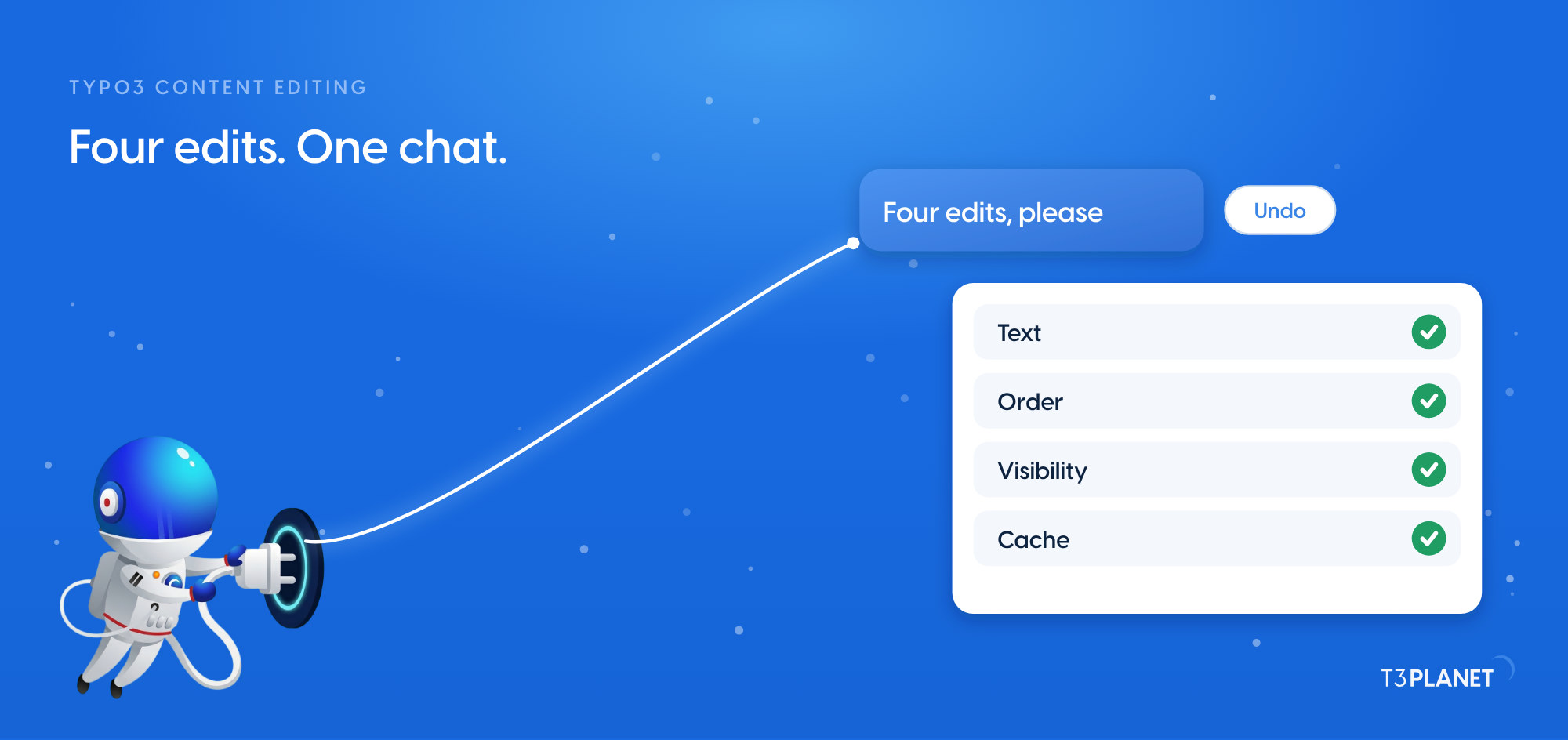
Jürgen Pietschmann
AI Consultant for TYPO3Jürgen Pietschmann is a T3Planet Product Consultant at T3Planet Shop. He specialises in integrating AI into editorial workflows – from intelligent content creation and automated SEO to AI-powered search and chatbot solutions for TYPO3 sites. As a technical consultant for T3Planet AI Universe, he works closely with agencies and editorial teams on practical TYPO3 implementations. Jürgen has been writing the This Month in TYPO3 series since December 2025 and has spoken at T3CON25 and TYPO3 Developer Days 2026 (T3DD26), where he co-presented Content Editing Unlocked.
More From Author