
 AI Assistant
 AI Chatbot
 AI Search
 AI Accessibility
 AI Localization
 AI Builder
Schedule TYPO3 pages and short-lived redirects from chat
TYPO3 MCP


An editor's day in TYPO3 is made of small jobs: a page without a meta description, a headline that needs a better word, a photo without alt text. With TYPO3 MCP you hand those jobs to an AI assistant one request at a time, and each one ends with a check and a way back. We ran four of them on our demo install, on the Mustermann Outdoor website. MCP, the Model Context Protocol, lets an assistant such as Claude work inside TYPO3 through tools that AI Foundation provides for free. Two of the four jobs use tools from licensed extensions, and the post says which.
One minute, with captionsAll videos
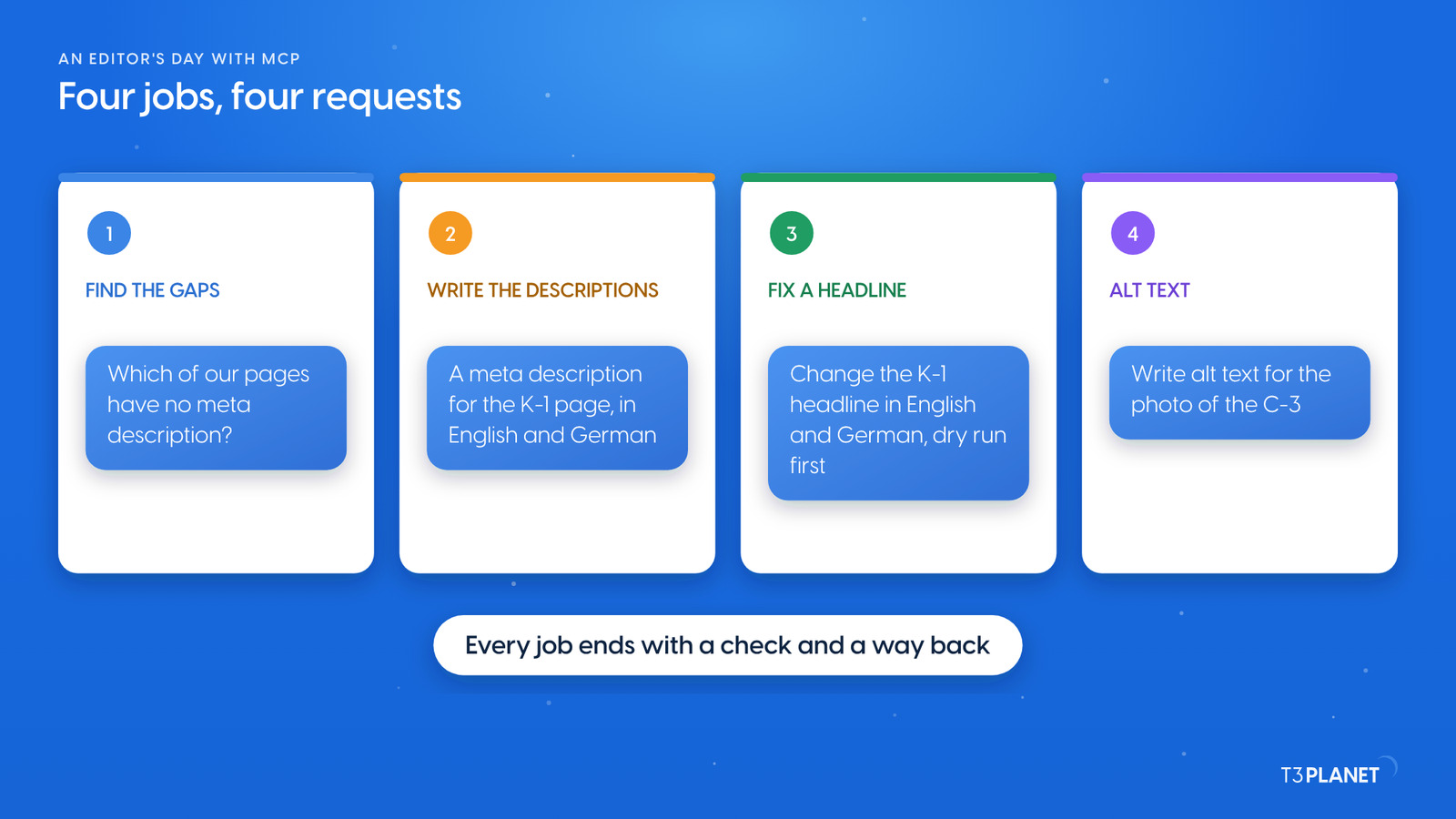
The day on our demo had four jobs, in this order:
After the last job the assistant cleared the page caches, and we checked the website on desktop and phone. At the end we put every change back, so the website looks as it did before the day started.
Which of our Mustermann Outdoor pages have no meta description?
Write a meta description for the Cargo E-Bike K-1 page, in English and German, from what the page says.
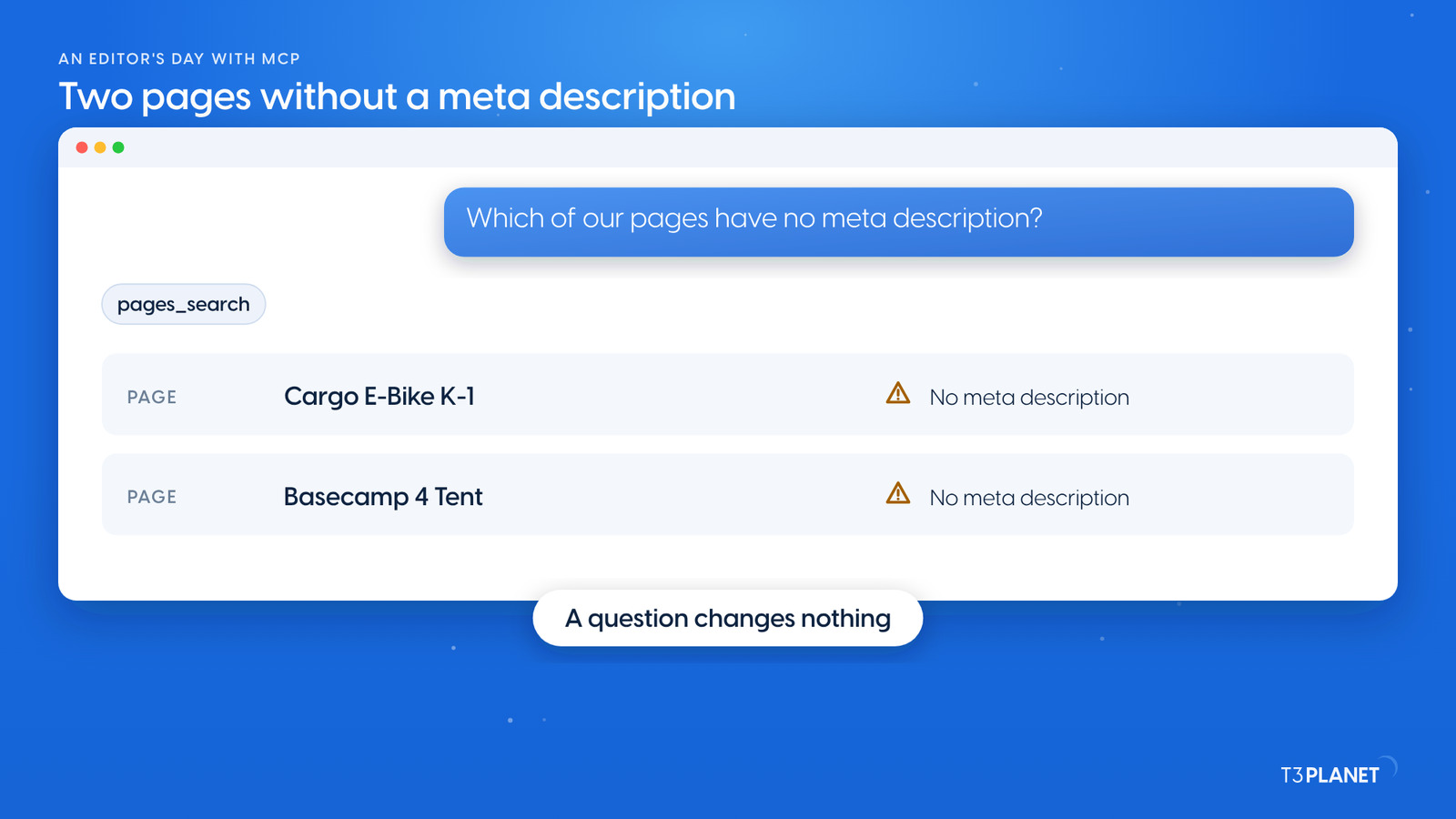
The day started with a question, not a change: Which of our Mustermann Outdoor pages have no meta description? The assistant searched the English pages with pages_search and found two: the Cargo E-Bike K-1 and the Basecamp 4 Tent. A question like this changes nothing, so it is a safe start to any day. For a full audit of titles, descriptions, noindex and canonicals, see the TYPO3 SEO audit by conversation; for questions about content, ask your TYPO3 anything.
The second request filled one gap: Write a meta description for the Cargo E-Bike K-1 page, in English and German, from what the page says. The assistant read the page's content elements with content_list and wrote one description per language. It saved them with t3ai_generate_meta_description, an MCP tool of AI Assistant. In this mode the assistant writes the text and the tool stores it in the page's SEO field.
On the website, both language versions of the K-1 page now carried a meta description. Without an AI Assistant licence, the same field can be written with records_apply, AI Foundation's core tool for writing many records in one all-or-nothing call.
Change the K-1 headline to "Room for two children or the weekly shop", in English and German. Dry run first.
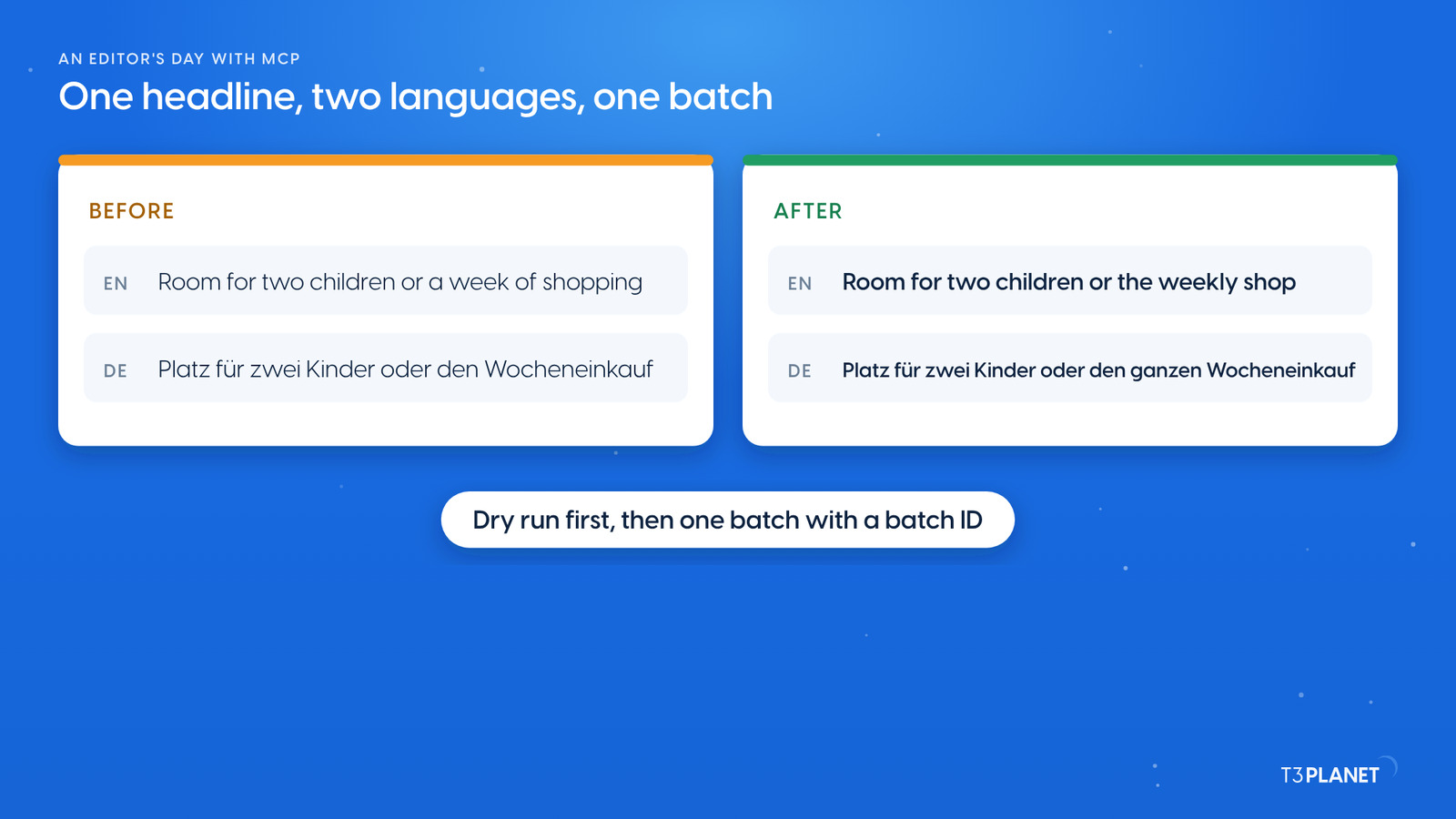
The third job is the kind of edit that comes up all day: Change the K-1 headline to "Room for two children or the weekly shop", in English and German. Dry run first. The assistant wrote both headlines in one records_apply call:
dryRun, the server reported two content elements to update, then rolled everything back.Keep that batch ID. With records_undo it takes the whole batch back in one call. More edits of this kind, from text to order and visibility, are in everyday edits from chat. A phone number or product name that appears on many pages is a job for find and replace.
Write alt text for the photo of the City E-Bike C-3.
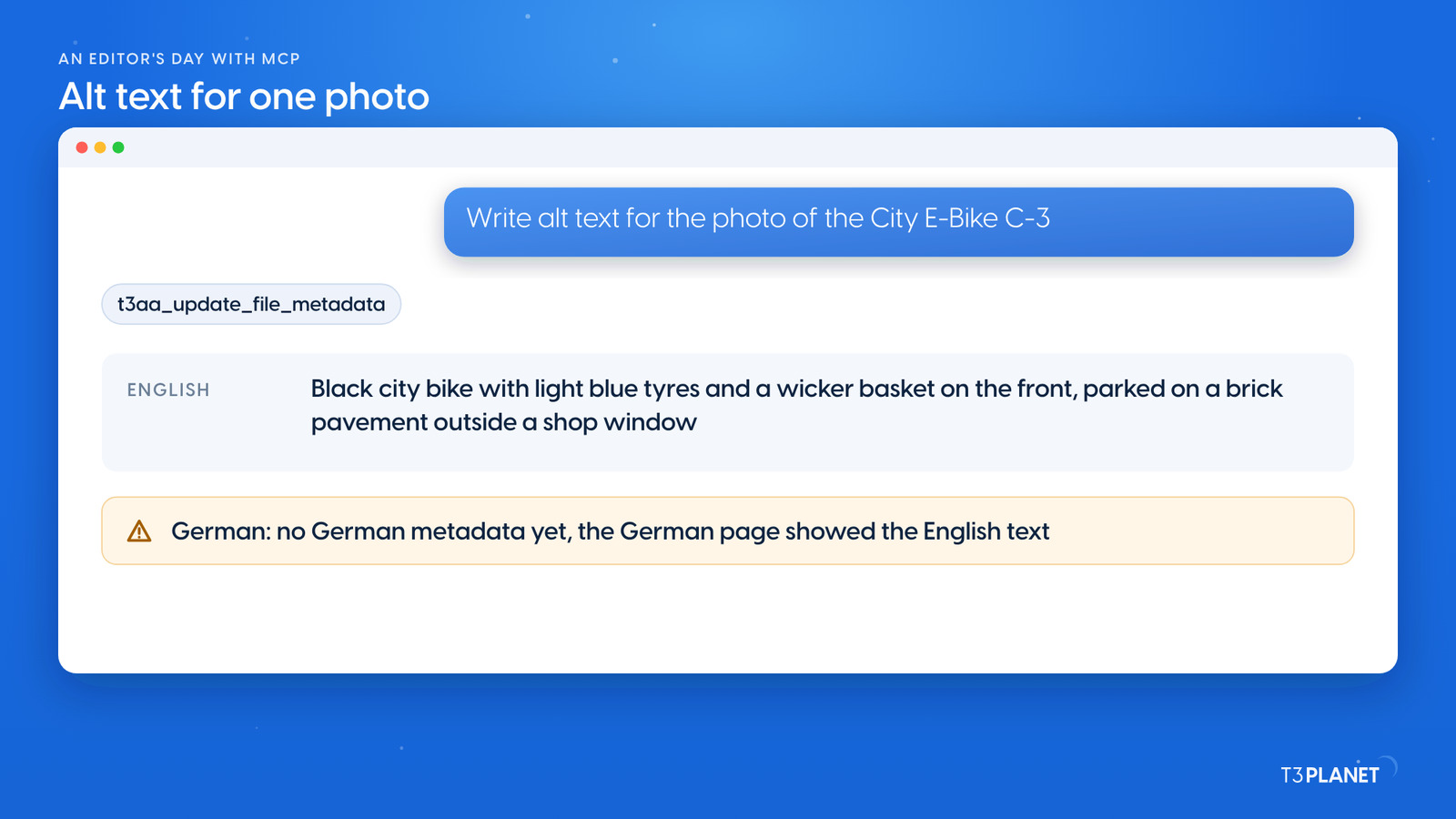
The fourth job made a photo readable for screen readers: Write alt text for the photo of the City E-Bike C-3. AI Accessibility brings the MCP tools for this. t3aa_list_files_missing_alt_text listed the images without alt text, t3aa_get_file_for_metadata gave the assistant the image's address, and the assistant looked at the photo. It wrote: Black city bike with light blue tyres and a wicker basket on the front, parked on a brick pavement outside a shop window. t3aa_update_file_metadata stored the text in the file's metadata.
On the website the C-3 image now carried that alt text, on the English and on the German page. The German page showed the English text because the file had no German metadata yet. German alt text is a record of its own per language, so ask for it as a separate job. Files from chat, from usage checks to clear names, are covered in TYPO3 fileadmin from chat.
Two jobs per episode, each with a one-minute video. New episodes appear as soon as they are ready.
This episodeEpisode 7
Sovereign TYPO3 AI

T3AFThe base every extension runs on. Manage providers, prompts, permissions and costs in one place.
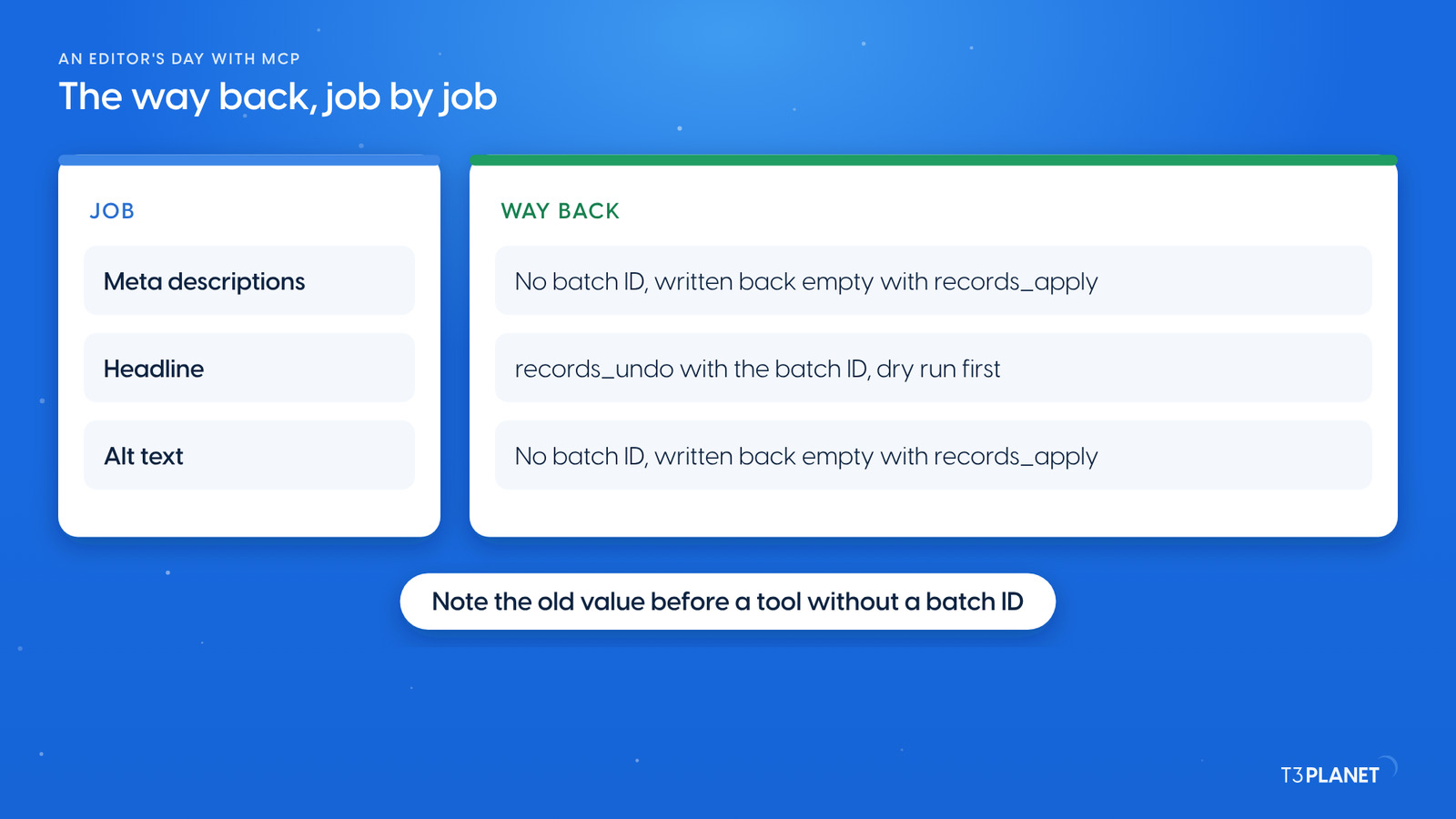
After the last job the assistant cleared the page caches with cache_clear. We then opened the K-1 page on desktop and phone: the new headline in English and German, and a meta description in the page source of both. On our demo we then took the day back:
records_undo and its batch ID, after a dry run of the undo.records_apply call, after a dry run.Afterwards the K-1 page looked exactly as before the day, on desktop and phone, and the C-3 image had no alt text again. AI Foundation can also hold changes in a TYPO3 draft workspace for review.
The video for this episode runs three of the four jobs in one Claude chat on our demo install: the question which pages have no meta description, a meta description for the Cargo E-Bike K-1 in English and German saved on the pages, and a new K-1 headline in English and German with a dry run first. It then shows the new headline in the TYPO3 Layout module, the saved text in "Description for search engines" on the SEO tab, and the K-1 page on the website in English and German. The alt text job is not in the video. Shown in Claude; other MCP assistants work too.
The question, the headline and the way back use AI Foundation's core tools, which are free and open source, no licence key, no registration. The meta descriptions use a tool of AI Assistant, the alt text tools of AI Accessibility. AI Assistant, AI Accessibility, AI Chatbot and AI Search add their own MCP tools for writing, translation, alt text, chatbots and search. Each needs its own licence. Together with AI Foundation they bring 100+ MCP tools.
What your assistant reads, it sends to its vendor, as with any chat, and for alt text that includes the photo. Keep that in mind before you let it read pages or files that are not public yet.
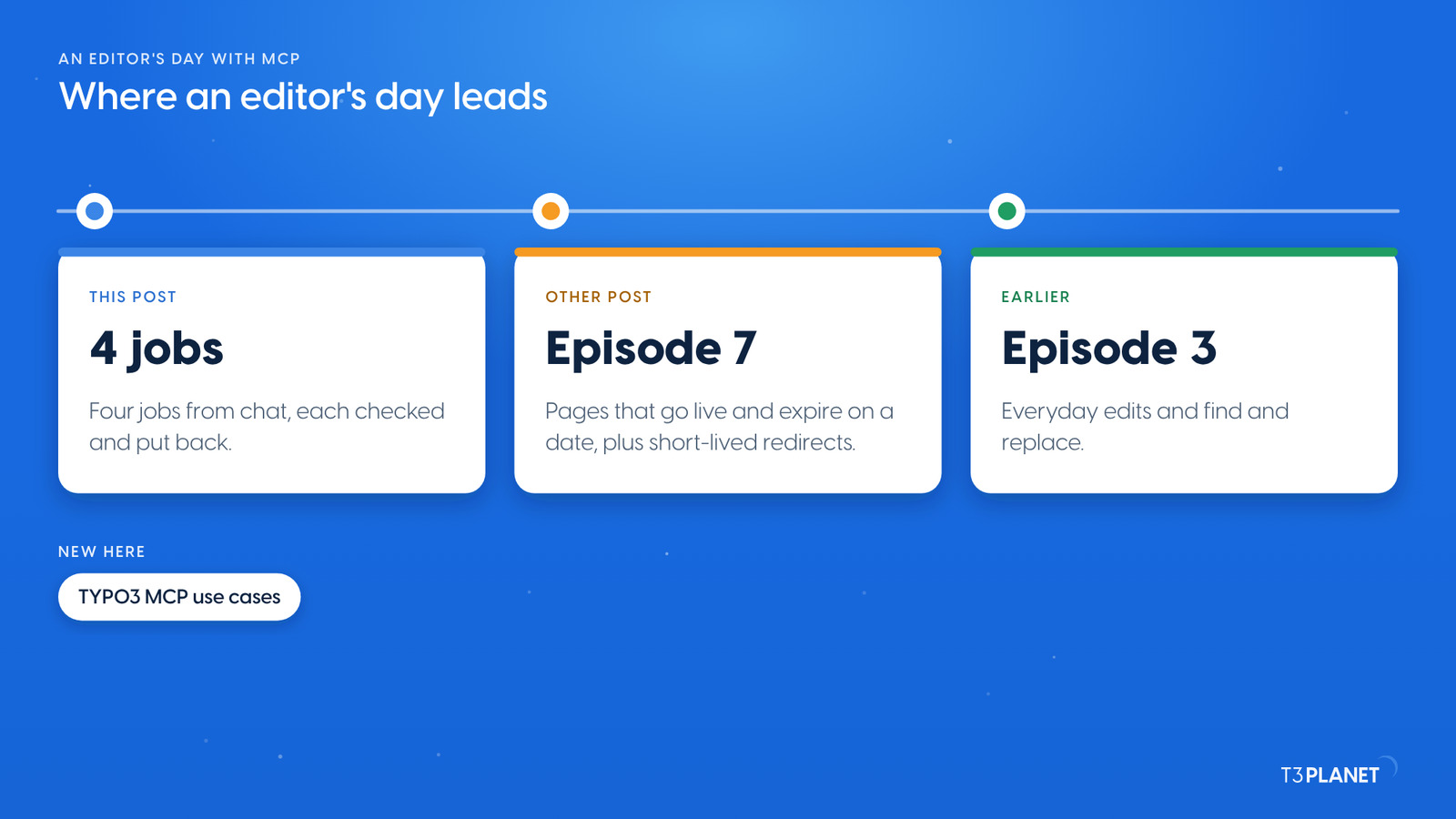
The other post of this episode sets pages to go live and expire on a date, with short-lived redirects. Episode 5 covered your first prompts and draft workspaces. If you are new to the series, start with TYPO3 MCP use cases: what you can hand to an AI assistant, on one map.
The series comes from T3Planet by NITSAN Technologies, a TYPO3 Association Gold Member with more than 15 years of TYPO3 work. Its episodes are written by Jürgen, our AI Consultant for TYPO3. Every episode runs its job on our demo install before it is published.
pages_searchTwo pages without a meta description foundt3ai_generate_meta_descriptionThe assistant's descriptions saved to the page, in English and Germanrecords_applyThe headline changed in both languages in one batch, dry run firstt3aa_update_file_metadataThe alt text stored in the file's metadatarecords_undoThe headline taken back by its batch IDWhat stays with you: reading every description, headline and alt text before it stays, asking for German alt text as its own job, and noting the old value before a tool without a batch ID writes.
Through AI Foundation's MCP server it can answer questions about your pages, change text, order and visibility, and write many records in one batch. With AI Assistant it saves meta descriptions, with AI Accessibility alt text. On our demo it ran four such jobs in one session.
A records_apply batch goes back with records_undo and its batch ID, after a dry run. Meta descriptions and alt text written with the AI Assistant and AI Accessibility tools have no batch ID: note the old value and write it back.
Not for the core jobs. Questions, edits, dry runs and undo use AI Foundation, which is free and open source. The meta description tool needs AI Assistant, the alt text tools AI Accessibility, each with its own licence.
No. Alt text is stored per language. On our demo the German page showed the English alt text until a German one existed, so ask for it as a separate job.
Sovereign TYPO3 AI: AI Foundation is free and open source, six AI extensions build on it.
Explore TYPO3 AI
Jürgen Pietschmann
AI Consultant for TYPO3Jürgen Pietschmann is a T3Planet Product Consultant at T3Planet Shop. He specialises in integrating AI into editorial workflows – from intelligent content creation and automated SEO to AI-powered search and chatbot solutions for TYPO3 sites. As a technical consultant for T3Planet AI Universe, he works closely with agencies and editorial teams on practical TYPO3 implementations. Jürgen has been writing the This Month in TYPO3 series since December 2025 and has spoken at T3CON25 and TYPO3 Developer Days 2026 (T3DD26), where he co-presented Content Editing Unlocked.
More From Author