
 AI Assistant
 AI Chatbot
 AI Search
 AI Accessibility
 AI Localization
 AI Builder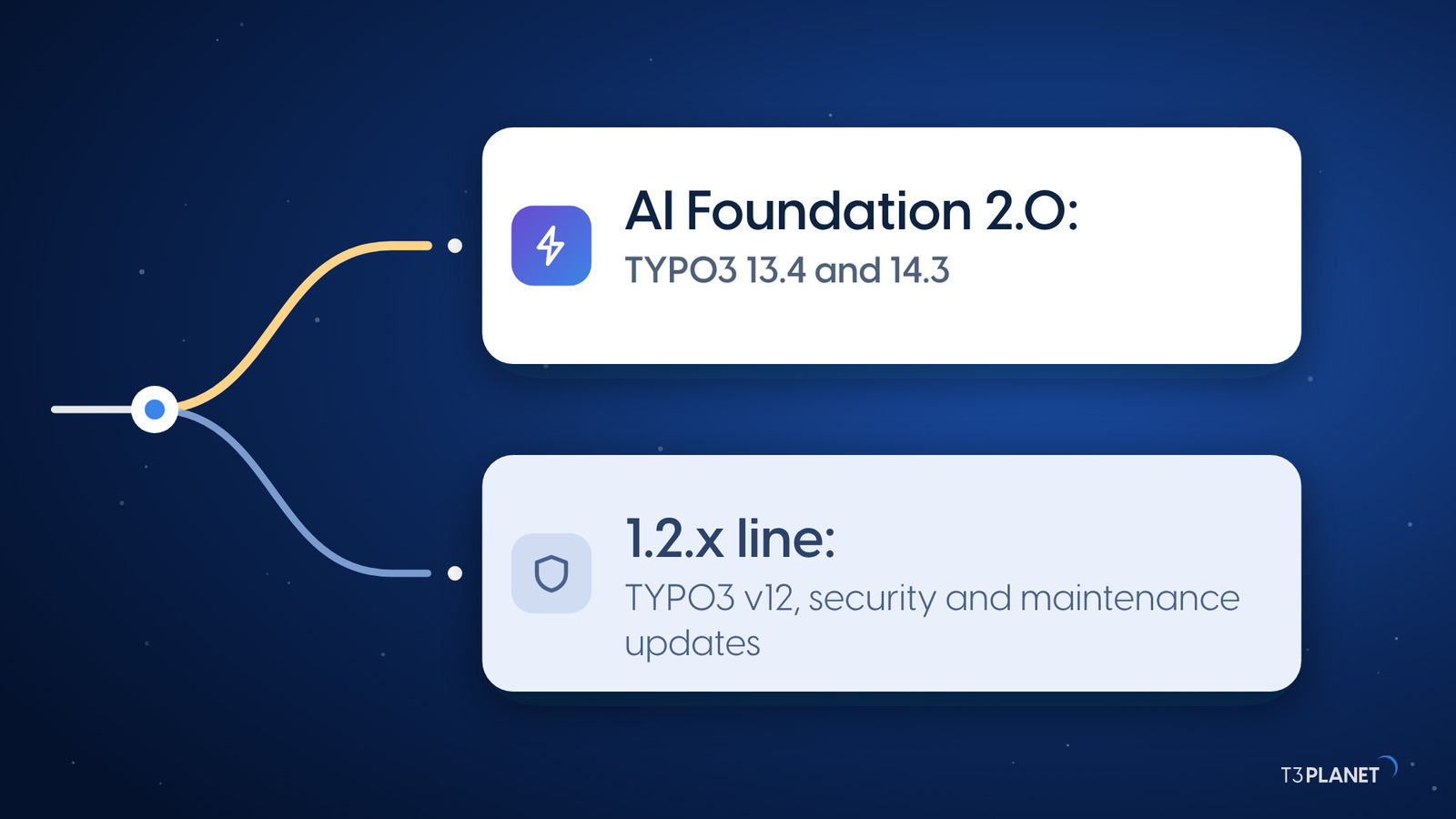


TYPO3 AI Cost Tracking in 2026: How to Know What AI Actually Costs You
AI



An AI agent for TYPO3 is only useful if you can trust it in the backend. That is why the AI Agent in AI Foundation 2.0 works in two steps. It shows every change as a card first, and TYPO3 writes it only when you apply it. An applied change can be undone. In short: the agent writes only when you say so.
AI Foundation is free and open source, with no licence key and no registration. Version 2.0 runs on TYPO3 13.4 and 14.3 and was released on 9 October 2026. The changes are listed in the release notes on GitHub. This post shows how the agent works, what it may do, and what developers get on top.
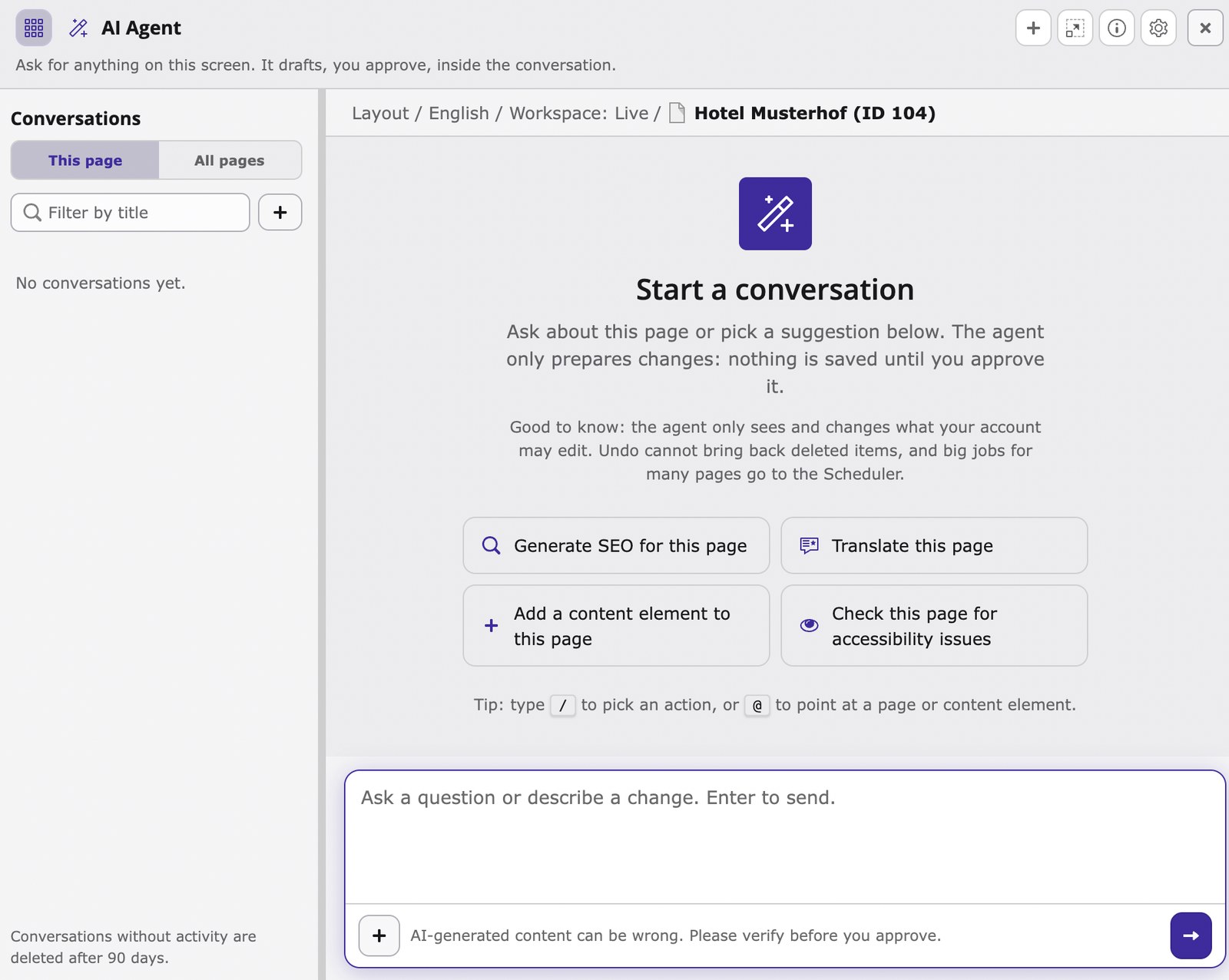
The AI Agent is an assistant in the TYPO3 backend that proposes changes and writes them only when you apply them. You open it in the backend with Ctrl+Shift+K, or Cmd+Shift+K on a Mac, and it docks to the right of your work. You ask in your own words, pick an action with /, or point to a page or content element with @.
For an in-house team that wants AI in the TYPO3 backend, two questions come first: what does the agent write, and can you undo it? The next sections answer both. You can check the code yourself on GitHub.

The video shows the same four steps on our demo installation: ask, review, apply, undo.
You stay in control at every step, from request to change.
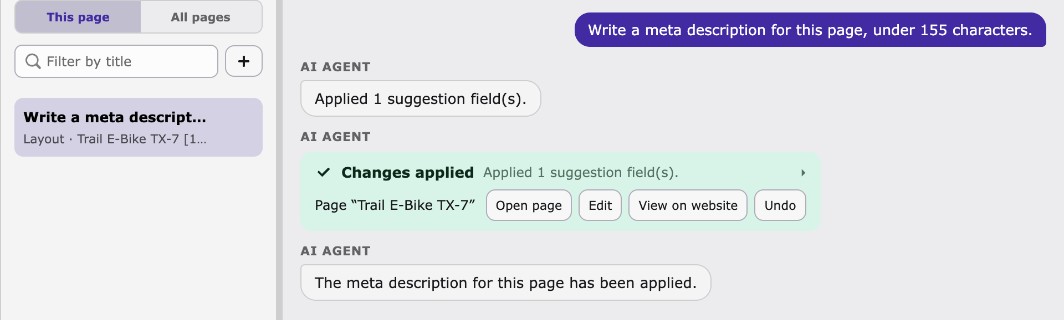
If you want to undo AI changes, you can take back every applied change. A stale proposal also never overwrites newer edits. If someone has edited the record in the meantime, that version is kept.
There is one limit: undo cannot bring back deleted items. So check the card especially carefully before a deletion. Big jobs for many pages go to the Scheduler.
In a team, the next question is whose permissions the agent uses.
Sovereign TYPO3 AI

T3AFThe base every extension runs on. Manage providers, prompts, permissions and costs in one place.
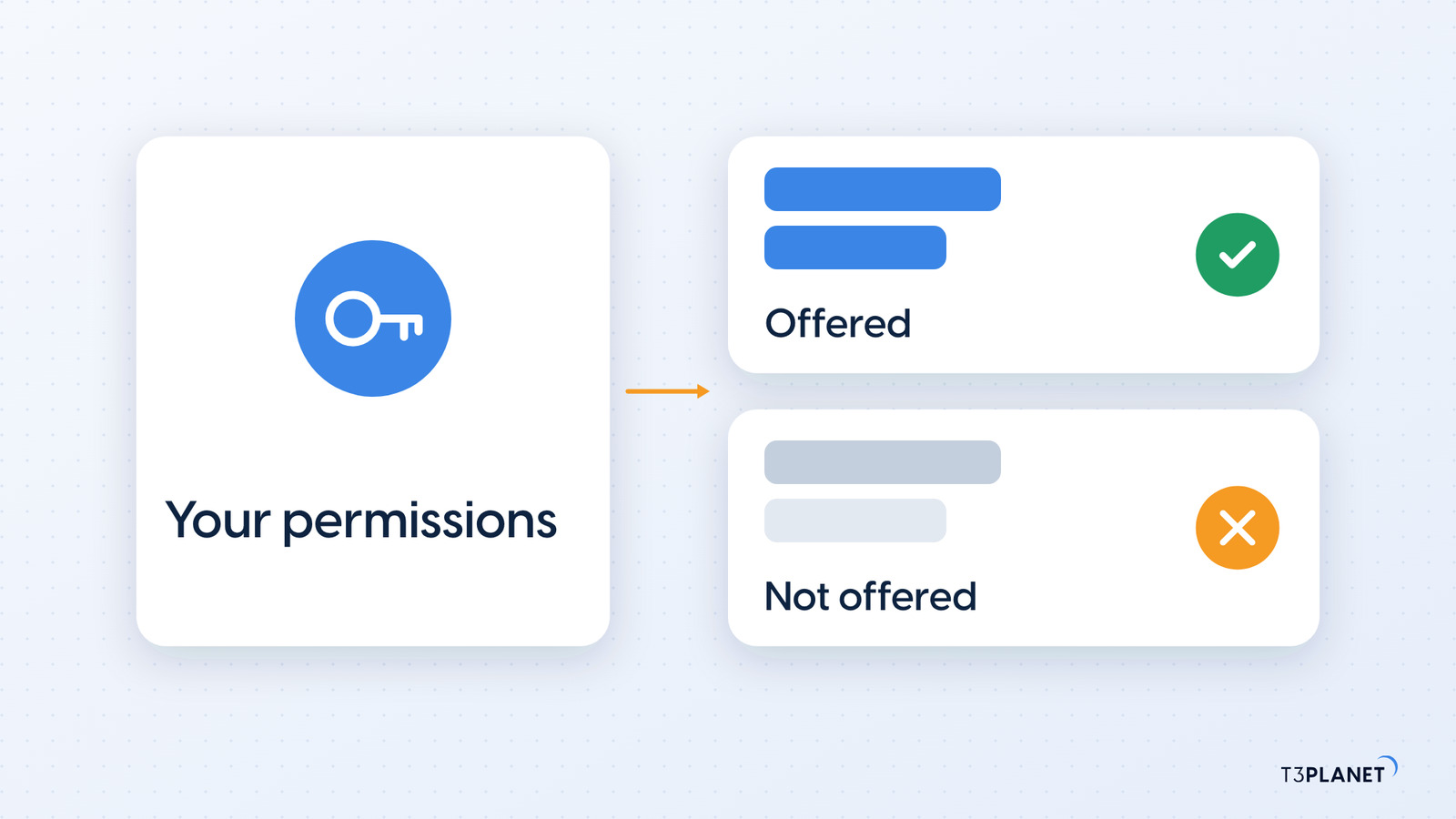
The agent changes only what your account may edit in the backend. It offers only actions your permissions allow. If an editor can't change something in TYPO3, they can't get the agent to change it for them.
For your team that means you introduce the agent into a backend where the permissions are already set. An editor gets no more options with it than without it.
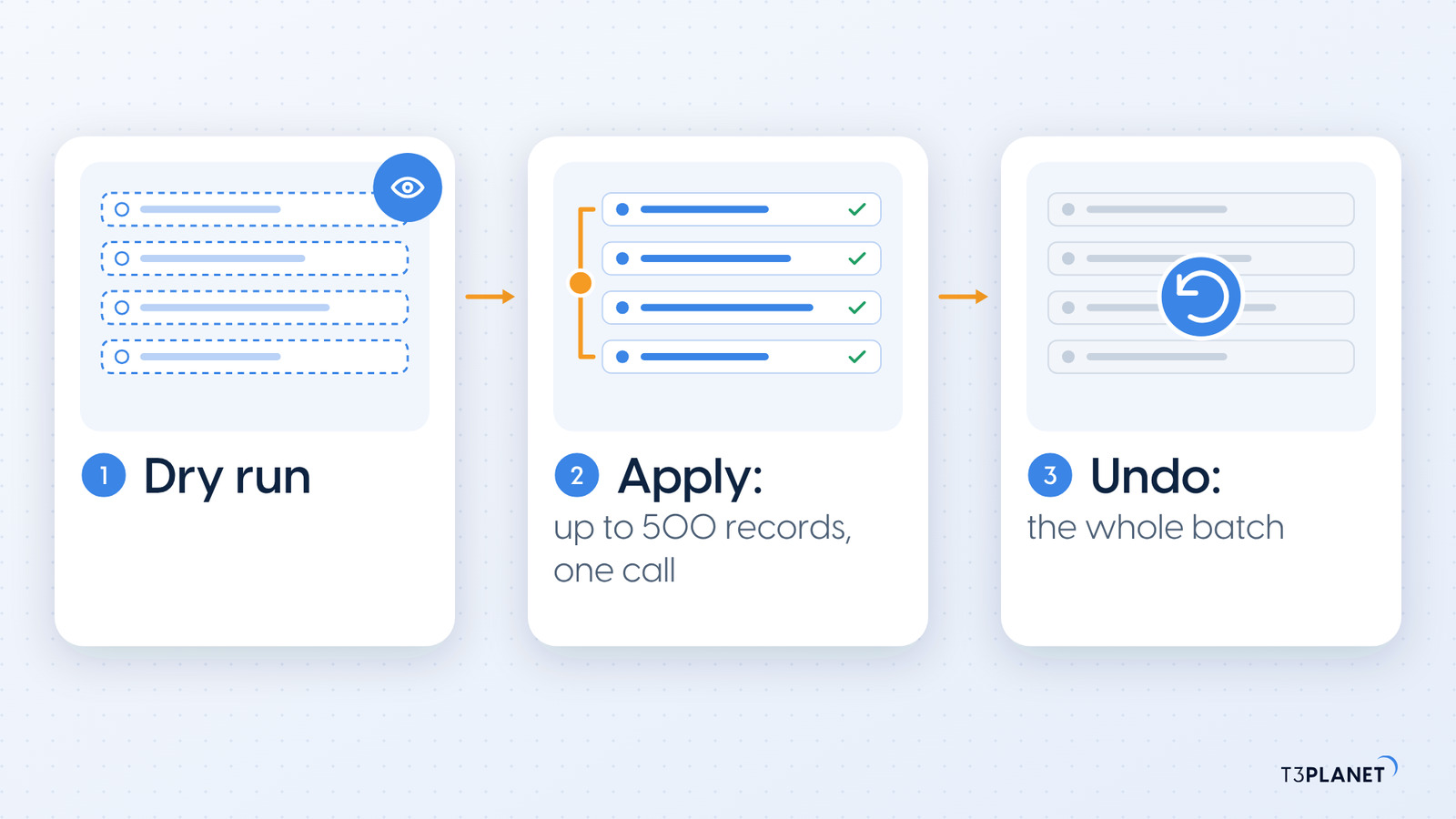
Version 2.0 also brings a tool for developers. Through MCP, the Model Context Protocol, records_apply writes up to 500 records across several tables in a single call. Our post on TYPO3 MCP explains how MCP works in TYPO3.
records_undo takes back the whole batch in one step.In a separate post we show a real run with dry run, apply and undo.
| Item | Details |
| TYPO3 | 13.4 and 14.3 |
| PHP | 8.2 to 8.5 |
| Installation | composer req nitsan/ns-t3af |
| Licence | GPL-2.0-or-later, free and open source, no licence key, no registration |
| TYPO3 v12 | 1.2.x line, with security and maintenance updates |
AI Foundation 2.0 is an AI extension for TYPO3 13.4 and 14.3. By default the agent works with your own API keys, with no T3Planet proxy in between. Details on setup and providers are in the documentation, and the product page for AI Foundation for TYPO3 sums up the features. If you first want to know why the extension is free, read Free AI Extension for TYPO3.
No. The agent shows every change as a card first and writes it only when you apply it. An applied change can be undone.
Yes. By default the agent works with your own API keys, with no T3Planet proxy in between.
AI Foundation 2.0 runs only on TYPO3 13.4 and 14.3. For TYPO3 v12 the 1.2.x line stays available and receives security and maintenance updates.
AI Foundation is free and open source, with no licence key and no registration. Your AI provider bills its requests to your own key, directly. AI Credits are optional, a prepaid balance that pays for usage only. They are never required.
Sovereign TYPO3 AI: AI Foundation is free and open source, six AI extensions build on it.
Explore TYPO3 AI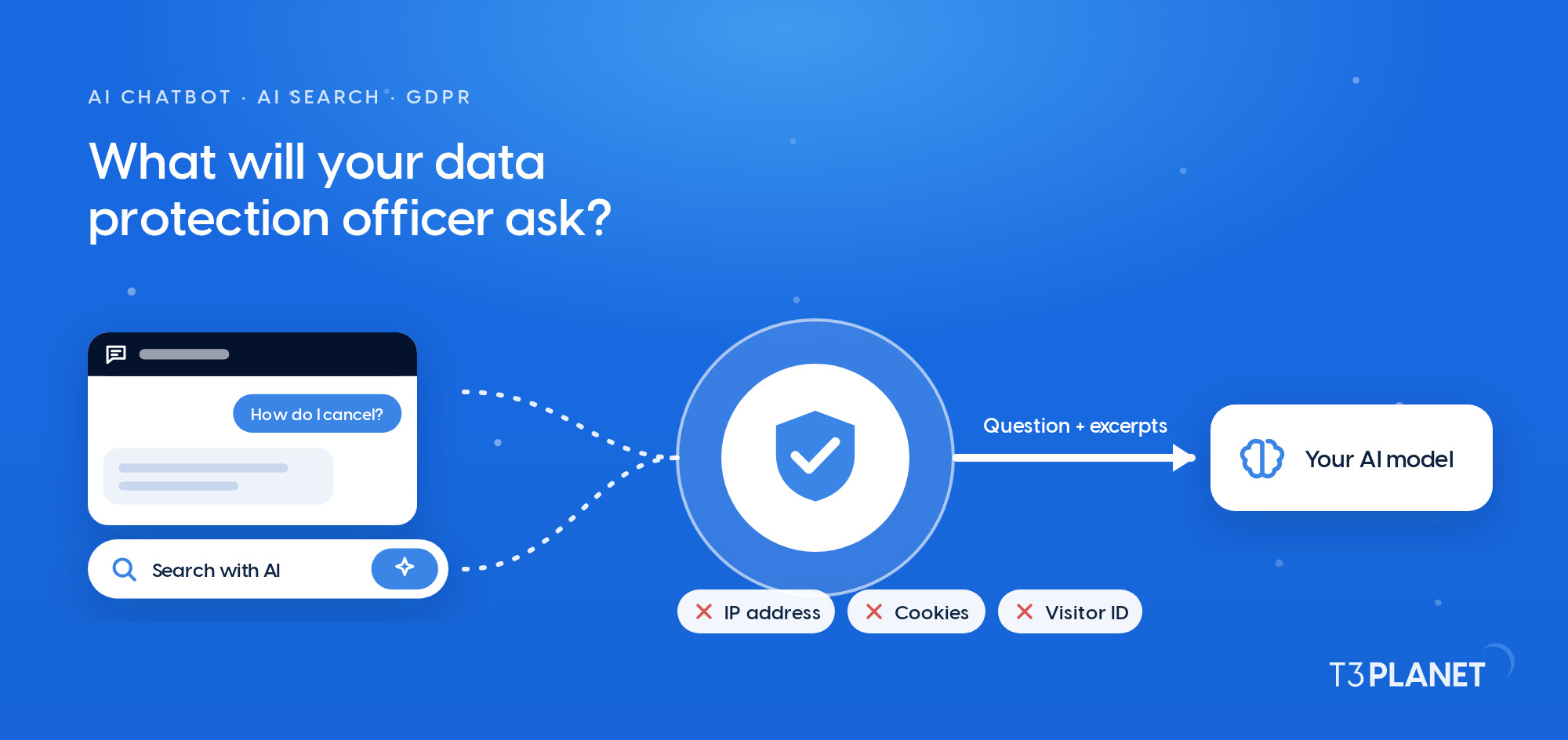
Jürgen Pietschmann
AI Consultant for TYPO3Jürgen Pietschmann is a T3Planet Product Consultant at T3Planet Shop. He specialises in integrating AI into editorial workflows – from intelligent content creation and automated SEO to AI-powered search and chatbot solutions for TYPO3 sites. As a technical consultant for T3Planet AI Universe, he works closely with agencies and editorial teams on practical TYPO3 implementations. Jürgen has been writing the This Month in TYPO3 series since December 2025 and has spoken at T3CON25 and TYPO3 Developer Days 2026 (T3DD26), where he co-presented Content Editing Unlocked.
More From Author