
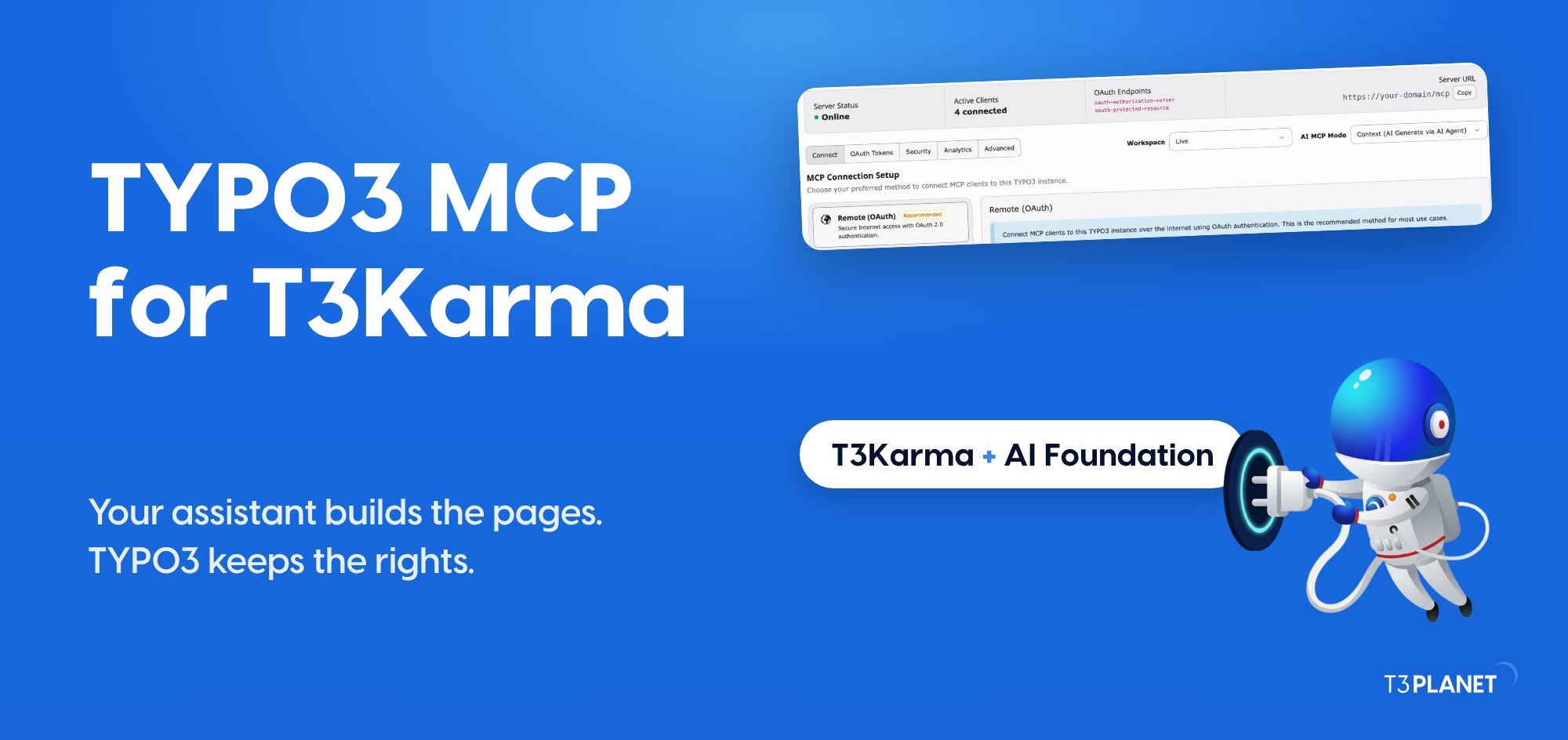
TYPO3 MCP with T3Karma: Build Pages from an AI Assistant
TYPO3 MCP


T3Karma 14.0.2 adds AI skills: a full TYPO3 14 user guide in the theme, so your AI assistant knows T3Karma.
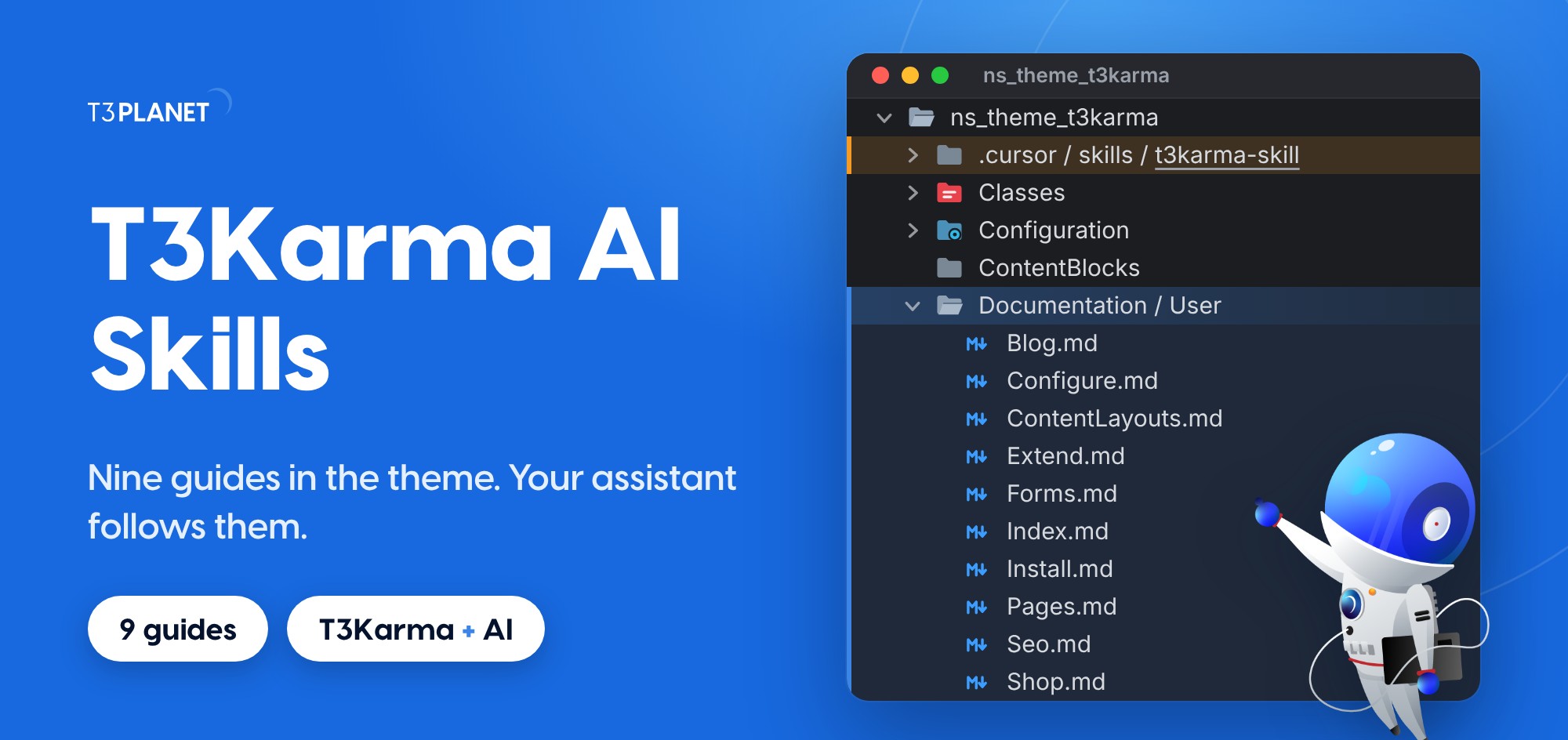
T3Karma 14.0.2 adds AI skills: a full TYPO3 14 user guide in the theme, so your AI assistant knows T3Karma.
Documentation/User inside ns_theme_t3karma, with an Index.md and nine guides in plain Markdown.t3karma-skill folder under .cursor/skills.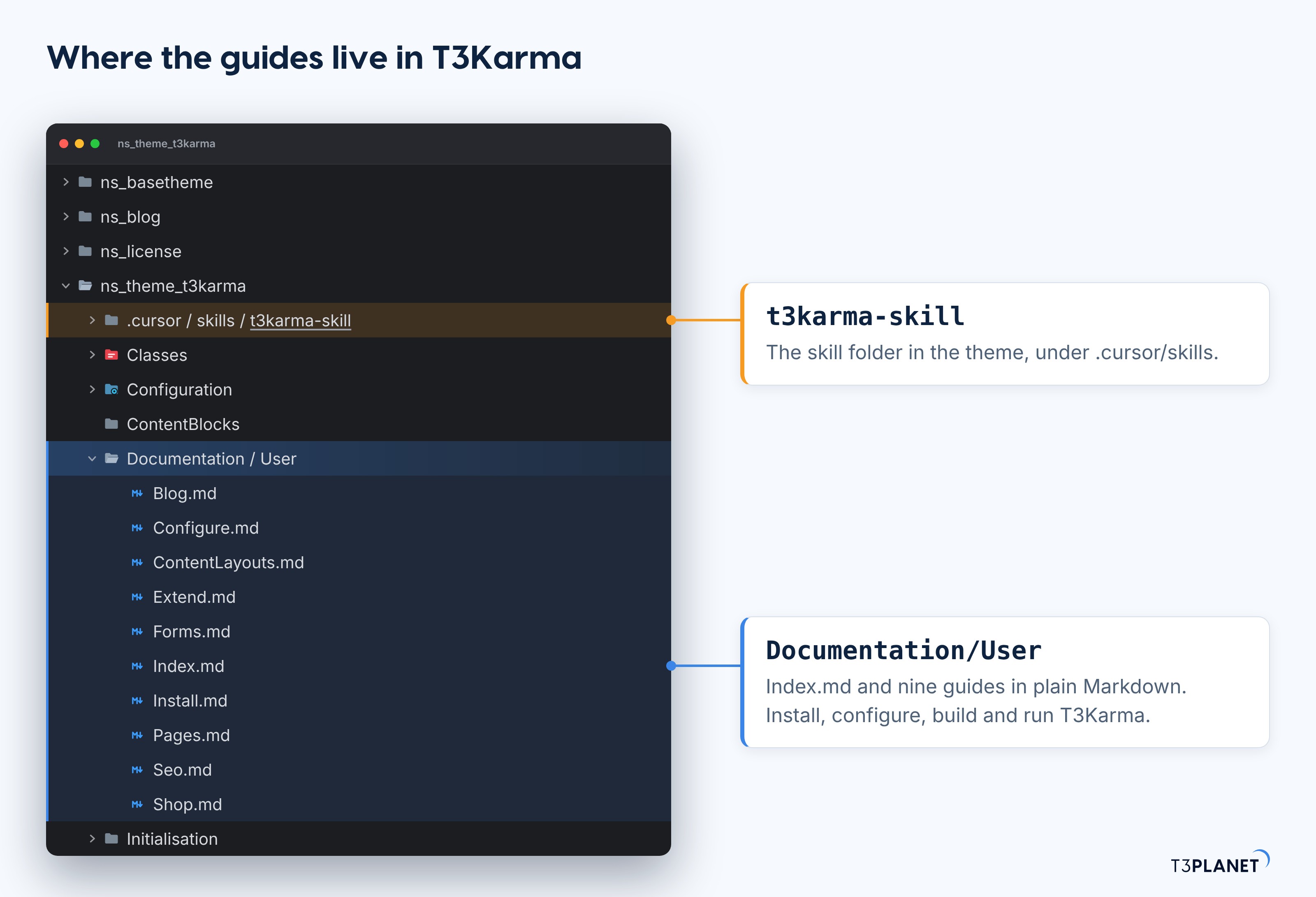
T3Karma now carries its own user guide. It sits next to the code, in ns_theme_t3karma/Documentation/User, so the guide you read always matches the theme you installed.
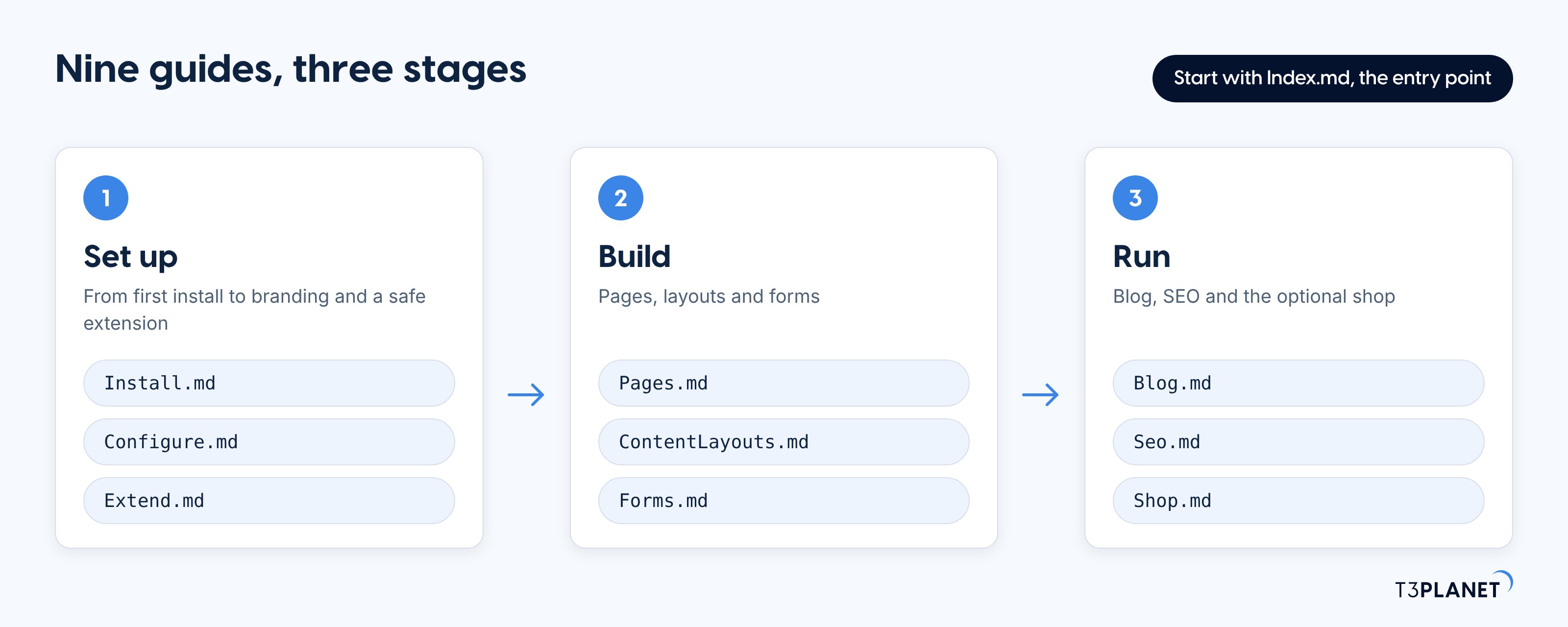
The guide is a set of Markdown files. Each one covers one job from the first install to a safe extension, and Index.md is the entry point. Plain text is the point: you can read it, your editors can read it, and so can an AI assistant.
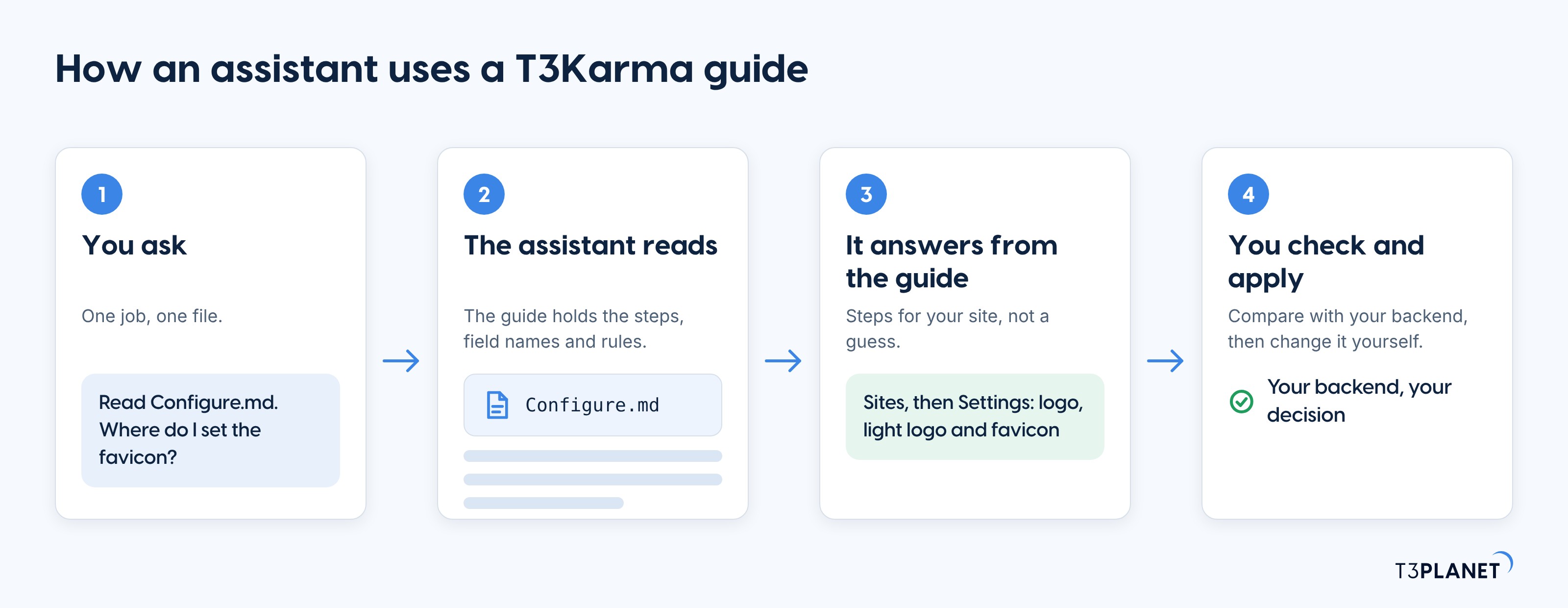
A skill is a file an assistant reads before it starts work: the steps, the field names and the rules for one job. T3Karma ships its guides in that form, and a t3karma-skill folder under .cursor/skills, the path where Cursor looks for project skills.
The result is simple. Ask your assistant about the theme, and it can answer from the T3Karma guide instead of guessing.
nitsan/t3karmans_theme_t3karma or ns_basethemenitsan/t3karma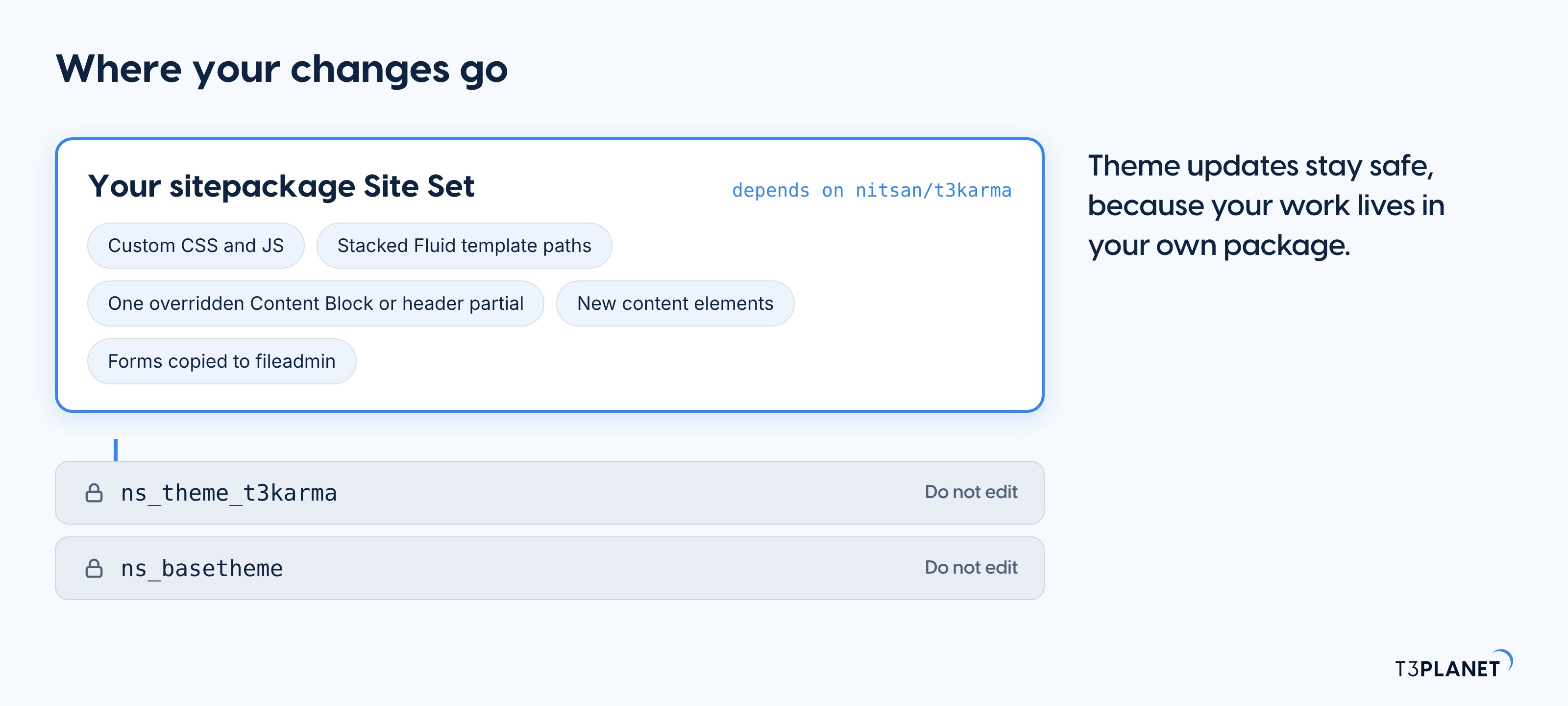
classic, stickyshrink and fullwidthbuttonnitsan_nsfooter with layouts such as modern and contactformfileadmin instead of editing theme YAMLnsblog_*portfolio_page_idGive your assistant one guide, then ask for one job. If it can read project files, point it at Documentation/User. If not, paste the guide you need. These prompts are starting points, not recorded results.
Read Install.md. List what my server needs before I install T3Karma on TYPO3 14.
Check: compare the list with your server and your TYPO3 version.
Read Configure.md. Where do I set the logo, the favicon and the colors?
Check: open Sites, then Settings, and find each field the answer names.
Read Extend.md. I want custom CSS. Give me the sitepackage steps without touching ns_theme_t3karma.
Check: the theme folders stay unchanged.
Read Forms.md. How do I add a contact form to a page without editing the theme YAML?
Check: the new form lives in fileadmin, not in the theme.
The guides tell an assistant where things live. The MCP server of AI Foundation for TYPO3 lets it work in your site as a backend user with limited rights. New pages arrive hidden, and a whole batch can be undone. Together with T3Karma, use TYPO3 14.3 or newer.
The full setup is in T3Karma MCP.
A folder inside ns_theme_t3karma with an Index.md and nine Markdown guides for TYPO3 14: Install, Configure, Extend, Pages, ContentLayouts, Forms, Blog, Seo and Shop.
A plain file an AI assistant reads before it works: the steps and rules for one job. T3Karma 14.0.2 ships its guides this way and adds a t3karma-skill folder under .cursor/skills.
No. Any assistant that can read a Markdown file can use them, and so can you. The MCP server is optional and lets the assistant work in TYPO3 itself.
No. There is no demo page-tree XML import. Create pages with the Pages guide.
In your own sitepackage Site Set, not in ns_theme_t3karma or ns_basetheme.
TYPO3 14. T3Karma 14.0.2 runs on TYPO3 14.0 to 14.5.
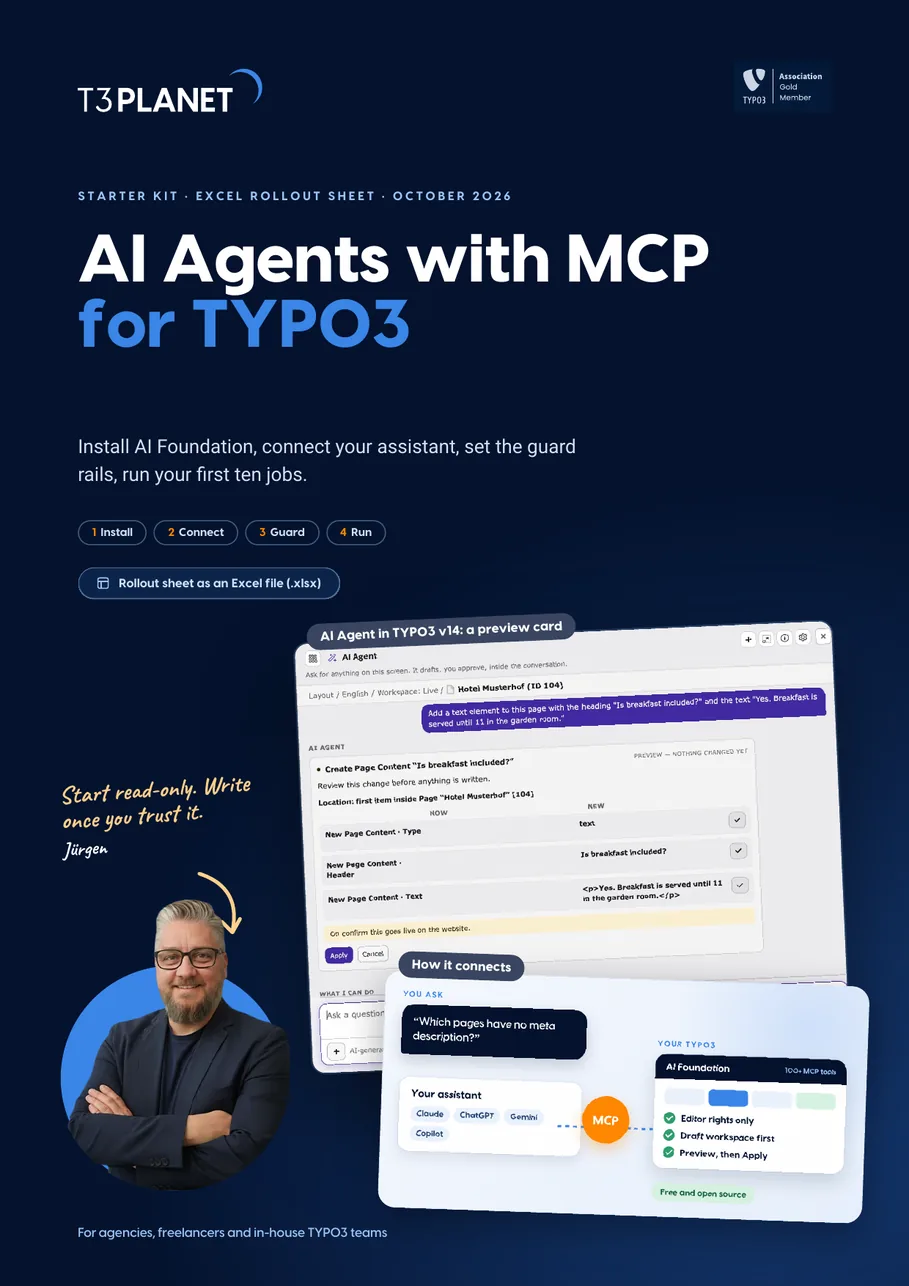
A 15-page guide plus an Excel rollout sheet. It walks you through installing AI Foundation, connecting your assistant, setting guard rails and running ten first jobs, each with a check and a way back. With real TYPO3 v14 screens.
Jürgen Pietschmann
AI Consultant for TYPO3Jürgen Pietschmann is a T3Planet Product Consultant at T3Planet Shop. He specialises in integrating AI into editorial workflows – from intelligent content creation and automated SEO to AI-powered search and chatbot solutions for TYPO3 sites. As a technical consultant for T3Planet AI Universe, he works closely with agencies and editorial teams on practical TYPO3 implementations. Jürgen has been writing the This Month in TYPO3 series since December 2025 and has spoken at T3CON25 and TYPO3 Developer Days 2026 (T3DD26), where he co-presented Content Editing Unlocked.
More From Author