




Very courteous and competent team. Very courteous and competent team. All my problems were solved with confidence. Very courteous and competent team. Very courteous and competent team. All my problems were solved with confidence.
Overview
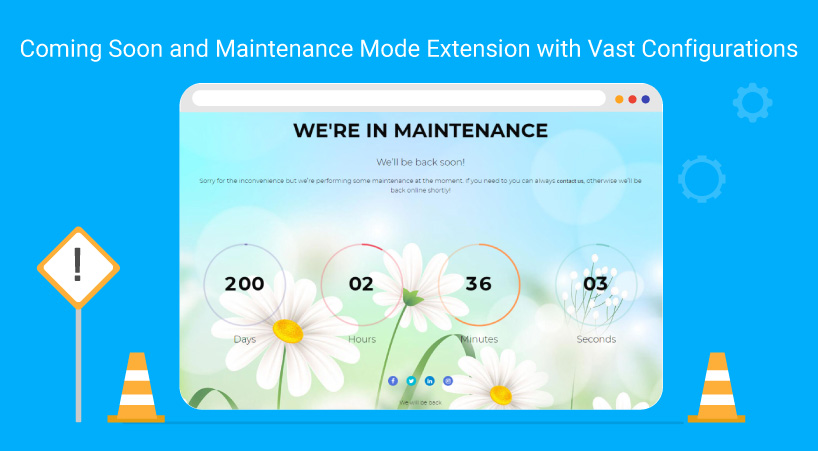
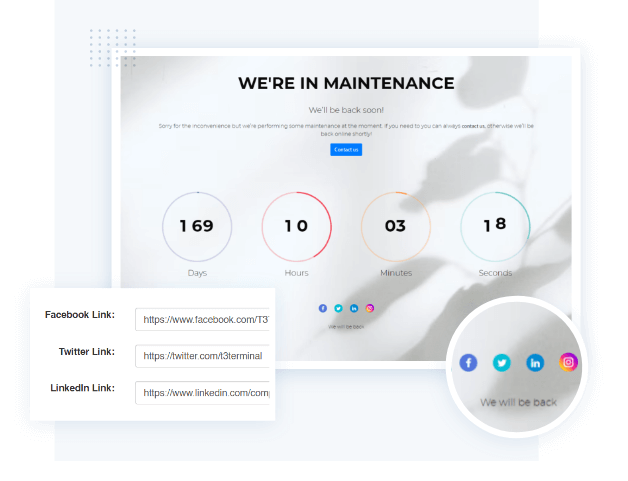
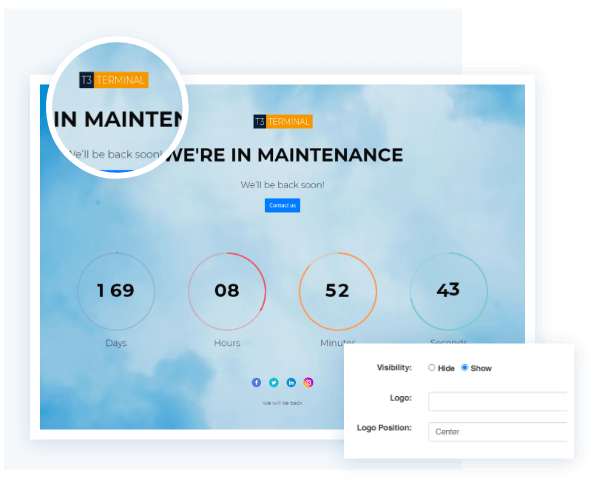
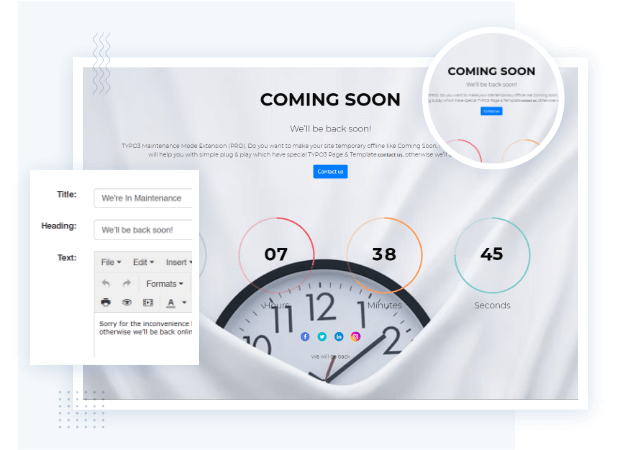
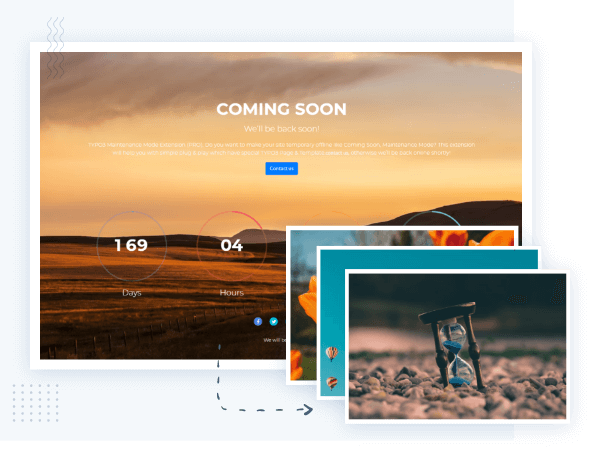
Do you want to make your site temporary offline like Coming Soon, Maintenance Mode? This TYPO3 Maintenance extension will help you with simple plug & play which have special TYPO3 Page & Template. It would be useful on criteria like to set Site Coming to Soon Page, Maintenance of Site, Offline while Upgrading your site, etc.
TYPO3 Maintenance Mode Extension is now compatible with the latest TYPO3 Version 14.
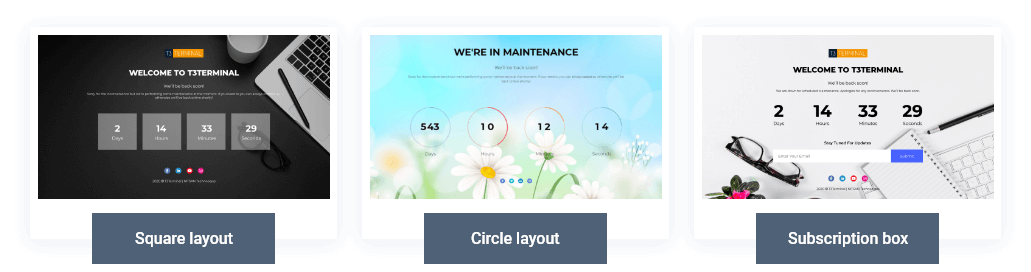
Countdown Styles
Other Highlights
-
Enable/Disable Maintenance Mode
-
Set Website or Company’s logo
-
AnimatedCounters
-
Configure End Date/Expiry Date
-
Email notifications for subscriptions
-
Set Footer Text
Frontend Screenshots
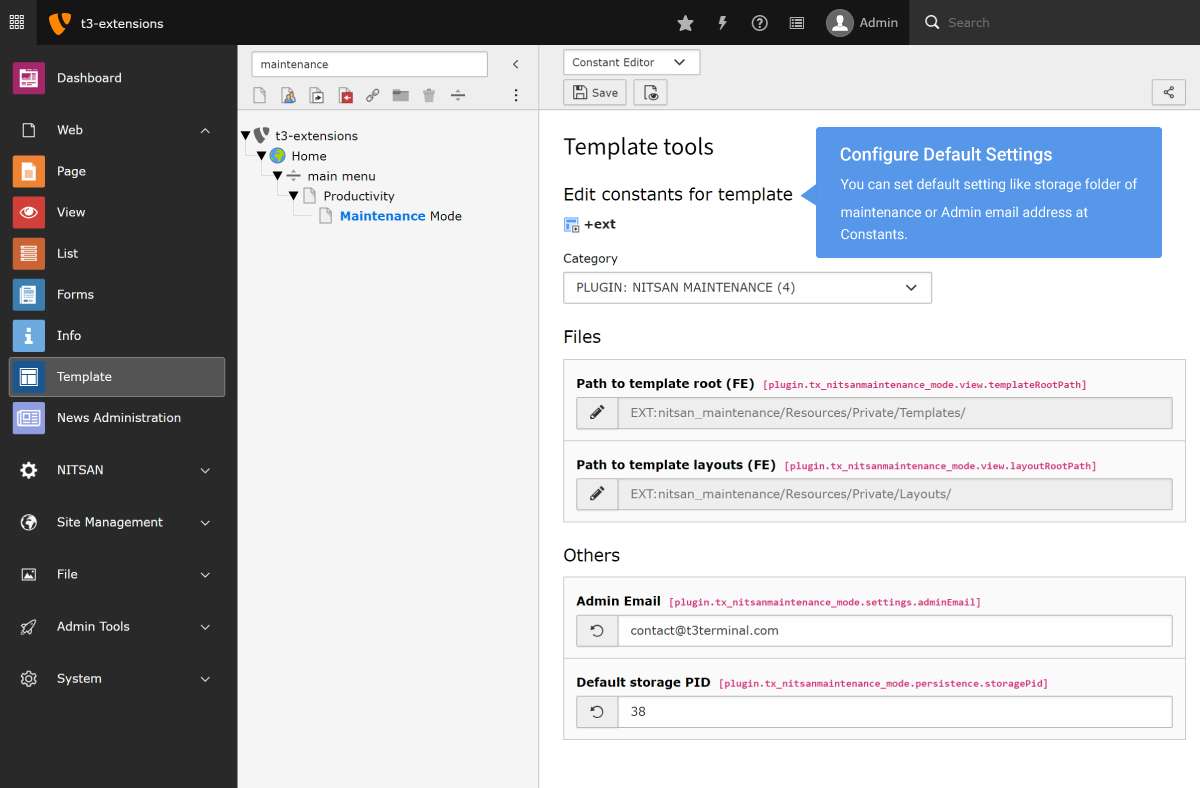
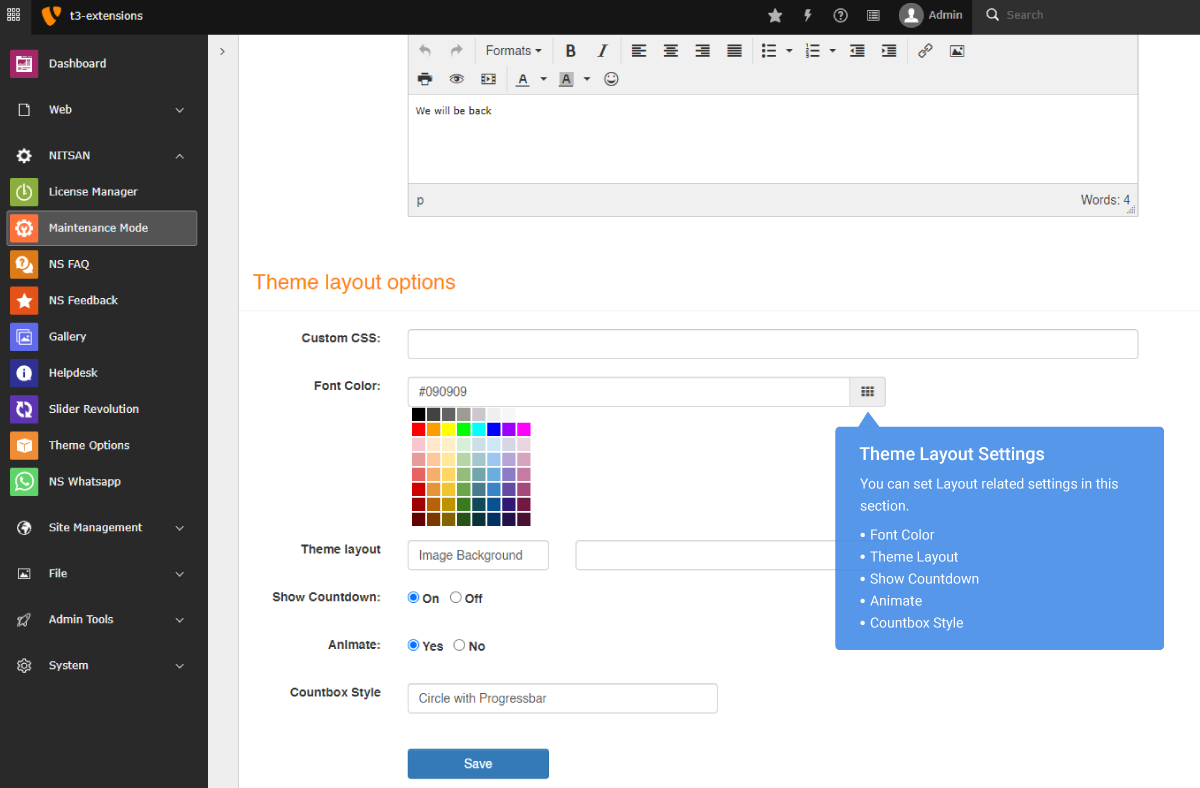
TYPO3 Backend Screens




What Our Customers Say
Reviews from Google, Trustpilot and Community
As a TYPO3 developer, I am always looking for interesting extensions and templates. T3Planet offers very engaging and... As a TYPO3 developer, I am always looking for interesting extensions and templates. T3Planet offers very engaging and illustrative products and very useful extensions. Do check their website out and you won't regret it.
A trustworthy and fairly priced marketplace with well-thought-out TYPO3 solutions. The customer service is always very... A trustworthy and fairly priced marketplace with well-thought-out TYPO3 solutions. The customer service is always very friendly and responds quickly.
Compatibility Data
Frequently Asked Questions
More FAQs
T3Planet extensions generally work with all 3rd-party TYPO3 extensions from TER (TYPO3 Extensions Repository). If you come across a compatibility issue with any third-party module, we’ll help you.
If you face any technical issues, please reach out to our Support team to receive help from our professionals.
We recommend that you perform a backup before starting the installation process to ensure that nothing can provoke a conflict.
Yes. Every premium T3Planet extension is an annual subscription, and product updates and support are included for as long as your subscription is active. Your subscription will auto-renew each year until cancelled.
If a subscription ends, the extension keeps working on your site, but updates and support stop until you renew.
Read more about the subscription model.
Yes, we provide professional installation service at €49. You can purchase it while checking out with your purchased extension.
You can request a customisation service if you need to configure it according to your business needs.
Yes. Premium T3Planet products come with a 30-day free trial: use "Start Free Trial" on the product page. Every premium purchase is also covered by a 30-day money-back guarantee.
Most of our TYPO3 extensions also have a frontend demo and a live TYPO3 backend demo, so you can see how a module works before you install it.
Yes, you can install any T3Planet extension on a test site and configure all the settings there before doing it on your live store. You can easily change your domain from a staging site to a live site on your own or may contact our support team to do it for you. Also, you can use activate/de-activate license feature.
Every premium licence includes support and updates for the term of your annual subscription, plus a 30-day money-back guarantee. If you find a bug or run into trouble, contact our Support team and we will reply within 1 business day.
To keep support and updates after the first year, simply renew your annual subscription.
Whenever Team T3Planet releases a new version, particularly for the TYPO3 product, you will get email information about the newly released version.
You can then update the extension from your account
Step 1. Go to NITSAN > License Management
Step 2. Click on “Check for Updates” to your purchased product.
Step 3. If new updates are available, click on your particular product's “Update to X.X.X” button.
Check out our updated version of documentation.
You can install your TYPO3 extension with the below steps.
Step 1. Download EXT.ns_license
Step 2. Go to Admin Tools > Extensions > Install EXT.ns_license extension.
Step 3. Switch to NITSAN > License Management > Add Your License Key.
Step 4. Go to Admin Tools > Extensions > Activate Your Purchased Extension.
Detailed information can be found via documentation, License activation documentation”.
Yes, For a free TYPO3 extension, you can just use the mentioned composer installation command on this page. For the premium TYPO3 extension, we provide you access to our Private TYPO3 Composer Server.
Detailed information can be found via documentation, Read more - Documentation.
Our license system allows you to access, download and install your purchased TYPO3 product(s) using a "license key". Each licence covers one production domain, including its subdomains. Staging, development and local installs are free and do not count. For example, if you want to use a product on 3 production domains, choose the licence for up to 3 domains.
Support is provided for the domains covered by your active annual subscription. If the modules are on another account, they will not be supported.
We have detailed documentation for every TYPO3 product, please click on the documentation link on this page which will lead you to our official documentation.
We take care well of the backend usability of all the TYPO3 products. You can find all the details like installation, configuration, and usage in our documentation. Yes, with our extended support service, our TYPO3 experts also train and help our customers to get familiar with and get used to the TYPO3 backend.
Yes, According to our vision, all the TYPO3 products are compatible with the current and last TYPO3 LTS version.
You can easily transfer your license key from one domain to a new domain. Please follow our De-activate/activate license feature at Documentation.
If you want to set up your purchased TYPO3 product on your local, staging, or testing server, please send us the information through our Support team.
There is no need to pay any additional cost after purchasing our products. But in case you need our installation or customization services, a fee will be required. For free products, our support will be given as the charged service.