




Very courteous and competent team. Very courteous and competent team. All my problems were solved with confidence. Very courteous and competent team. Very courteous and competent team. All my problems were solved with confidence.
Overview
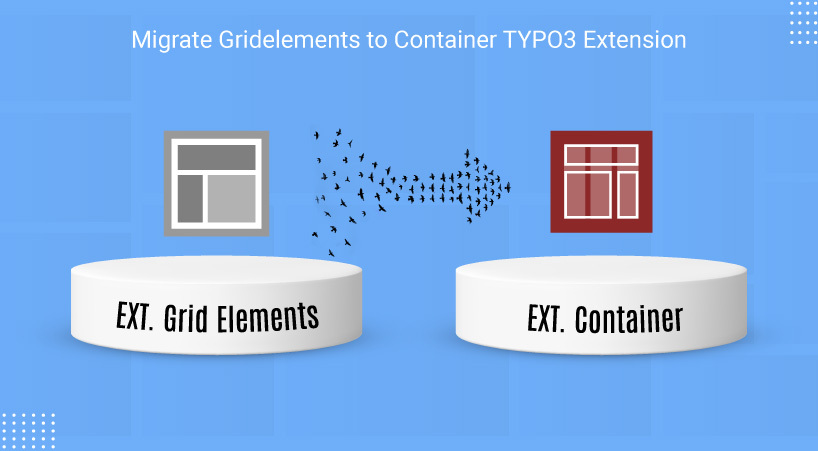
Are you looking for a migration path from Grid Elements to the TYPO3 Container extension? EXT:container provides an alternative approach for creating grids and containers in TYPO3. This extension helps projects that want to migrate their existing Grid Elements configurations to Container. Grid Elements is available for current TYPO3 versions.
Grid Elements v13 is publicly available for TYPO3 12.4 LTS and 13.4 LTS through the TYPO3 Extension Repository (TER) and Composer. Grid Elements v14, supporting TYPO3 13.4 and TYPO3 14, is currently available through Priority Access and Composer. The version remains licensed under GNU GPL, and its availability through Priority Access does not change its open-source status. According to the maintainers, the TER release will follow later.
EXT:container is a public solution for creating grids and containers in TYPO3. For projects that choose to migrate from EXT:gridelements to EXT:container, we provide EXT:ns_gridtocontainer to simplify the migration process.
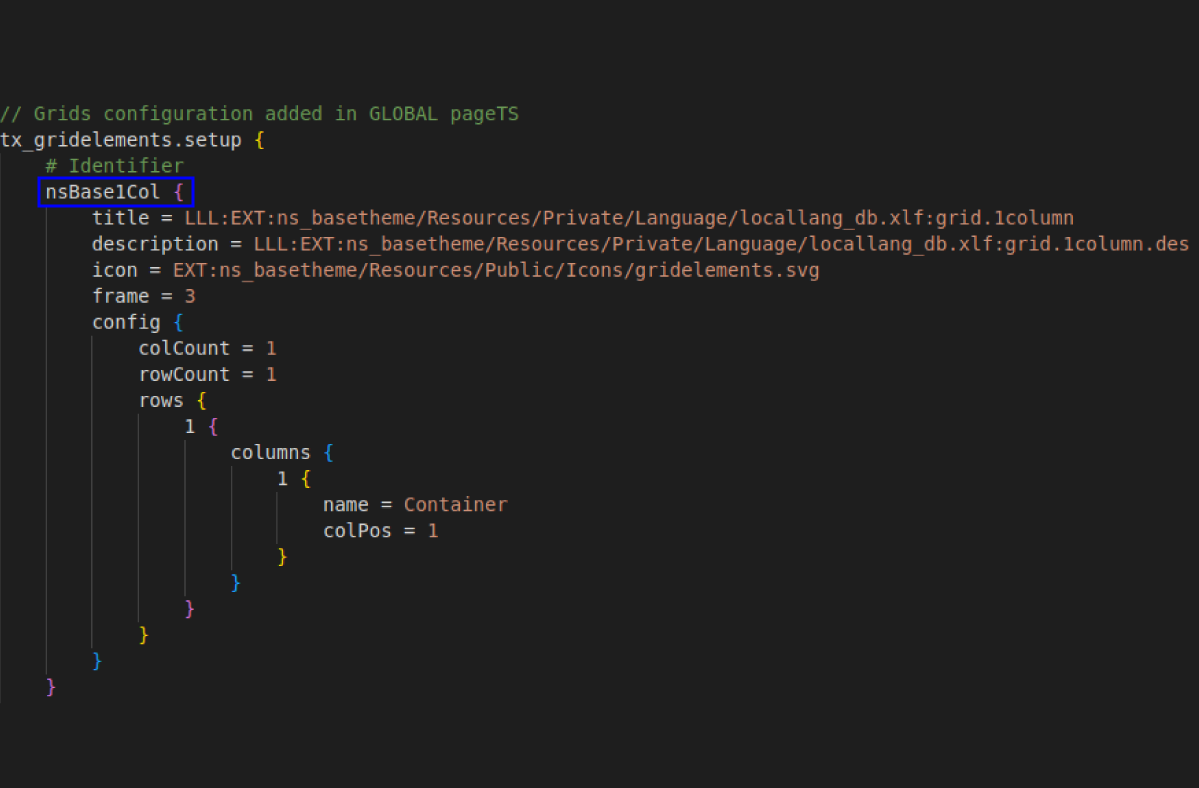
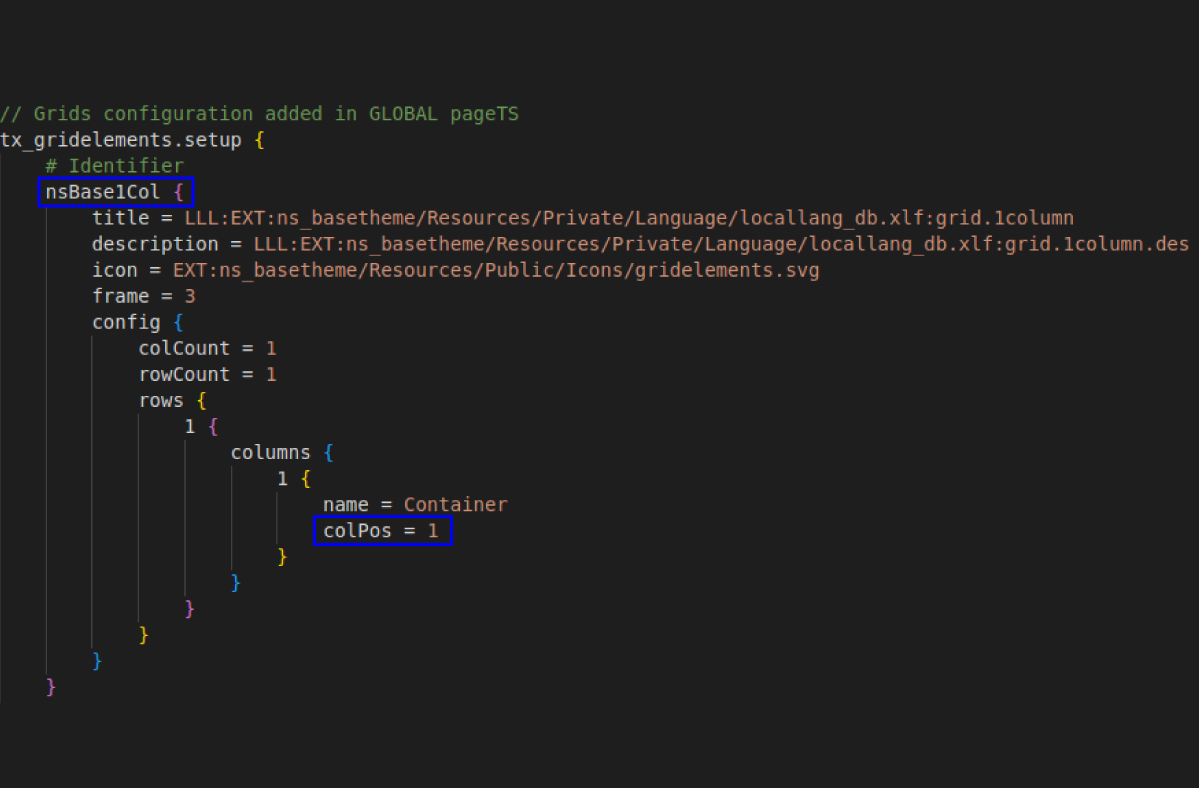
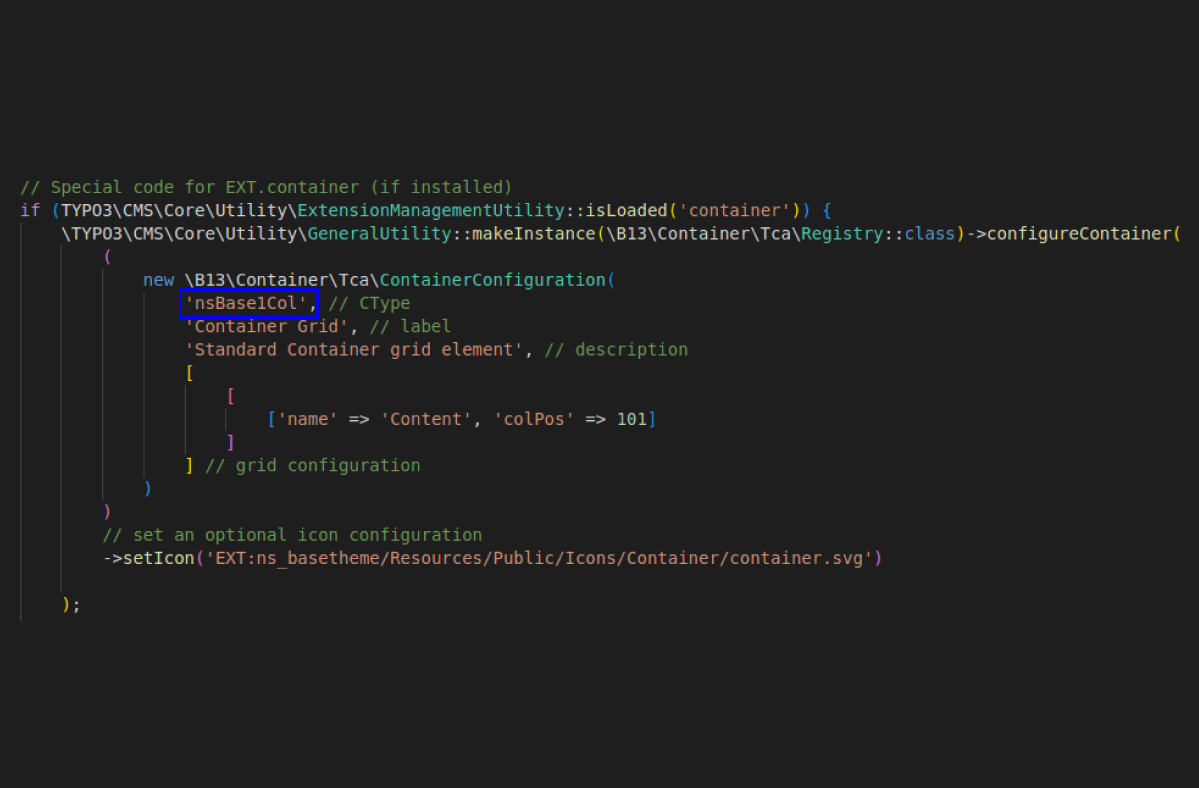
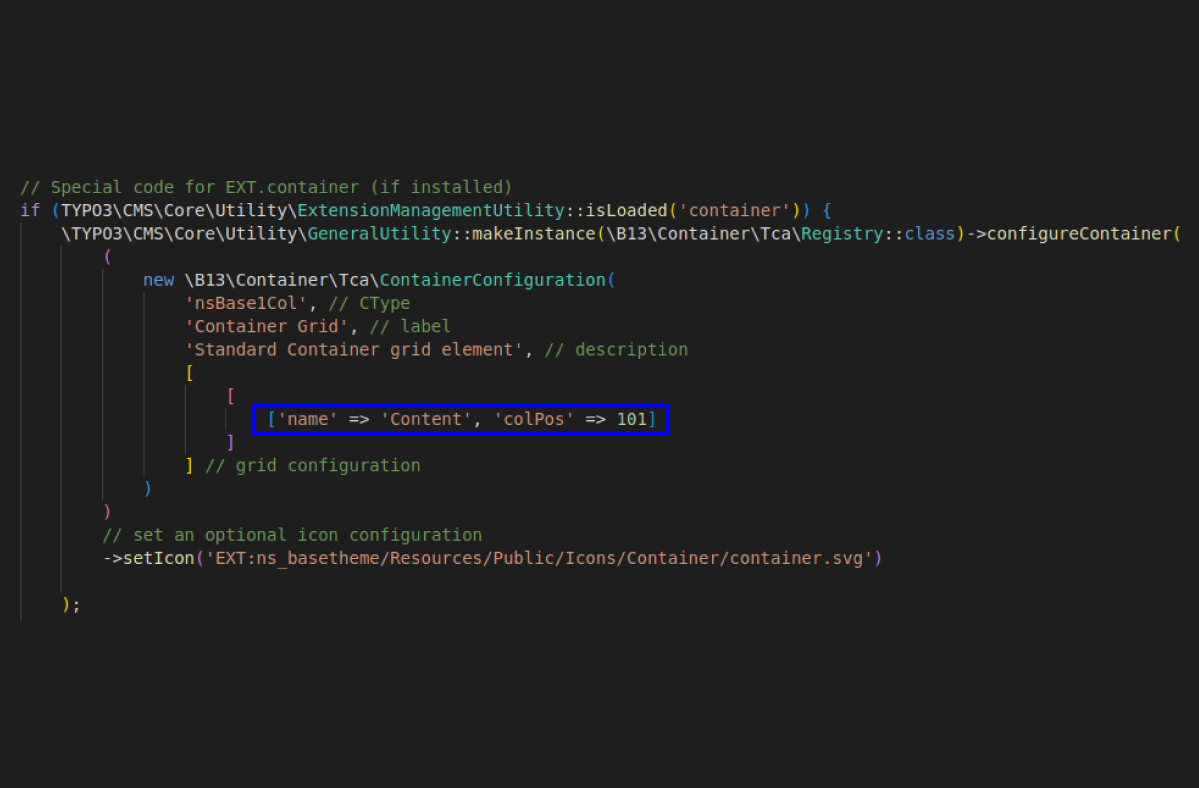
Many TYPO3 projects have used Grid Elements for many years. Manually migrating existing Grid Elements configurations to Container can require significant effort, especially for projects with many existing content elements.
Key Features
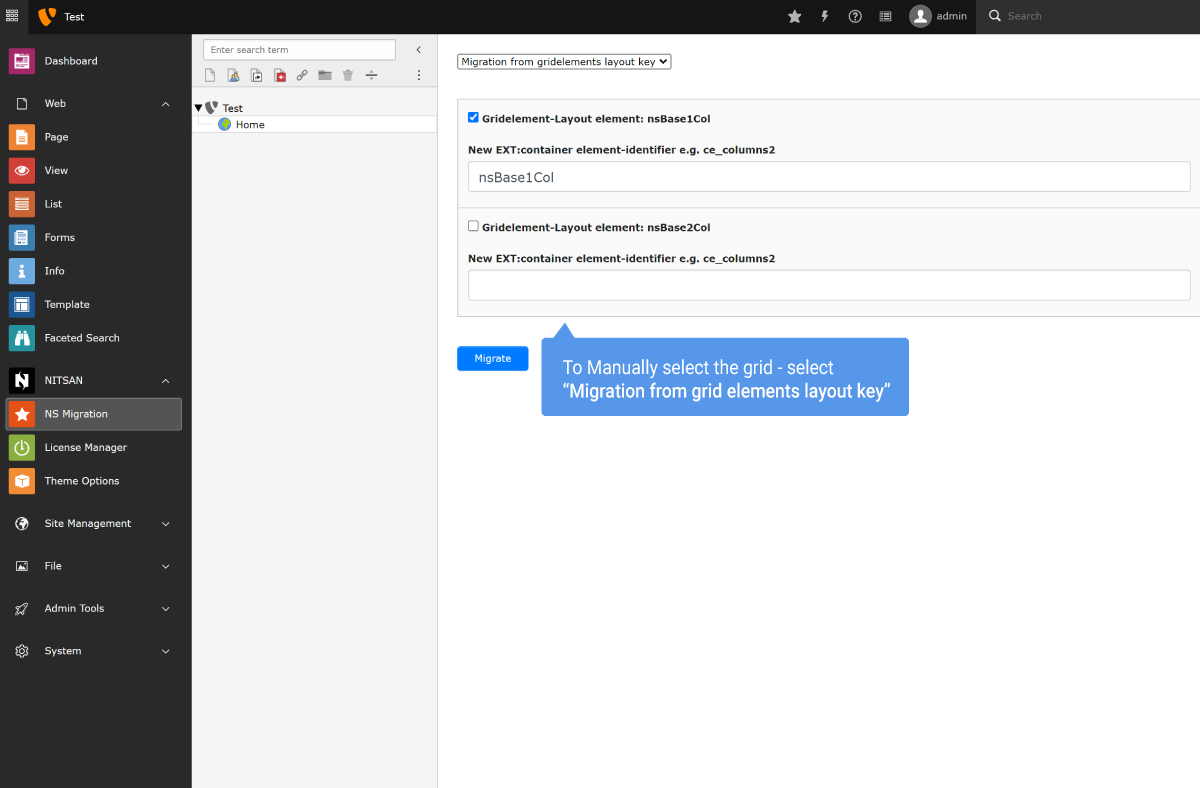
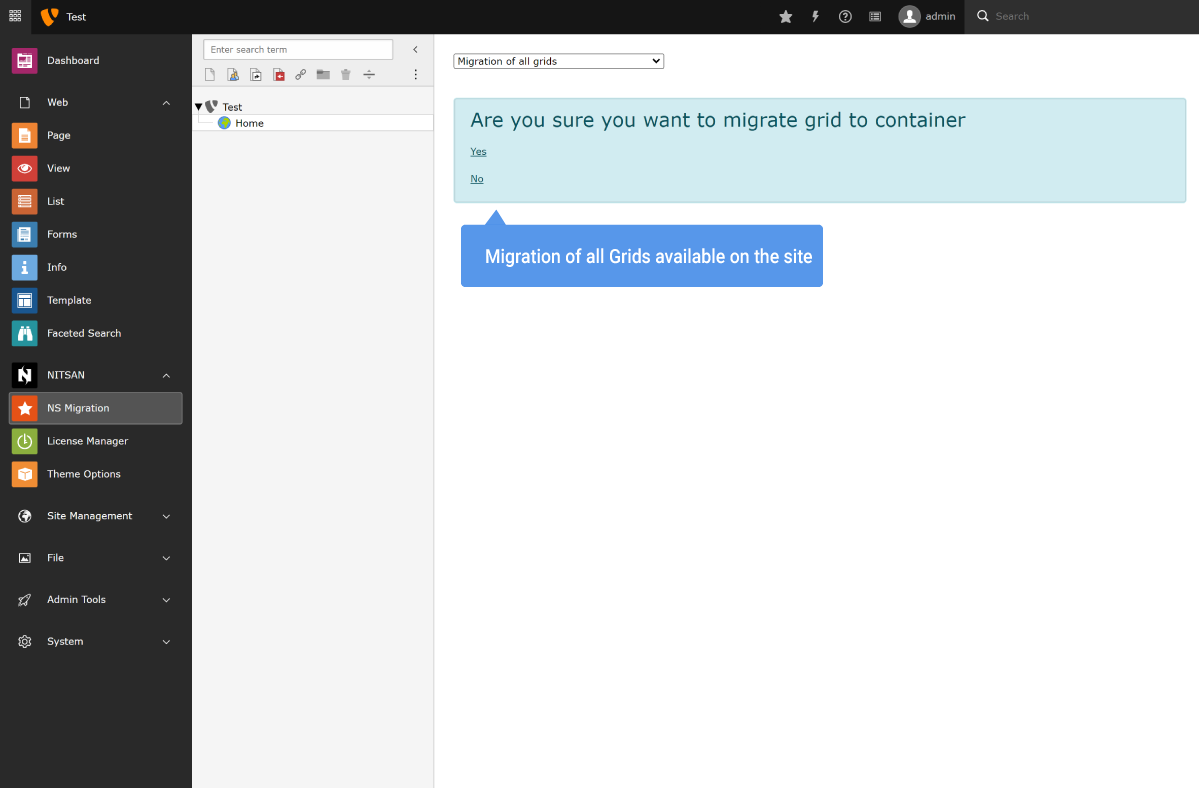
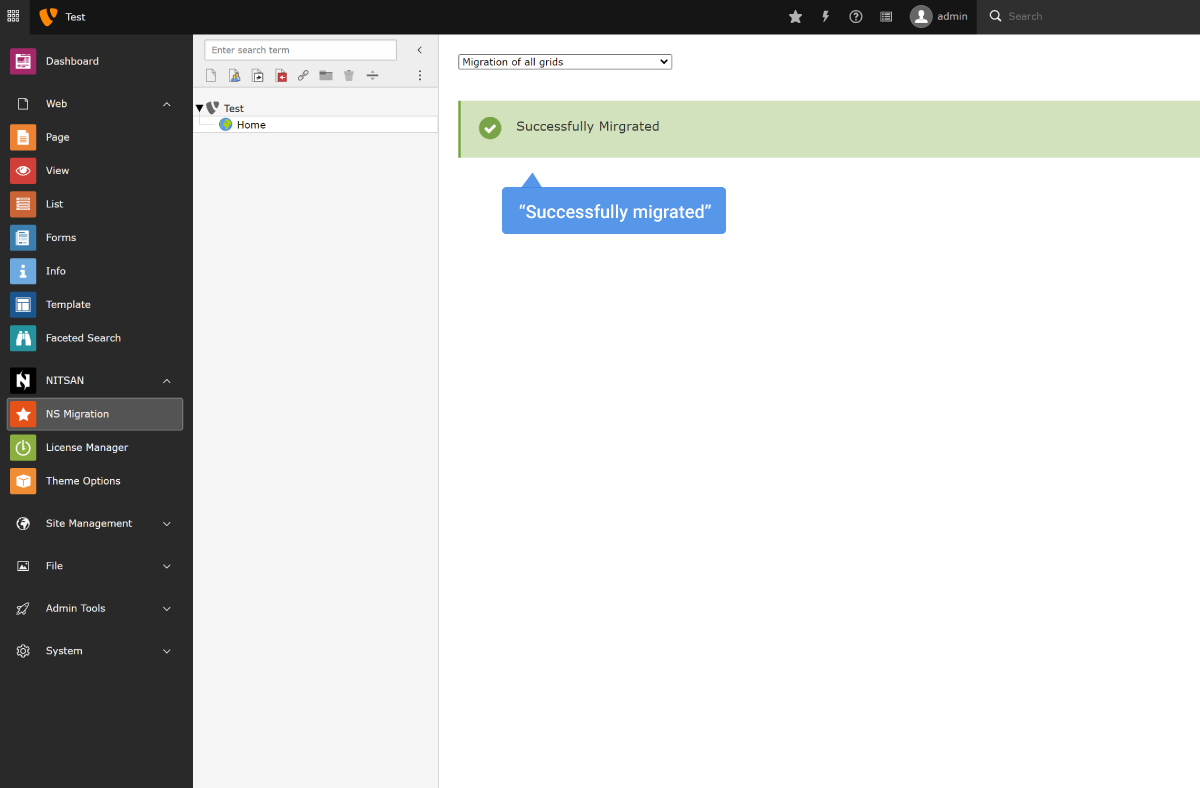
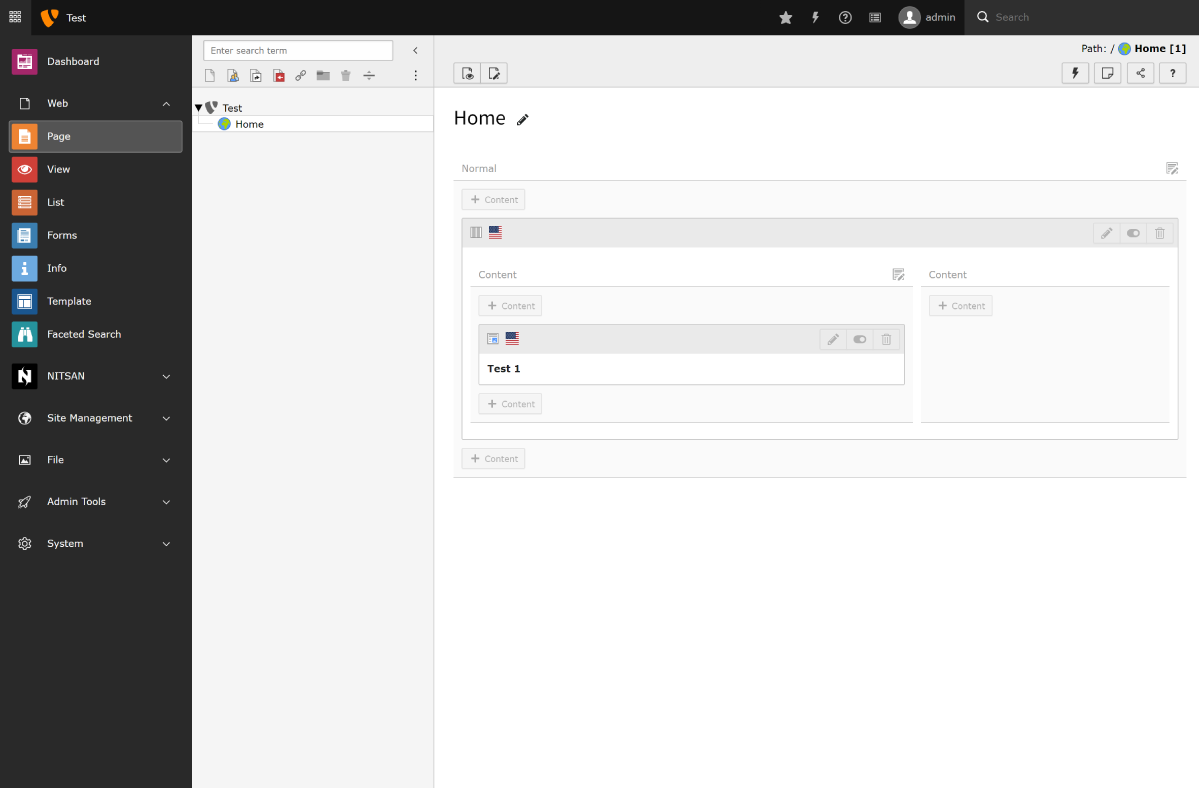
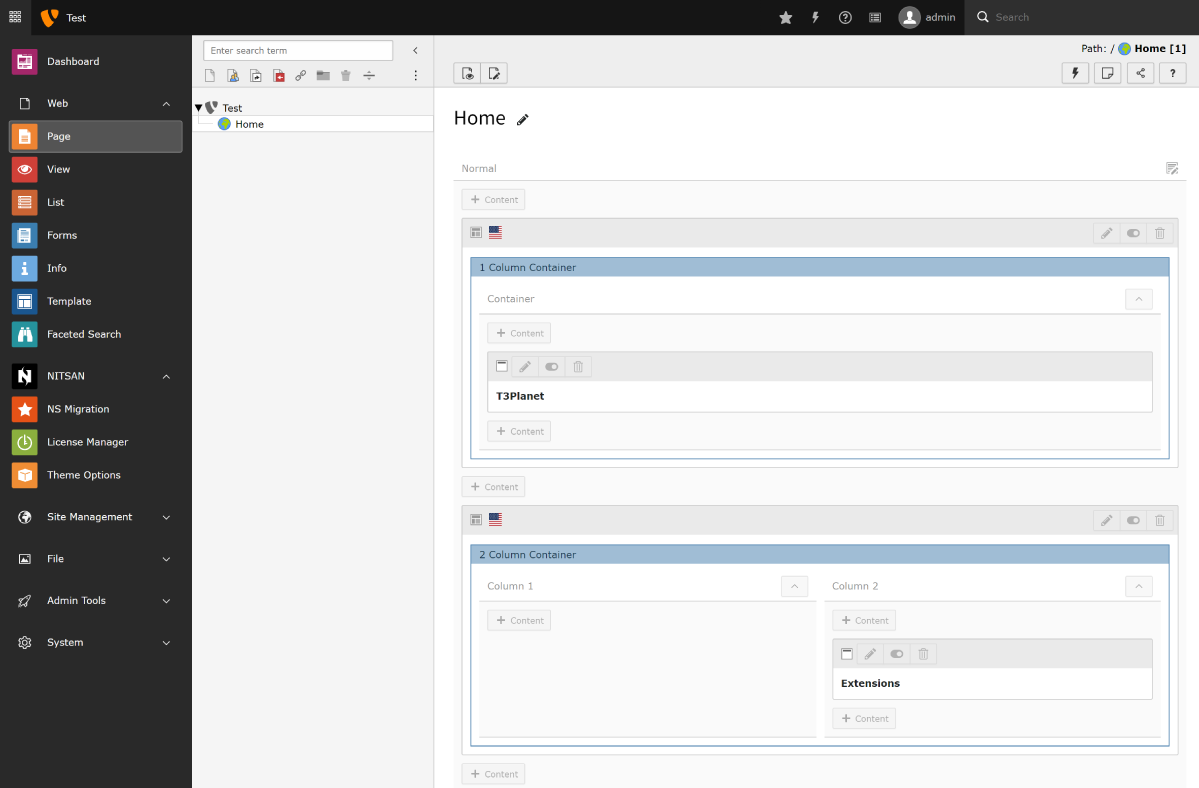
TYPO3 Backend Screens
What Our Customers Say
Reviews from Google, Trustpilot and Community
As a TYPO3 developer, I am always looking for interesting extensions and templates. T3Planet offers very engaging and... As a TYPO3 developer, I am always looking for interesting extensions and templates. T3Planet offers very engaging and illustrative products and very useful extensions. Do check their website out and you won't regret it.
A trustworthy and fairly priced marketplace with well-thought-out TYPO3 solutions. The customer service is always very... A trustworthy and fairly priced marketplace with well-thought-out TYPO3 solutions. The customer service is always very friendly and responds quickly.
Compatibility Data
View ChangelogFrequently Asked Questions
More FAQs
What does the TYPO3 Grid to Container extension do?
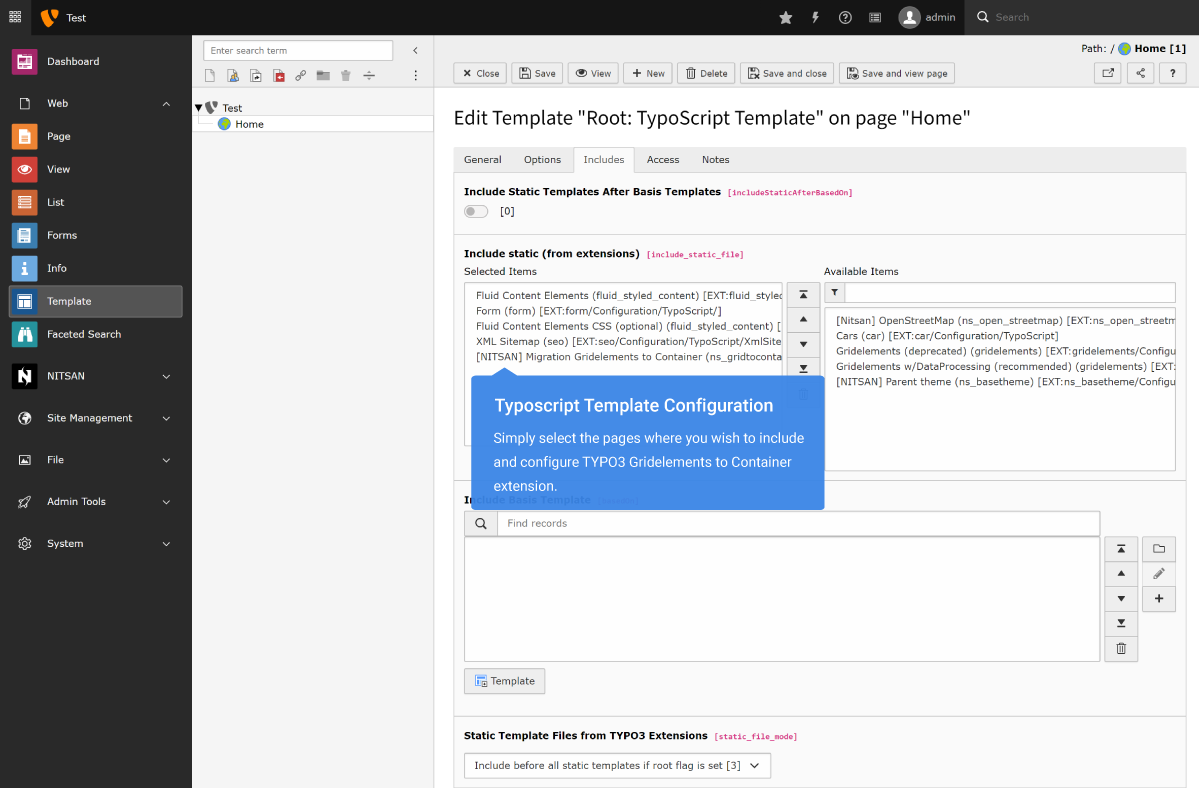
It helps you move an existing TYPO3 project from Grid Elements (EXT:gridelements) to the Container extension (EXT:container) without rebuilding every grid by hand. A custom backend module migrates database changes such as CType mappings. The migration module also creates and migrates FlexForm settings from your existing Grid Elements configurations. This saves effort on projects with many existing content elements.
What are the steps of the migration?
The page describes three steps: clone the container, click the migration wizard, then test the result to make sure everything works. The extension is designed with developers in mind to save time and effort. The official documentation gives step-by-step guidance, including the code changes you need and the migration modules.
Do I have to migrate away from Grid Elements?
No, migration is your choice. The page states that Grid Elements is available for current TYPO3 versions. EXT:container offers an alternative approach for creating grids and containers in TYPO3. Grid to Container is meant for projects that choose to migrate from EXT:gridelements to EXT:container and want to avoid the manual effort that such a migration can require.
How many domains does a licence cover?
One licence covers one production domain, including its subdomains. Staging, development and local installs are free. For more sites, choose the licence for up to 3 or up to 10 domains. Details: Buying and Licences FAQ.
How do I install and update it?
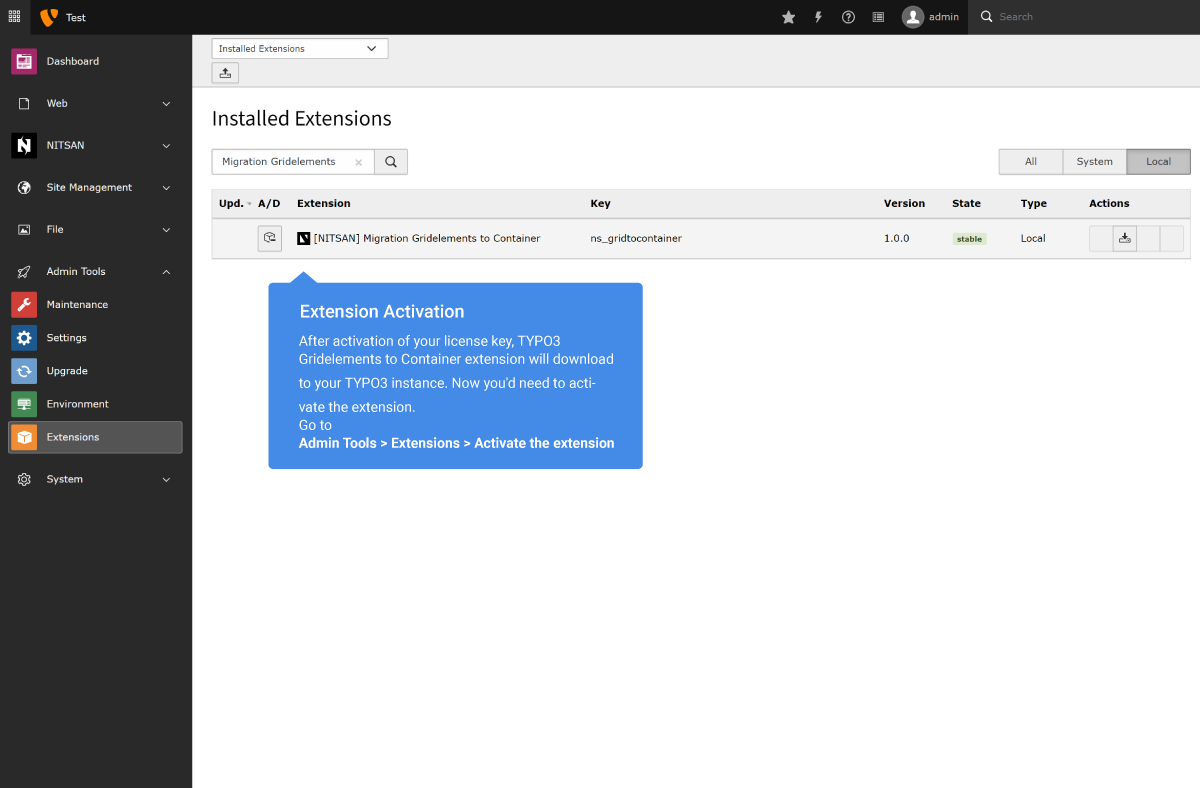
Install it with Composer (the premium version comes from our private Composer server) and activate your licence key in System > T3Planet Shop. Updates arrive through Get Updates in the same module. Step by step: Installation and Updates FAQ. Prefer us to do it? Our installation service costs €49 per extension.

Sovereign TYPO3 AI

AI Foundation for TYPO3T3AF
The base every extension runs on. Manage providers, prompts, permissions and costs in one place.
 AI Assistant
 AI Chatbot
 AI Search
 AI Accessibility
 AI Localization
 AI Builder