
AI Agent for TYPO3: AI Foundation 2.0 Writes Only When You Say So
AI



Every TYPO3 site you look after can run AI Foundation, production included, and nobody has to buy a licence or sign up first. The licence is GPL-2.0-or-later open source, and you will find this free AI extension for TYPO3 in the TYPO3 Extension Repository (TER), on GitHub and on Packagist. One Composer command installs it. Installing it asks for no licence key, no account and no list of domains.
So what does free mean for you once it sits on a client project? This post covers five things: the install, the modules, where your content travels, what the licence allows, and building on top.
The short answer: AI Foundation, from T3Planet, is a free, open source TYPO3 extension that gives your AI setup a single home. You configure providers, prompts, brand context and permissions once, in one backend module. On top of that sits an MCP server, which lets Claude, Cursor and similar assistants work inside TYPO3 directly. MCP, the Model Context Protocol, is how those assistants connect to other software.

Nothing in the product sits behind a payment:
For you as an agency, per-client licence administration comes off the table. AI Foundation can go into every project you build as a matter of course.
Before you start, check three things: TYPO3 12.4 LTS, 13.4 LTS or 14.x, PHP 8.2 or newer, and the scheduler and workspaces system extensions switched on. Both system extensions ship with TYPO3. If Composer is new to your team, we wrote a guide to installing TYPO3 extensions with Composer for you.
composer require nitsan/ns-t3af from your project root.If your installation does not use Composer, TER works too, though Composer remains the recommended route.
vendor/bin/typo3 extension:setup.vendor/bin/typo3 cache:flush.That completes the setup, and nothing is waiting to be unlocked.
Your team now sets AI up in one central place, and every AI feature built on AI Foundation uses that setup.


Here is what the free foundation puts in place for you:
| Area | What it does for your team |
| MCP server | Lets Claude, Cursor, n8n and other assistants connect to TYPO3 over OAuth 2.1, with tools covering pages, content, records, files, workspaces, redirects, the scheduler and the cache |
| AI Providers | Holds your API keys in encrypted form and several providers side by side |
| AI Context | Keeps your brand's tone, audiences and content rules in profiles that shape every prompt |
| AI Prompts | A shared, categorised prompt library, so editors work from prompts you have approved |
| AI Permissions | Ties AI capabilities to the TYPO3 backend groups you already use, with a permission matrix for review |
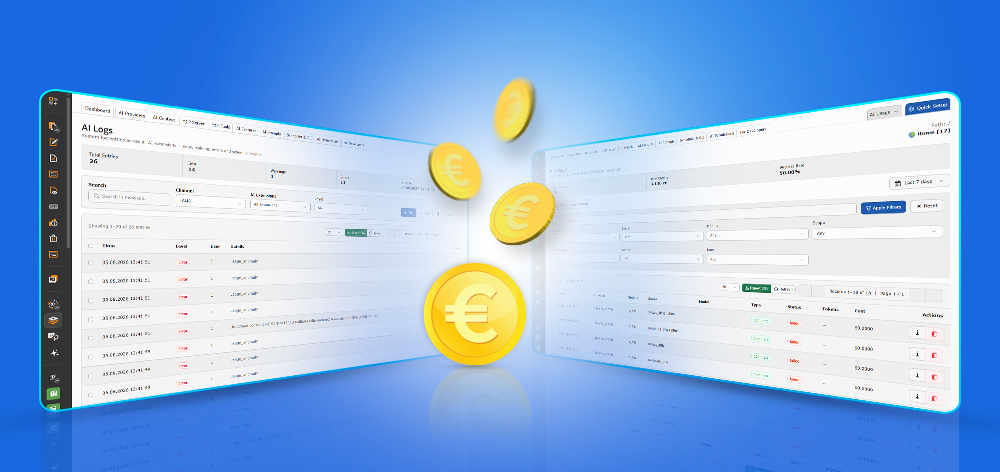
| Usage and logs | Requests, tokens and cost, broken down by provider, user and extension |
| Scheduler and CLI | AI jobs as t3af:* commands, run by the TYPO3 Scheduler |
| AI Label | Records the AI origin of your content. By default, no disclosure reaches visitors until a person has confirmed the record. Designed for the transparency duties in Article 50 of the EU AI Act |
Here is how those areas look in the backend once AI Foundation is installed, each with one line on what it does for your team.
Requests, tokens used, cost and success rate per provider sit on one screen, next to a checklist that shows how far the setup has got.

Assistants connect to the MCP server over Remote (OAuth), WebSocket, Docker, an SSH tunnel or npx, whichever suits your setup. MCP Tools lists the built-in TYPO3 Core tools, and you can add tools of your own there.


Brand profiles live in AI Context and are added to every prompt automatically. AI Prompts holds the templates, and each AI extension you install adds its own categories; the screenshot shows those of our premium extensions.


Your backend groups get their AI rights in a permission matrix, one tab per extension. Scheduler & CLI gathers the t3af:* commands of every installed extension and schedules them in the TYPO3 Scheduler.


What a person has confirmed, what is still waiting for review and what visitors see in the frontend: AI Label shows all three at once.

That is compliance-ready tooling, not a compliance guarantee. Reviewing and disclosing stays in your hands. The product page on open source AI for TYPO3 goes through each module in detail.
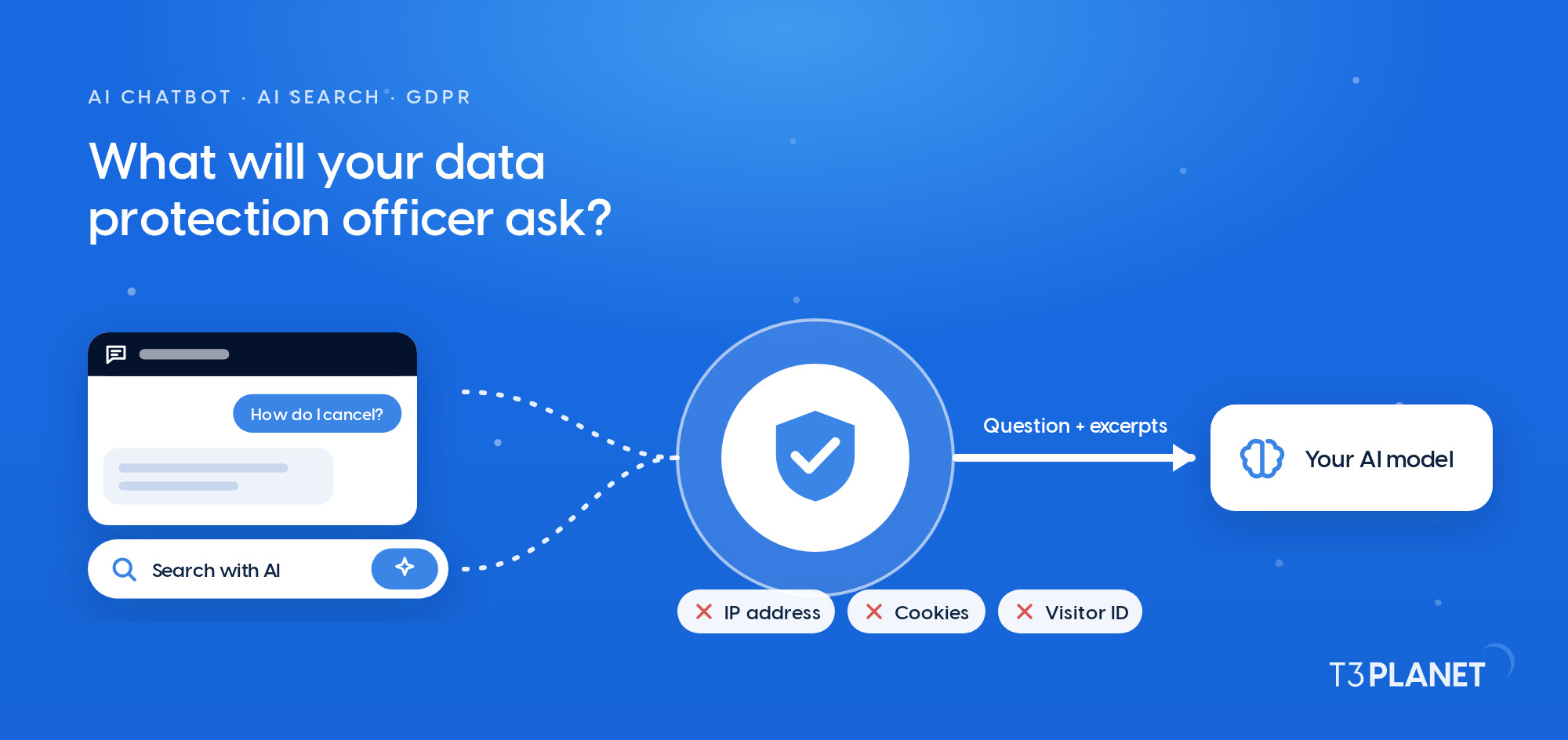
Start with the most private setup: point AI Foundation at a local Ollama model, and its requests go to no external AI service. With a cloud provider, your own API keys are the default, and AI Foundation calls that provider straight from your server. With your own keys, no T3Planet server sits between your TYPO3 installation and the provider, and the extension makes no call home.
Which model sees your content is your decision to make, and we built the controls for it into AI Foundation for you: per provider, per extension and per backend group. Keep assistants connected through the MCP server in mind too: Claude, Cursor and others pass what they read on to the model they run on.
Which model sees your content is your decision to make.
If your team would rather not manage API keys, the optional AI Credits add-on covers that. It is the one setup in which requests travel through T3Planet to the model providers. You never need it, and your own keys remain the default.

As a GPL-2.0-or-later TYPO3 extension, AI Foundation shares its licence with TYPO3 itself. In TYPO3's own words:
TYPO3 CMS 3.x and higher is licensed under the GNU General Public License, version 2 or later.
TYPO3, TYPO3's Open Source Licenses, accessed 11 September 2026
Put into agency practice, that licence gives you four freedoms:
You do not have to take our word for any of this. GitHub Actions runs automated tests against TYPO3 13 and 14, and the badges in the README show the latest result. If you find a vulnerability, report it privately to security@t3planet.de: SECURITY.md sets a target of acknowledging it within three business days. The decision you make together with your clients then rests on code anyone can read, not on a promise.
If you write TYPO3 extensions yourself, AI Foundation saves you the plumbing. Providers, usage logging and permissions are handled for you, and your code talks to a single interface. The contract has three parts:
nitsan/ns-t3af goes into your extension's composer.json.AiServiceInterface.complete(). Send the prompt along with an extensionKey and a featureKey, and AI Foundation chooses the provider, runs the request and records the usage.
In return, your extension inherits every provider your team has configured, the brand context, the permission model and the central log. You do not ship a provider SDK. Features can also become tools for any connected MCP client: register a public tool service tagged mcp.tool and put #[McpTool] on its execute() method, as the Developer Guide describes step by step.
The AI Foundation Developer Guide documents every contract. As a worked example, the ns_t3af_extended reference extension demonstrates each documented integration hook. And if an AI coding assistant writes part of your code, our Claude Code and TYPO3 developer guide is a useful companion.
This is the same contract our own AI extensions for TYPO3 are built on. AI Assistant, AI Chatbot, AI Search and AI Accessibility are premium extensions that add their features on top, and AI Foundation runs in full without any of them.

Pull requests are welcome in the AI Foundation repository on GitHub, and so are bug reports, fixes, tests and documentation. CONTRIBUTING.md tells you up front which checks a pull request has to pass: coding standards, static analysis and tests. Clear those and your change arrives ready for review, so we can improve the foundation together.
As a TYPO3 Association Gold Member with more than 15 years of TYPO3 work, over 3,200 customers and more than 100 published open-source extensions, the T3Planet team at NITSAN Technologies maintains AI Foundation.
Ready to try it? Explore AI Foundation, or book a call with Jürgen, our AI Consultant for TYPO3 and work out together how AI Foundation fits your projects.
Yes, on every site you run. AI Foundation is free and open source under GPL-2.0-or-later, so there is no licence key, no domain limit and no time limit to plan around.
No. Composer installs it from Packagist, or you take it from TER. There is no registration, and nothing we have to unlock for you.
TYPO3 12.4 LTS, 13.4 LTS and 14.x, each on PHP 8.2 or newer.
Nothing for the extension itself. On your own keys, your AI provider bills model usage to you directly, and a local Ollama model runs on your own hardware.
Jürgen Pietschmann
AI Consultant for TYPO3Jürgen Pietschmann is a T3Planet Product Consultant at T3Planet Shop. He specialises in integrating AI into editorial workflows – from intelligent content creation and automated SEO to AI-powered search and chatbot solutions for TYPO3 sites. As a technical consultant for T3Planet AI Universe, he works closely with agencies and editorial teams on practical TYPO3 implementations. Jürgen has been writing the This Month in TYPO3 series since December 2025 and has spoken at T3CON25 and TYPO3 Developer Days 2026 (T3DD26), where he co-presented Content Editing Unlocked.
More From Author