
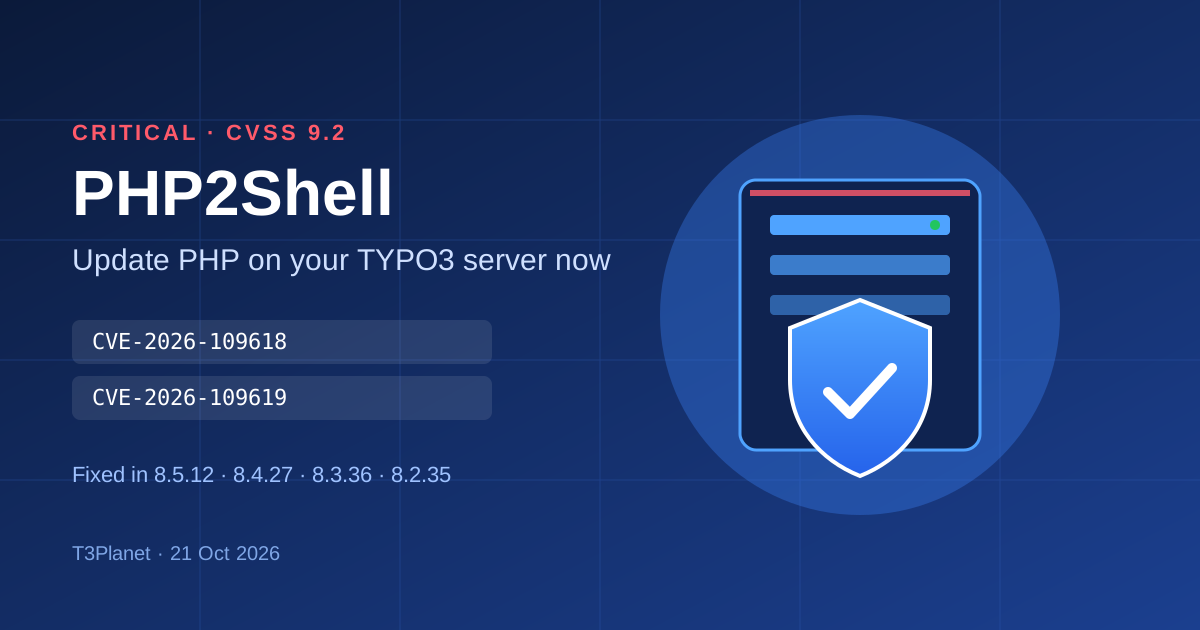
Critical PHP security release (PHP2Shell): what TYPO3 site owners must do now
Security


Looking to install TYPO3 extensions in composer mode locally? step-by-step instructions and best practices to streamline your TYPO3 development process.

Are you developing local custom TYPO3 extension development in "composer mode"? It means, your extension is not at composer server like packagist.org. No problem, Just perform below steps to install your custom local TYPO3 extension at TYPO3 composer.
// composer.json
"repositories": [
	{
        "type": "path",
        "url": "extensions/*",
        "options": {
          "symlink": true
        }
    }
],composer require yourvendor/yourextension:@dev

Sanjay Chauhan
Sanjay Chauhan A young technology enthusiast and entrepreneur. At 24, he co-founded NITSAN – a TYPO3 Agency in Bhavnagar, India. I love TYPO3, I would like to furnish TYPO3 people with informative content, tutorials, and experiences by composing regular TYPO3 blogs “as to give back to the community”. Today Sanjay is CTO and a TYPO3 innovator at NITSAN.
More From Author