
Automate TYPO3 Upgrades with TYPO3 Rector: Complete 2026 Migration Guide
Update

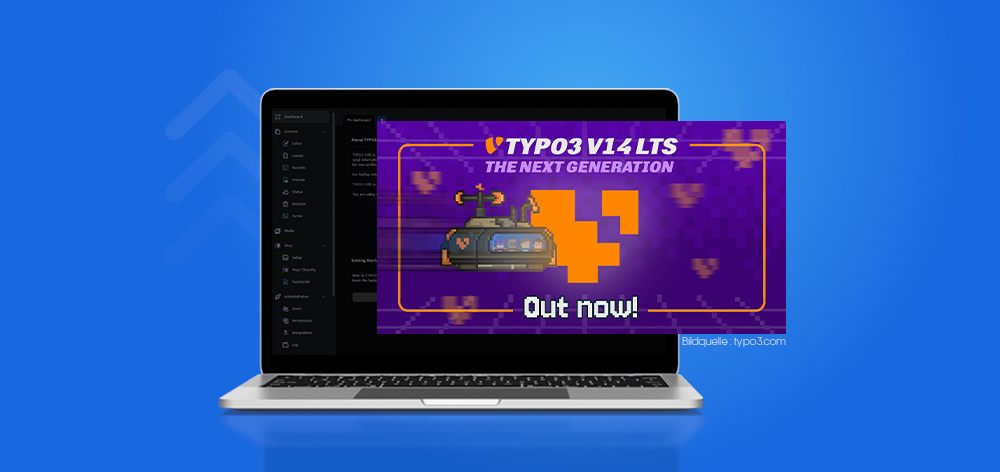
TYPO3 v14 is shaping up to be a defining release, bringing a sharper focus on usability, smarter integrations, and a more streamlined upgrade experience.
As the next major version approaches its LTS milestone, it signals not just incremental updates, but a broader shift in how teams build, manage, and scale digital platfo
This article explores what TYPO3 v14 introduces, from key features and release expectations to what it means for your upgrade strategy.
Whether you're planning your next move or evaluating its impact, understanding these changes early can help you stay ahead and make more informed decisions.
TYPO3 v14 is the upcoming major version of the TYPO3 CMS, expected to culminate in a Long-Term Support (LTS) release in 2026. It continues TYPO3’s evolution toward a more intuitive, flexible, and future-ready content management platform.
It matters because it brings meaningful improvements across editor experience, development workflows, and system architecture, making it easier to manage complex websites while adapting to modern digital demands.
Who is TYPO3 v14 for?
This release is particularly relevant for teams planning ahead for the next generation of TYPO3-powered projects.
TYPO3 v14 follows a structured release cycle designed to stabilize features progressively before the Long-Term Support (LTS) release. The roadmap reflects a predictable cadence, giving developers and agencies enough time to test, adapt, and prepare.
The LTS release is expected around April 2026, marking the point where TYPO3 v14 becomes production-ready with long-term maintenance and security support.
Development Phases:
Support Lifecycle:
This structured approach allows teams to begin testing early while aligning production upgrades with the LTS milestone for maximum stability.
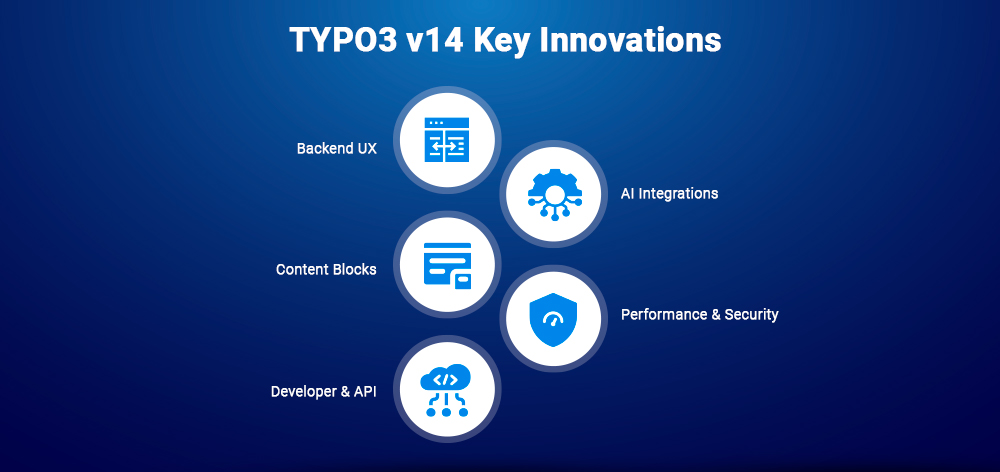
TYPO3 v14 introduces a set of focused improvements aimed at simplifying workflows, enhancing flexibility, and modernizing the overall development and editorial experience. Instead of isolated changes, this release emphasizes how different improvements work together to create a more efficient system.
TYPO3 v14 places strong emphasis on backend usability, making everyday tasks faster and more intuitive for editors and administrators.
Key improvements include:
These changes directly impact productivity by minimizing friction in daily content operations and shortening onboarding time for new users.
TYPO3 v14 begins integrating AI capabilities to support smarter content workflows and reduce manual effort.
Practical use cases include:
These integrations are designed to complement, not replace, editor workflows, helping teams create and manage content faster while maintaining control.
Content Blocks introduce a more structured and flexible way to define and manage content elements in TYPO3.
What they are:
Why they matter:
This approach improves collaboration between developers and content teams while reducing long-term maintenance complexity.
TYPO3 v14 strengthens both performance and security to support modern, high-demand environments.
Performance improvements:
Security enhancements:
These updates ensure TYPO3 remains reliable and scalable for enterprise-level applications while reducing operational risks.
TYPO3 v14 continues to modernize its developer ecosystem, making it easier to build, extend, and maintain projects.
Key enhancements include:
These improvements reduce development overhead, improve code maintainability, and align TYPO3 with modern development practices.
Understanding the differences between TYPO3 v13 and v14 helps you evaluate upgrade impact, effort, and long-term benefits. TYPO3 v14 builds on the stability of v13 while pushing forward in usability, flexibility, and modernization.
| Area | TYPO3 v13 | TYPO3 v14 |
| Backend UX | Functional but traditional interface | Cleaner, more intuitive UI with improved navigation and reduced clutter |
| Features | Mature feature set | Enhanced workflows, AI-assisted capabilities, Content Blocks for flexibility |
| Tech Stack | Stable PHP-based architecture | Modernized stack with improved APIs, better Composer integration, updated dependencies |
| Performance | Reliable performance | Faster backend, optimized queries, improved caching |
| Security | Standard security controls | Stronger access control, improved authentication, hardened core |
| Developer Experience | Solid tooling | Enhanced APIs, better CLI tools, improved extensibility |
| Deprecated Features | Some legacy support still present | Removal of outdated APIs and legacy components |
Key Takeaways:
Upgrading requires attention to deprecated APIs and extension compatibility
Upgrading to TYPO3 v14 requires a structured approach to minimize risks and ensure a smooth transition, especially for projects with custom extensions or complex configurations.
Make sure your environment is ready:
Failing to meet these requirements is one of the most common reasons upgrades fail.
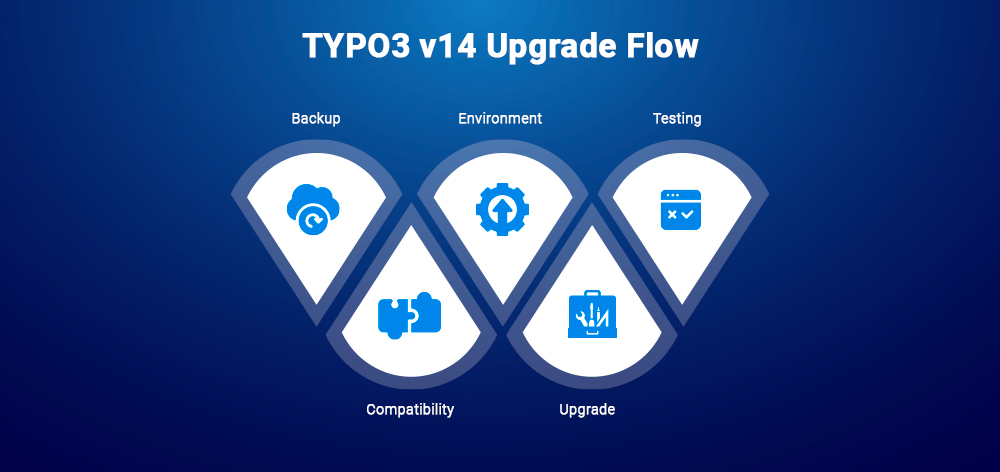
Never skip this, it's your rollback safety net.
Most upgrade issues originate here.
1. Extension Conflicts
2. Migration Errors
3. Backend/UI Issues
4. Custom Code Breaks
Upgrading to TYPO3 v14 is less about a single action and more about preparation. With the right approach, you can transition smoothly while taking full advantage of the improvements in performance, usability, and modern development practices.
Before upgrading or installing TYPO3 v14, ensuring your environment meets the required specifications is critical for stability and performance.
Core Requirements:
Browser & Backend Compatibility:
Installation & Environment:
Extension Compatibility:
Ensuring these requirements upfront helps avoid common blockers and ensures a smoother upgrade or installation process.
TYPO3 v14 is not just a technical upgrade, it reflects a broader product vision focused on usability, adaptability, and long-term sustainability.
Think of the TYPO3 CMS Product Strategy as a navigation system: it defines the direction, prioritizes what matters most, and ensures that development efforts stay aligned with real-world user needs. Rather than introducing changes in isolation, TYPO3 evolves through clearly defined goals shaped by community input and practical use cases.
At its core, the strategy emphasizes:
The TYPO3 Product Strategy Group plays a key role in translating community feedback into actionable priorities. This ensures that each release, including v14, delivers meaningful progress instead of incremental noise.
By focusing on clarity, consistency, and real user impact, TYPO3 v14 becomes part of a larger, intentional journey rather than a standalone update.
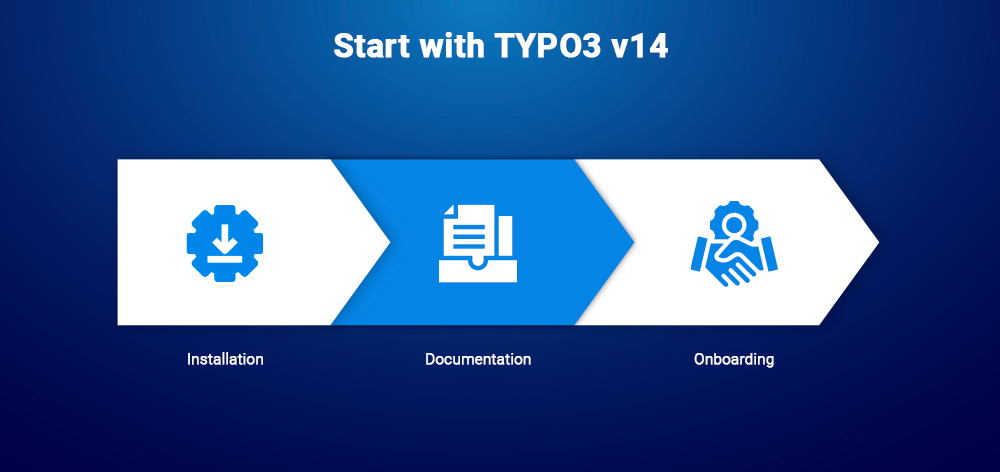
TYPO3 v14 lowers the barrier to entry, making it easier for new users and teams to get up and running without unnecessary friction.
Installation Simplifications:
Documentation Improvements:
Onboarding Experience:
These improvements make TYPO3 v14 more approachable while still retaining the power and flexibility expected by experienced developers and enterprise teams.
TYPO3 v14 places strong emphasis on making upgrades more predictable and less disruptive, especially for long-term projects and enterprise environments.
The overall upgrade experience is designed to:
Instead of treating upgrades as high-risk events, TYPO3 v14 encourages a more structured and manageable approach, allowing teams to prepare, test, and execute upgrades with greater control.
For a complete step-by-step process, requirements, and troubleshooting tips, refer to the Upgrade to TYPO3 v14 (Step-by-Step Guide) section above.
TYPO3 v14 begins to integrate AI capabilities in ways that directly support real-world workflows rather than introducing abstract features.
These use cases highlight TYPO3’s approach to AI: practical, assistive, and integrated into existing workflows rather than disruptive.
TYPO3’s evolution is deeply influenced by its community, and TYPO3 v14 reflects ongoing discussions, feedback, and shared priorities.
One of the most discussed topics is frontend editing, a feature many users would like to see. As of now:
Beyond specific features, community input plays a key role in shaping TYPO3’s direction:
This collaborative approach ensures TYPO3 evolves in a way that reflects actual user needs rather than assumptions.
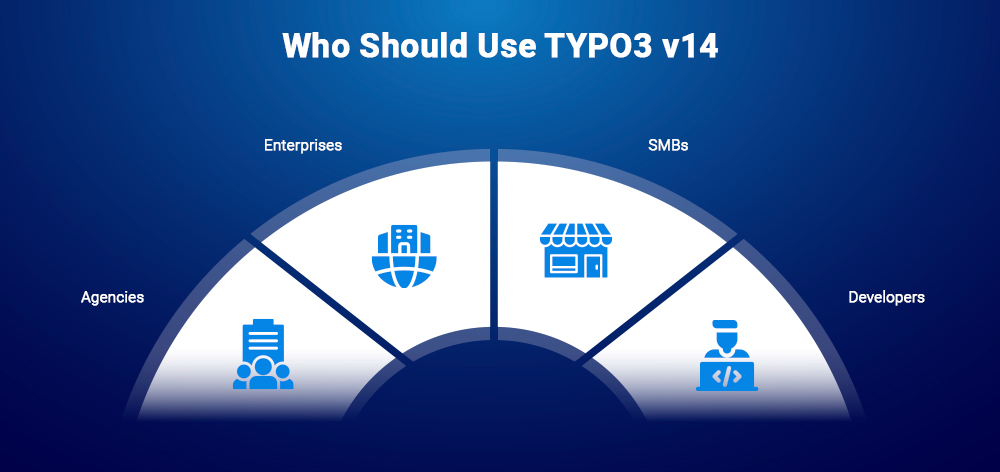
TYPO3 v14 is relevant for a wide range of users, but the value of upgrading depends on project goals, complexity, and long-term planning.
TYPO3 v14 is especially valuable for teams planning ahead, those who want to align with the platform’s future direction while improving current workflows and system performance.
TYPO3 v14 brings meaningful improvements, but like any major release, it also comes with considerations, especially for teams planning early adoption.
Evaluating these trade-offs helps teams decide the right timing for adoption.
TYPO3 v14 represents a thoughtful step forward, combining improved usability, modern development practices, and forward-looking capabilities like AI integration. Rather than introducing isolated changes, it focuses on refining the overall experience for developers, editors, and businesses alike.
With the LTS release approaching, now is the right time to start evaluating, testing, and preparing for adoption. Whether you're planning upgrades or new projects, TYPO3 v14 offers a stronger, more flexible foundation aligned with evolving digital needs.
As always, TYPO3’s strength lies in its community-driven evolution, making this release not just an upgrade, but part of a larger journey toward a more efficient and future-ready CMS.
TYPO3 v14 is expected to become an LTS (Long-Term Support) release, providing extended maintenance, security updates, and stability for long-term projects.
The TYPO3 v14 LTS release is expected around April 2026, following multiple development phases including beta and release candidates.
TYPO3 v14 introduces improvements in:
Upgrading involves:
A staging environment is strongly recommended before upgrading production systems.
TYPO3 v14 becomes fully stable with its LTS release. Earlier versions (alpha, beta, RC) are suitable for testing and preparation, but production use is recommended after LTS.
Wolfgang Weber
Brand & Communication LeadWolfgang Weber shapes TYPO3 with passion and expertise. As a TYPO3 enthusiast at T3Planet Shop, he has contributed to TYPO3 projects that make websites faster and more secure. Outside of TYPO3, you’ll probably find him exploring local cafés and enjoying football.
More From Author