

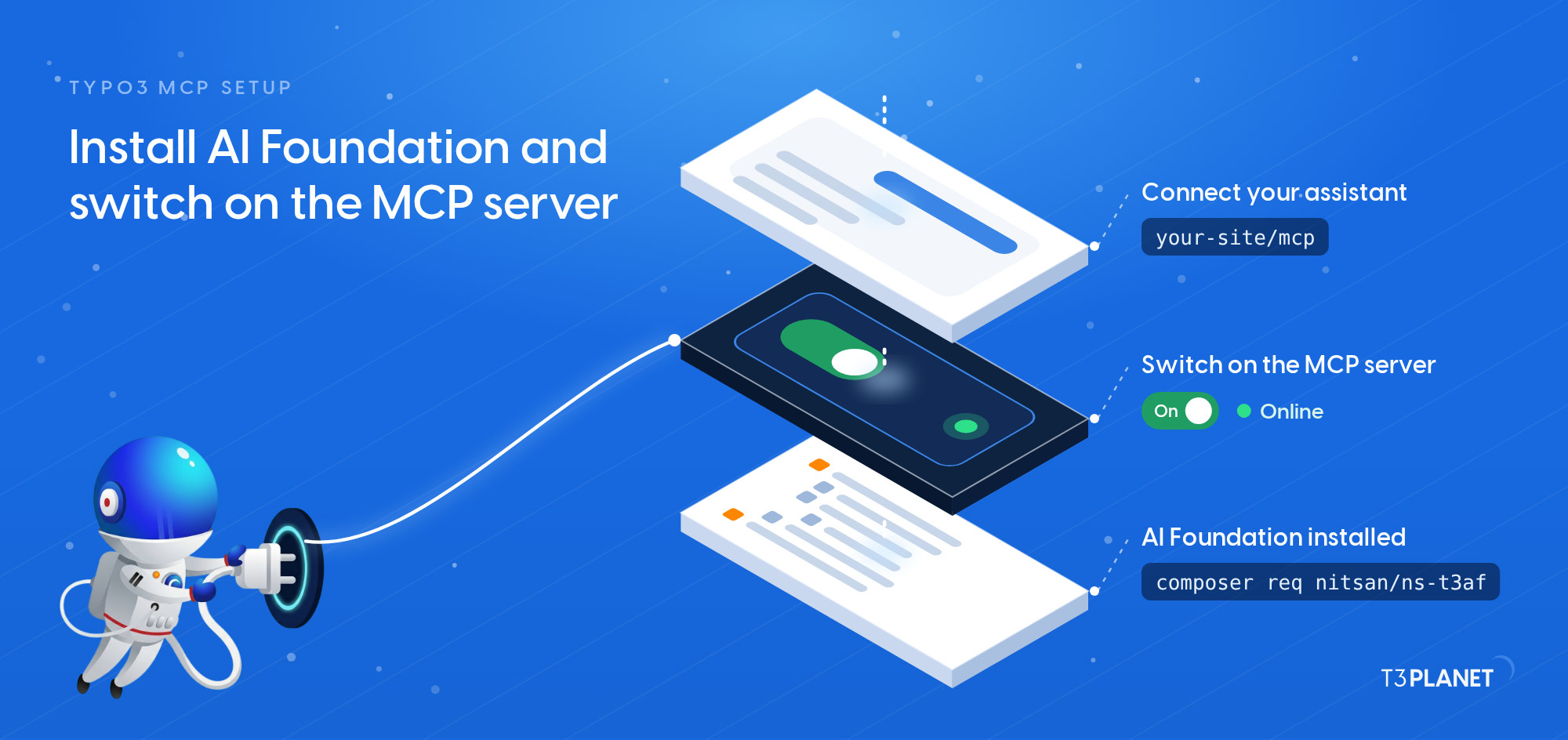
TYPO3 MCP setup: install AI Foundation and switch on the MCP server
Install AI Foundation with Composer, switch on its MCP server, connect your AI assistant with an OAuth sign-in and check it: the endpoint answers 401, OAuth Tokens lists the connection, and a first read-only question gets an answer. Recorded on our demo install.
Give me a quick overview of the pages on our website and the languages they exist in.
Transcript: every screen and subtitle
- 0:00MCP in Practice for TYPO3 · Episode 2: TYPO3 MCP setup: install AI Foundation and switch on the MCP server
- 0:02One prompt, in your own words: the pages of our site and their languages.
- 0:04MCP gives the assistant tools. The row names the connector: AI Universe Demo.
- 0:07It read the page tree and the site languages. Nothing was changed.
- 0:10Two sites, English and German, with the pages that have no German version.
- 0:12Tents is one of them. We check it on the website.
- 0:14Now check the connection in TYPO3.
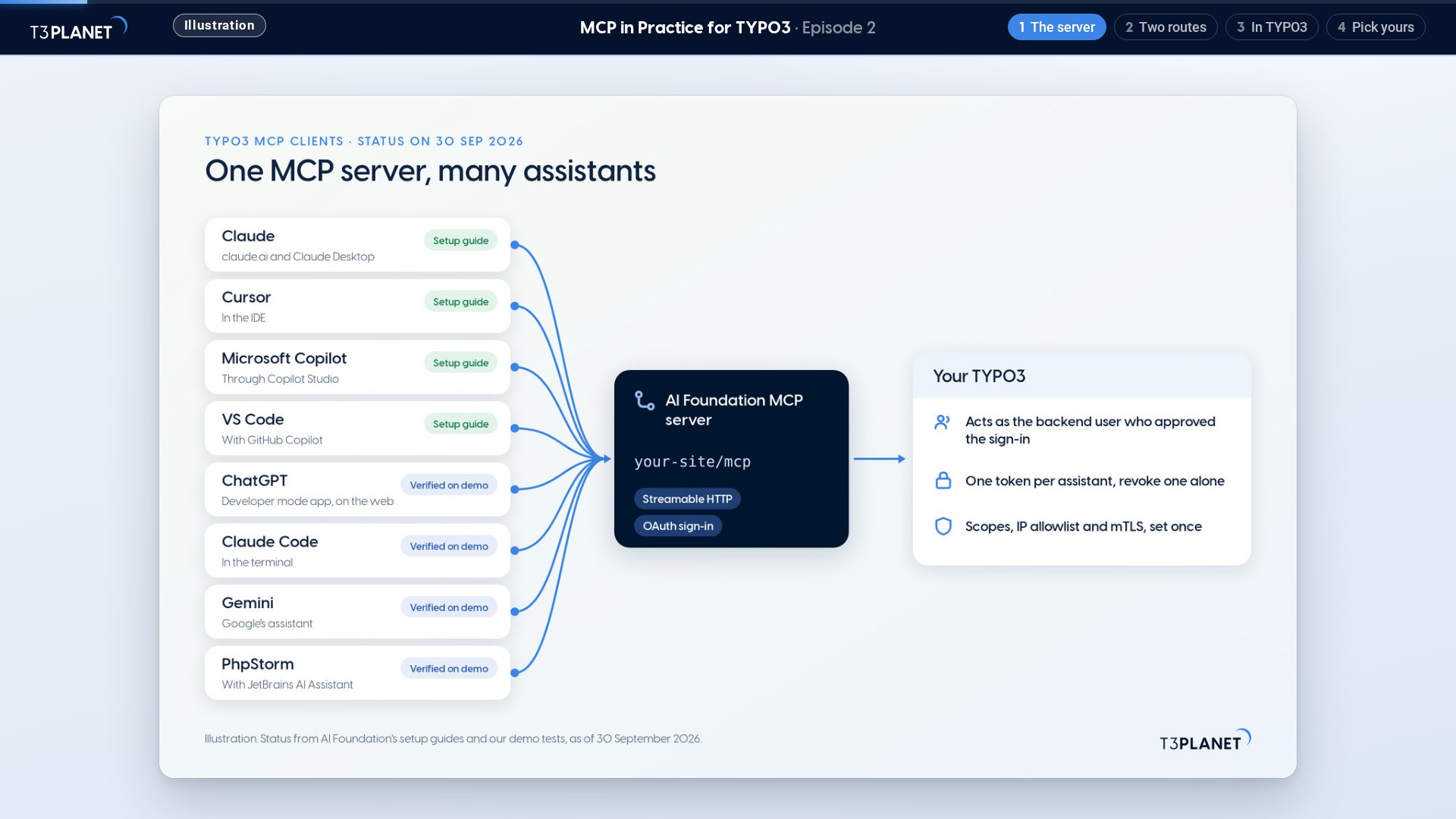
- 0:15MCP Server: status Online, the server URL, and Remote (OAuth) as the way to connect.
- 0:24A first connection opens a sign-in in your browser. You approve as a backend user.
- 0:32OAuth Tokens lists the assistant's connection, and you can revoke it.
- 0:34The core tools are free with AI Foundation. Extensions add licensed tools.
- 0:40English site: the menu has a Tents category.
- 0:45German site: no Tents category, as the assistant said.
- 0:5023.7 seconds from prompt to answer: the connection works.
- 0:52Read the post: t3planet.de/en/blog/typo3-mcp-setup/
 TYPO3 MCP setup: install AI Foundation and switch on the MCP server
Questions about this video
What does this video show?
The four steps of the setup on our demo install: install AI Foundation with Composer, switch on its MCP server, connect an AI assistant with an OAuth sign-in, and check that it answers.
How do I know the connection works?
The endpoint answers 401 before sign-in, OAuth Tokens in the module lists the connection afterwards, and a first read-only question gets an answer: 23.7 seconds on our demo install.
Who does the assistant act as?
As the backend user who signed in. On Live its changes are live at once, so pick that user's rights with care and end a connection under OAuth Tokens when you no longer want it.
The other video of this episode
More videos
 1:00TYPO3 MCP use cases: what you can hand to an AI assistant, on one map
- MCP in Practice for TYPO3Episode323 Oct 2026TYPO3 content editing with AI: four everyday edits from chat