

BFSG and TYPO3: A 10-Point Checklist for Your Website

BFSG and TYPO3: who is covered, what to meet, a 10-point checklist with code and where AI scanning helps.
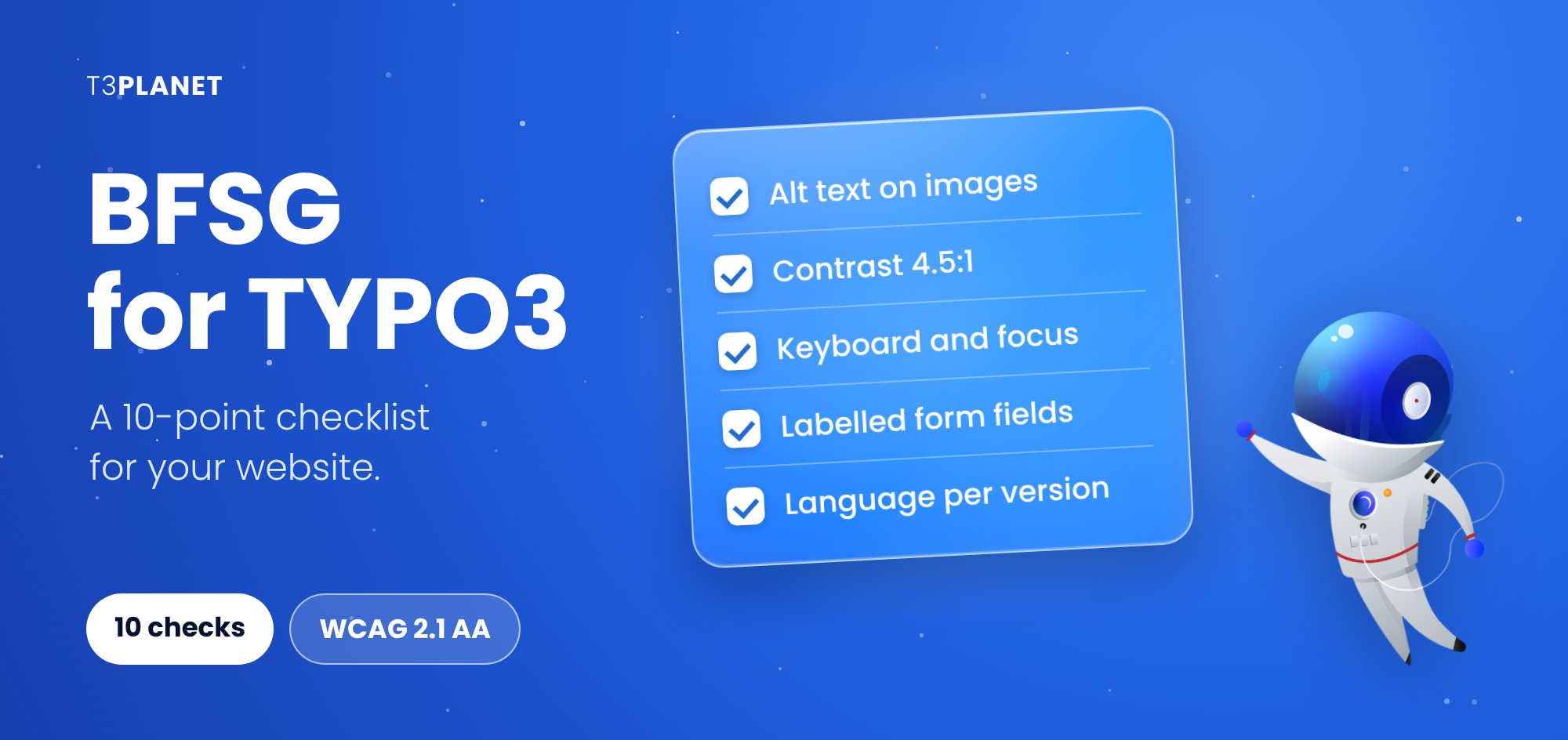
In short: The BFSG has applied since 28 June 2025 to online shops and other consumer services. Websites should meet WCAG 2.1 level AA through EN 301 549 and publish how they do. Service microenterprises are exempt. This checklist gives 10 points for TYPO3. It is not legal advice.
<div
class="table-of-content
">
In this post
BFSG for TYPO3 in 60 seconds
- The BFSG has applied since 28 June 2025 to consumer products and services, including online shops and other consumer services on the web.
- Pure B2B sites are not covered. Microenterprises (under 10 staff, turnover or balance sheet up to 2 million euros) are exempt when they provide services.
- The yardstick is EN 301 549, which points to WCAG 2.1 level AA for web content.
- Covered services must also state how they meet the rules and name the supervising authority, usually in an accessibility statement.
- Fines of up to 100,000 euros are possible, and competitors can send warning letters.
- TYPO3 gives you a base. Templates, content and extensions decide whether the site passes.
- This is a checklist, not legal advice.
Does the BFSG apply to your TYPO3 website?
The Barrierefreiheitsstärkungsgesetz (BFSG) covers products and services for consumers (B2C). For websites this means mainly online shops and other services sold to consumers online, such as booking, ordering, consumer banking and e-book services.
Who is covered, who is exempt
- Covered: online shops, booking and ordering portals, consumer banking and telecommunication services, e-books and their platforms.
- Not covered: pure B2B websites, and microenterprises that provide services: fewer than 10 employees and an annual turnover or balance sheet total of up to 2 million euros. The exemption does not cover product makers and importers.
- Unclear: mixed B2B and B2C offers, and agencies that run shops for clients. Get a legal read for your case.
Service contracts concluded before 28 June 2025 may continue unchanged until 27 June 2030 at the latest. New contracts and new offers do not get that grace period.
Market surveillance sits with the joint authority of the German states, the MLBF in Magdeburg. If a business does not comply after being asked, fines of up to 100,000 euros are possible. Competitors and associations can also send warning letters (Abmahnungen).
Is your TYPO3 website covered? Two questions.
What does a TYPO3 website have to meet?
The BFSG points to the European standard EN 301 549. For web content, that standard uses WCAG 2.1 at level AA. WCAG sorts its rules into four principles: content must be perceivable, operable and understandable, and it must work with assistive technology.
On top of the technical rules, covered services must say how they meet the accessibility requirements, in their terms or in another clearly visible way, and name the market surveillance authority. Most sites do this on a page called accessibility statement. Check the exact wording with your lawyer.
TYPO3 gives you structure: headings, language versions, a page tree. It does not make a site compliant by itself. A theme with weak contrast, an extension with unlabelled form fields or an editor who skips alt text breaks the result. The legal text is public: BFSG on gesetze-im-internet.de.
People can see or hear the content.
alt captions contrastPeople can use it without a mouse.
:focus-visible skip linkText, forms and errors make sense.
<label> langIt works with assistive technology.
valid HTML ARIA only when neededThe 10-point BFSG checklist for TYPO3
Work through the points in this order. Each one maps to a WCAG 2.1 AA requirement. The graphic after the list shows who usually owns each point, and the contrast examples show what point 2 means.
- Alt text for images. Every meaningful image has a short alt text that says what it shows. Decorative images get an empty alt attribute.
- Colour contrast. Normal text reaches 4.5:1, large text and interface parts such as buttons and input borders reach 3:1.
- Keyboard use. Every function works with the keyboard alone, and the focus is always visible.
- Heading structure. One H1, then H2 and H3 in order. Choose headings for structure, not size.
- Link text. A link says where it leads. "Read more" alone does not.
- Forms. Every field has a label, and error messages name the field and the fix.
- Page language. The language is set for each page and each language version.
- Video and audio. Videos have captions and audio has a transcript.
- Zoom and reflow. Text can grow to 200 percent, and at 320 px width the page works without sideways scrolling.
- Accessibility statement. It is published, linked and kept current.
Points 1, 4 and 5 are editor work. Points 2, 3, 6, 7 and 9 sit in the template. Point 8 needs production effort. Point 10 needs a person who owns the text.
Who usually owns each of the 10 points
Editors
Daily content work
- 1Alt text
- 4Heading structure
- 5Link text
Template
Theme and extension code
- 2Colour contrast
- 3Keyboard and focus
- 6Forms
- 7Page language
- 9Zoom and reflow
Production
Media effort
- 8Captions and transcripts
Owner and legal
A named person
- 10Accessibility statement
Contrast in practice: normal text needs 4.5:1
What do the checks look like in code?
Four of the points come down to a few lines. Use them as patterns, not as copy-and-paste for every site.
Points 1 and 5: alt text and link text
<!-- meaningful image: say what it shows -->
<img src="team.jpg" alt="Support team reviewing a checklist at a desk">

<!-- decorative image: empty alt, so screen readers skip it -->
<img src="divider.svg" alt="">

<!-- weak link text -->
<a href="/guide">Read more</a>

<!-- clear link text -->
<a href="/guide">Read the accessibility guide</a>
Point 3: visible focus and a skip link
a:focus-visible,
button:focus-visible,
input:focus-visible {
  outline: 3px solid #1f6dd1;
  outline-offset: 2px;
}

.skip-link:not(:focus) {
  position: absolute;
  left: -9999px;
}
<a class="skip-link" href="#main">Skip to main content</a>
...
<main id="main">
Point 6: a labelled form field
<label for="email">Email address</label>
<input id="email" name="email" type="email"
       autocomplete="email" required
       aria-describedby="email-hint">
<p id="email-hint">We reply within one working day.</p>
Point 7: language per version
TYPO3 sets the language of each page from your site configuration. Define the language tag for every version in config/sites/<identifier>/config.yaml, then check the lang attribute of the page in the page source:
languages:
  -
    title: English
    languageId: 0
    locale: en_GB.UTF-8
    hreflang: en-GB
    base: /en/
  -
    title: Deutsch
    languageId: 1
    locale: de_DE.UTF-8
    hreflang: de-DE
    base: /
If a passage on a page switches language, mark it: <span lang="de">Barrierefreiheit</span>.
How do you run a quick check yourself?
Before you scan or hire anyone, three lines in the browser console show the most common gaps. Open a page, press F12 and paste one line into the console:
// 1. images without any alt attribute
document.querySelectorAll('img:not([alt])').length

// 2. heading outline: is the order sensible?
[...document.querySelectorAll('h1,h2,h3,h4')].map(h => h.tagName + ' ' + h.textContent.trim())

// 3. inputs without a label
[...document.querySelectorAll('input:not([type=hidden]):not([type=submit])')]
  .filter(i => !i.labels.length && !i.getAttribute('aria-label')).length
Then do two manual tests. Press Tab through the page and watch the focus. Zoom the browser to 200 percent and look for text that is cut off. Neither test needs a tool, and both catch problems that scanners miss.
Where does AI tooling help, and where does a person decide?
An automatic scan checks what a machine can test, such as missing alt text or low contrast. It cannot tell whether an alt text describes the image well, whether a form is understandable or whether a checkout works for a screen reader user. Those calls stay with people.
TYPO3 AI Accessibility (T3AA) supports the machine part inside the TYPO3 backend:
- Scan. Run a scan of pages and files to list findings.
- Fix Hub. Work through the findings in one place instead of searching page by page.
- AI alt text. Generate alt text suggestions for images that lack one. An editor reviews each suggestion before it is saved.
- Monitor. Re-scan after content changes so new problems do not pile up.
A scan is not an audit and not a certification. Use it to find and fix problems, and have critical flows, such as checkout and contact forms, tested by people.
Who does what: the scan finds, a person decides
The machine
- 1ScanLists findings for pages and files.
- 2Fix HubWorks through findings in one place.
- 3AI alt textSuggests text for images without one.
- 4MonitorRe-scans after content changes.
A person
- ✓Reviews each alt textDoes it say what the image shows?
- ✓Tests the key flowsCheckout and contact form with keyboard and screen reader.
- ✓Judges meaningIs the form understandable?
- ✓Signs offOwns the statement and the legal read.
Where should you start this week?
- Decide scope. Is your site covered? If unsure, ask a specialist lawyer before you spend budget.
- Scan the top 10 pages by visits and fix findings for points 1 to 6 first.
- Test your shop or contact flow with the keyboard only, then at 200 percent zoom.
- Write and link the accessibility statement, with a contact for feedback.
- Add a re-scan to your release checklist so every release gets checked.
This article is a checklist, not legal advice. For binding answers on scope, deadlines or liability, ask a specialist lawyer.
A five-day start (suggested order)
Frequently asked questions about the BFSG and TYPO3
Start with alt text, contrast, keyboard use, headings, link text and form labels on your most visited pages and your shop or contact flow.
The exemption applies to microenterprises that provide services: under 10 staff and up to 2 million euros turnover or balance sheet. It does not cover product makers and importers. Confirm your case with a lawyer.
No. The law covers consumer products and services. Mixed offers that also address consumers need a legal check.
No. A scan finds only machine-testable problems. People must check meaning, flows and understandability.
No. TYPO3 provides a base, but templates, content and extensions decide whether the site meets the requirements.
Fines of up to 100,000 euros are possible if a business does not comply after being asked. Competitors and associations can also send warning letters.
Covered services must state how they meet the requirements and name the market surveillance authority. Most sites publish this as an accessibility statement. Check the wording with a lawyer.
EN 301 549, which refers to WCAG 2.1 level AA for web content.
Since 28 June 2025. Service contracts made before that date can continue unchanged until 27 June 2030 at the latest.
If you sell products or services to consumers online, usually yes. Pure B2B sites and service microenterprises are exempt. Have unclear cases checked by a lawyer.
Related reading
- TYPO3 AI Accessibility: scan, fix and monitor accessibility in the TYPO3 backend.
- TYPO3 AI: all T3Planet AI extensions in one place.
- TYPO3 blog: more guides from T3Planet.
Sources
BFSG text: gesetze-im-internet.de. Bundesfachstelle Barrierefreiheit: bfb-barrierefreiheit.de. WCAG 2.1: w3.org. EN 301 549: etsi.org. IHK summary of scope, fines and statement duties: ihk.de. TYPO3 site configuration: docs.typo3.org. Checked 19 November 2026. Not legal advice.
Jürgen Pietschmann
AI Consultant for TYPO3Jürgen Pietschmann is a T3Planet Product Consultant at T3Planet Shop. He specialises in integrating AI into editorial workflows – from intelligent content creation and automated SEO to AI-powered search and chatbot solutions for TYPO3 sites. As a technical consultant for T3Planet AI Universe, he works closely with agencies and editorial teams on practical TYPO3 implementations. Jürgen has been writing the This Month in TYPO3 series since December 2025 and has spoken at T3CON25 and TYPO3 Developer Days 2026 (T3DD26), where he co-presented Content Editing Unlocked.
More From Author