
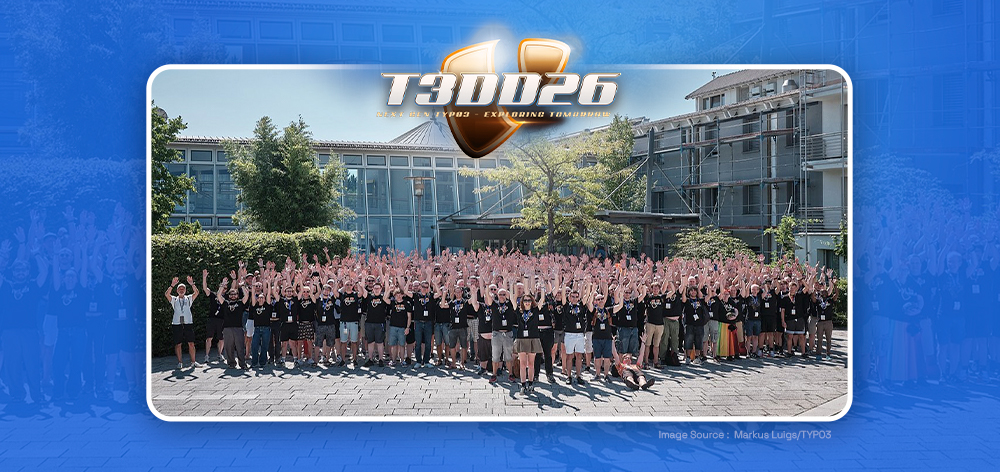
TYPO3 Developer Days 2026 | Karlsruhe
Community


New to TYPO3? You must have heard of the amazing features and functionalities of Open Source TYPO3 CMS, but my friend have you experienced it? Free TYPO3 Demo is the thing for you, Try before the start!
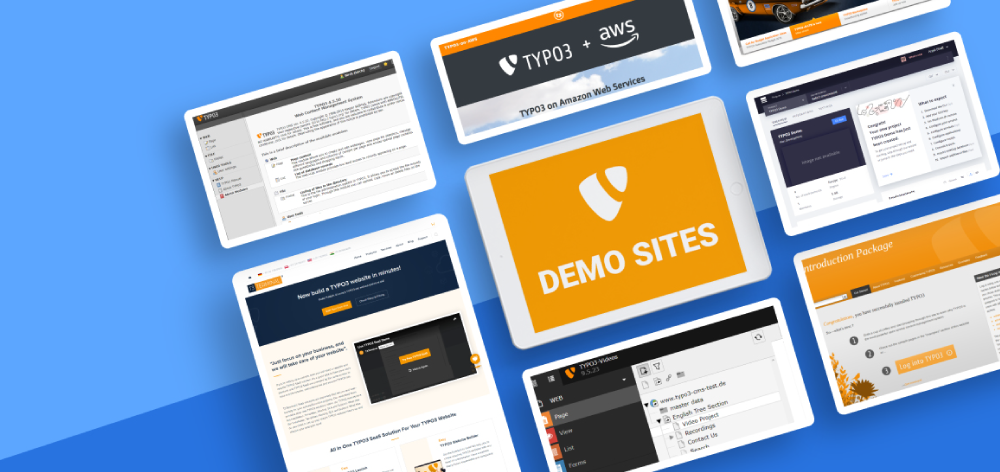
Want to see TYPO3 before you build with it? A free TYPO3 demo lets you log in to a live backend, click through the page tree and try the editing tools without installing anything.
Building a TYPO3 website from scratch, or rebuilding an existing one, is a big decision. The free TYPO3 demo sites below let you test the backend and features first. Pick the demo that matches your goal: editing, hosting or older versions.
TYPO3: Quality Open Source CMS Since 1998!
A demo helps clients and newcomers try TYPO3 CMS hands-on and shows how editors work day to day. So let's look at the demos.
A free TYPO3 demo lets you test the backend, page tree and editing tools before you commit to a project. This list covers 8+ live TYPO3 demo sites you can try today, plus what to look for in each.
Updated 16 November 2026 | T3Planet editorial team
TYPO3 is a free, enterprise-level open source CMS with many built-in features and wide room for customization. It suits a small business site as well as a large multilingual enterprise project.
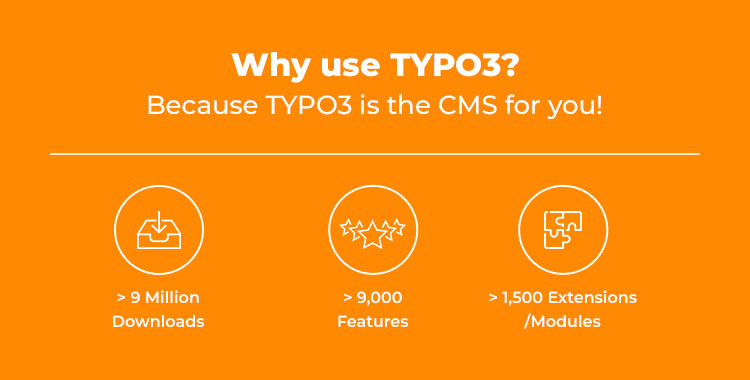
To know more about TYPO3, we recommend reading blog 51 Good Reasons to dive into TYPO3
A demo site lets potential customers try your TYPO3 theme, extension or feature in a realistic environment. It is also a quick way to show what TYPO3 can do to someone who doesn't know it yet, and to help them decide whether TYPO3 fits their needs.
Setting up a demo site for TYPO3 extensions or TYPO3 templates can be as simple as installing TYPO3 and giving everyone a demo account. You can also offer different theme options for a specific experience. For teams ready to move beyond demos, the TYPO3 agency for new development can handle configuration, customization and long-term support.
One more thing, if you’re new to TYPO3 CMS and looking for resources to learn TYPO3, these guides may help you, 30 Best Resources to Learn TYPO3 for Beginners Beginners Guide to TYPO3 CMS, Community and Resources
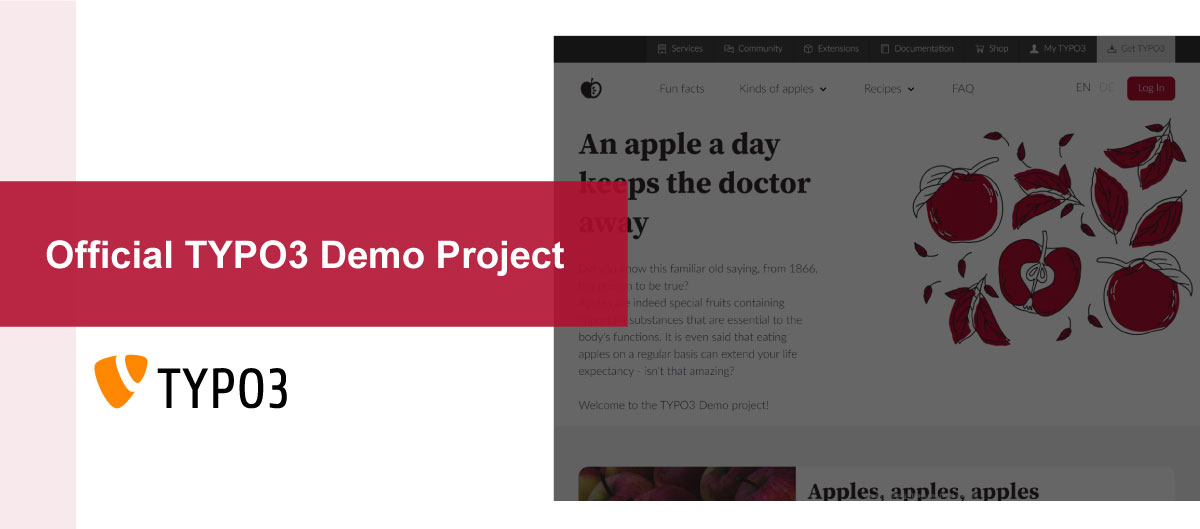
TYPO3 runs an official demo project that shows the CMS and some of its features. It gives you, your potential clients and anyone interested in TYPO3 a look at the system we all build and love.
You don't need to be a developer or have a web server to try it. The demo project is already running. Open your browser, go to demo.typo3.org and have a look.
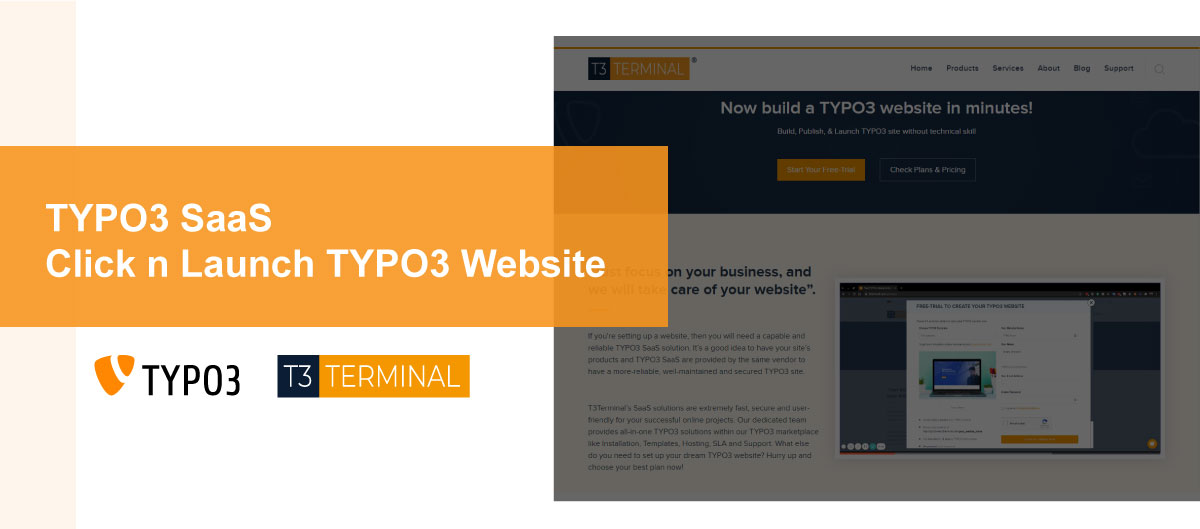
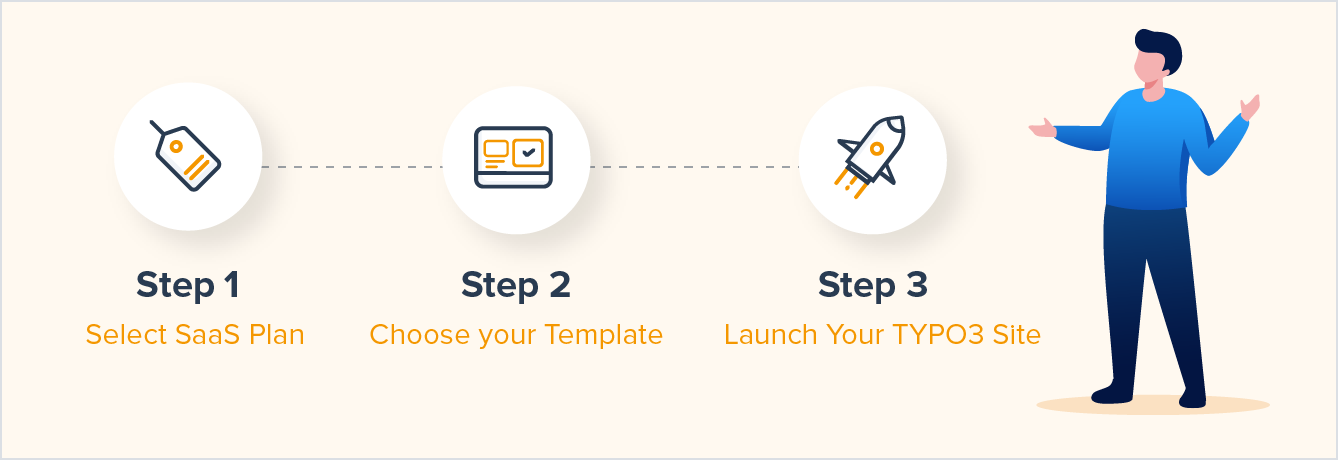
T3Planet built TYPO3 SaaS to give you everything in one place: TYPO3 CMS, a TYPO3 Template, hosting, customization and installation. It is automated and instant, so you don't have to rely on service providers or agencies for the setup.
You can try the TYPO3 SaaS demo in two steps:
Step 1: Select your favorite TYPO3 template.
Step 2: Your TYPO3 website is ready to go.
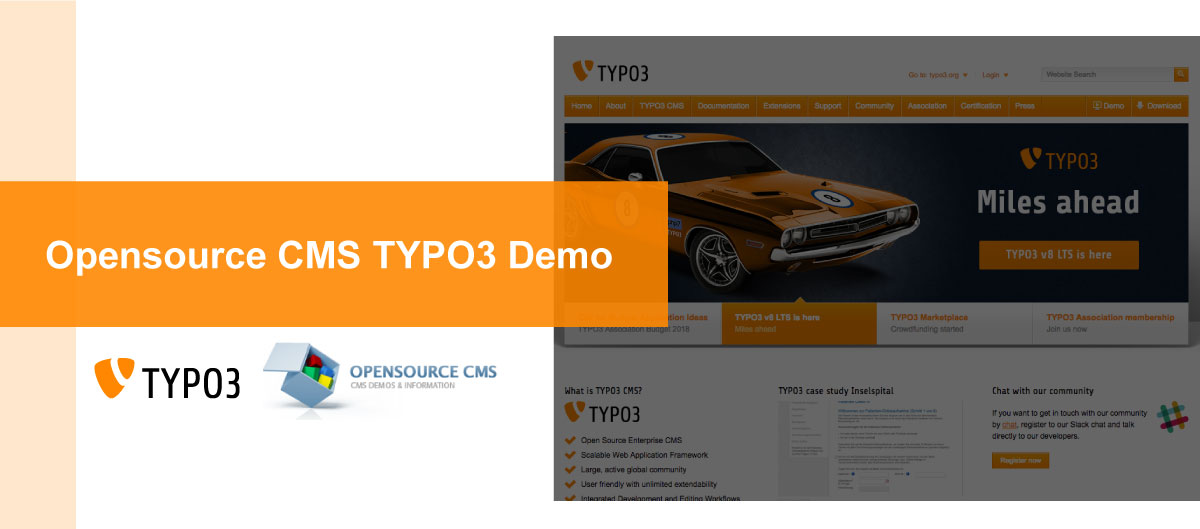
Try the TYPO3 demo at OpenSourceCMS.com, a central resource for open source CMS demos such as TYPO3.
It offers a public demo installation that is shared with other visitors and resets hourly. Use the provided links and login credentials to access it. Availability can change, so if a link is down, use the official demo above.
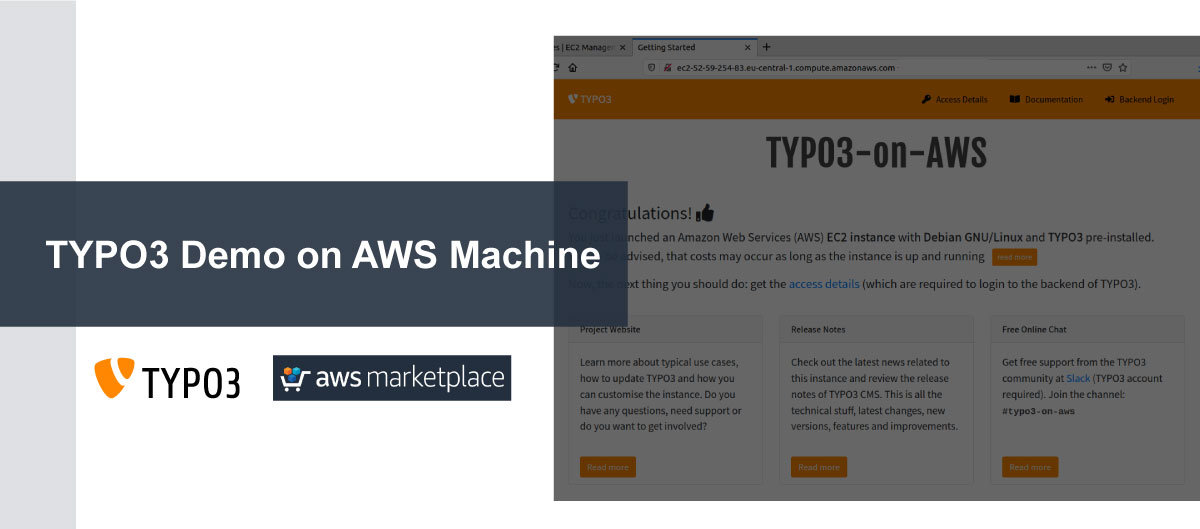
From t3rrific.com you can try a TYPO3 demo on an AWS machine. The guide shows how to install, configure and secure TYPO3 on your Amazon Linux instance. It is a good introduction to Amazon EC2, because you get full control over the web server that hosts your TYPO3 site, which traditional hosting rarely offers.
Looking for a beginner guide to TYPO3 installation and configuration on AWS? Read TYPO3 on AWS.
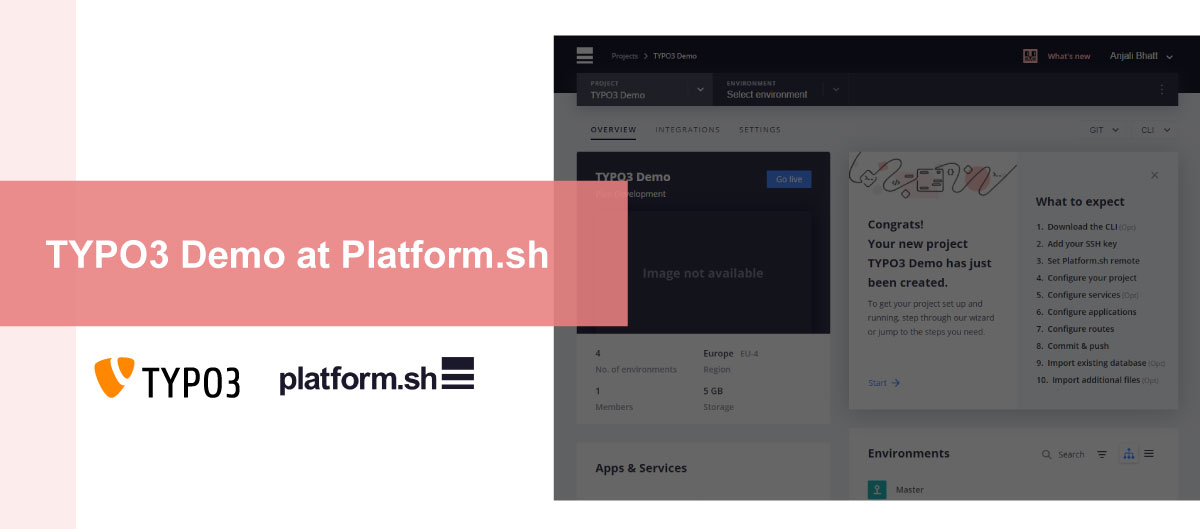
Platform.sh (now Upsun) is a cloud platform that connects agile development with enterprise-grade production for TYPO3 projects. You can try a free TYPO3 setup there.
To set it up yourself, follow our guide to TYPO3 on Platform.sh.
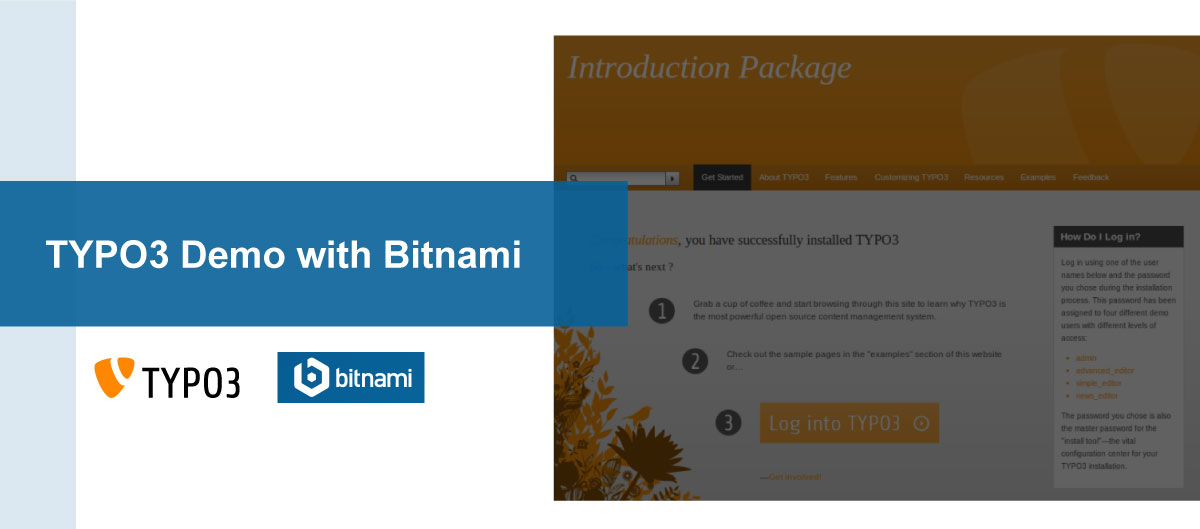
The Bitnami TYPO3 Stack offers a free TYPO3 demo setup with one-click install. Download installers and virtual machines, or run your own TYPO3 server in the cloud. Check that the stack is still maintained before you rely on it.
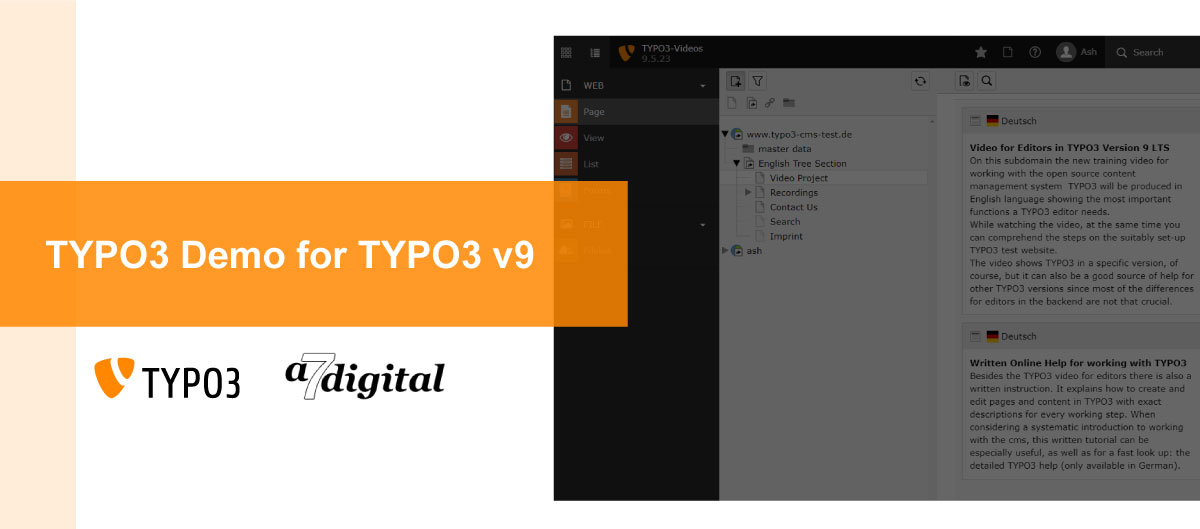
TYPO3 v9 has reached end of life, so use this demo for reference only. It lets you test working as an editor, and it provides several subdomains so many users can test at the same time.
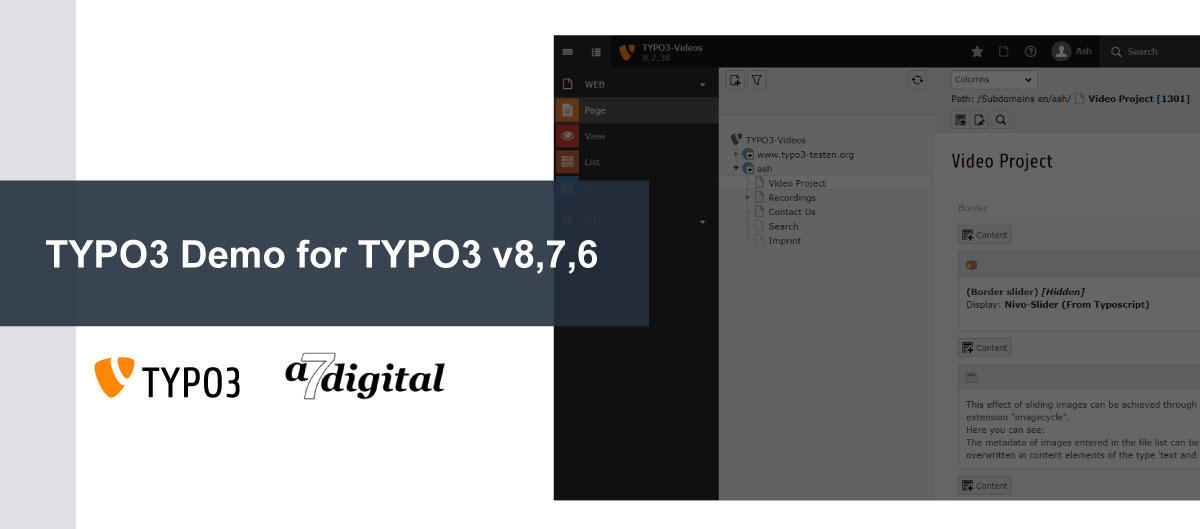
These demos are built for TYPO3 v8, v7 and v6 and are meant for editors, with only small content differences. A fixed reference website is provided in the backend. Enter the provided username and password in the login form to look back at how TYPO3 v8 worked.
These versions are end of life, so treat them as history, not as a guide to current TYPO3.
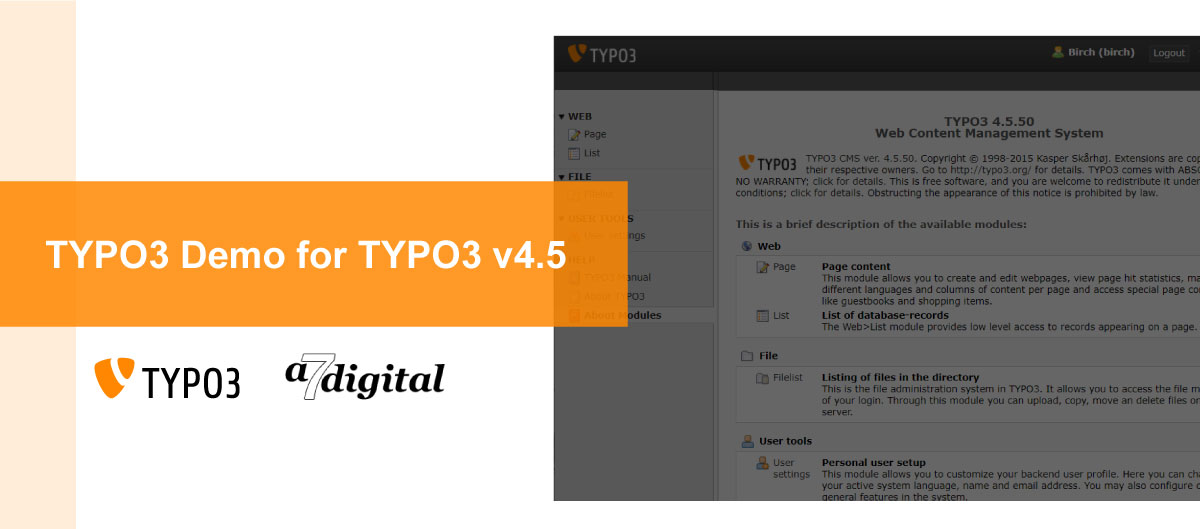
TYPO3 fans can look back at where the CMS started. The demo for version 4.5 shows how far TYPO3 has come and how rich it has become over the years.
To test TYPO3 with your own data and a rich TYPO3 template, we recommend the free 15-day trial of the TYPO3 SaaS solution.
If you like it after the trial, simply upgrade to a paid plan.
A TYPO3 demo helps business owners and marketers show what the CMS can do, and lets newcomers test it without installing anything. Start with the official demo, then pick the option that matches your goal: SaaS for a fast start, AWS for hosting control, or an older version for reference.
Do you know another place to try a TYPO3 demo? What is your favorite TYPO3 feature? Tell us in the comments below!
Yes. Several live TYPO3 demo sites are free to try, and this list shows 8+ of them.
No. Live demo sites run in your browser, so you can log in to the backend without any setup.
Look at the page tree, the content editing flow, user roles and how the frontend is built.
The current version is best. TYPO3 v14.3 LTS is the latest long-term support release.
Install it locally with DDEV or Docker. See the related guides below.


Wolfgang Weber
Brand & Communication LeadWolfgang Weber shapes TYPO3 with passion and expertise. As a TYPO3 enthusiast at T3Planet Shop, he has contributed to TYPO3 projects that make websites faster and more secure. Outside of TYPO3, you’ll probably find him exploring local cafés and enjoying football.
More From Author