



Migrate from Drupal to TYPO3: A Step-by-Step Guide
Development


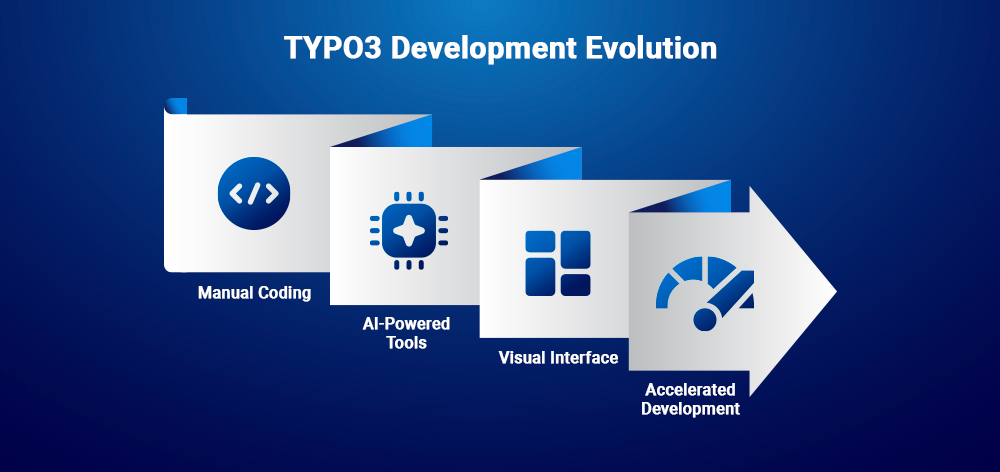
Claude Code brings agentic AI coding to TYPO3 development. This guide shows you how to combine your TYPO3 expertise with AI assistance to build extensions faster while maintaining code quality and architectural integrity.
TYPO3 extension development requires deep knowledge of Extbase, Fluid, TCA configurations, and TypoScript. Claude Code doesn't replace that expertise, it amplifies it. Think of Claude Code as a highly skilled assistant that handles boilerplate, maintains coding standards, and speeds up repetitive tasks while you focus on architecture and business logic.
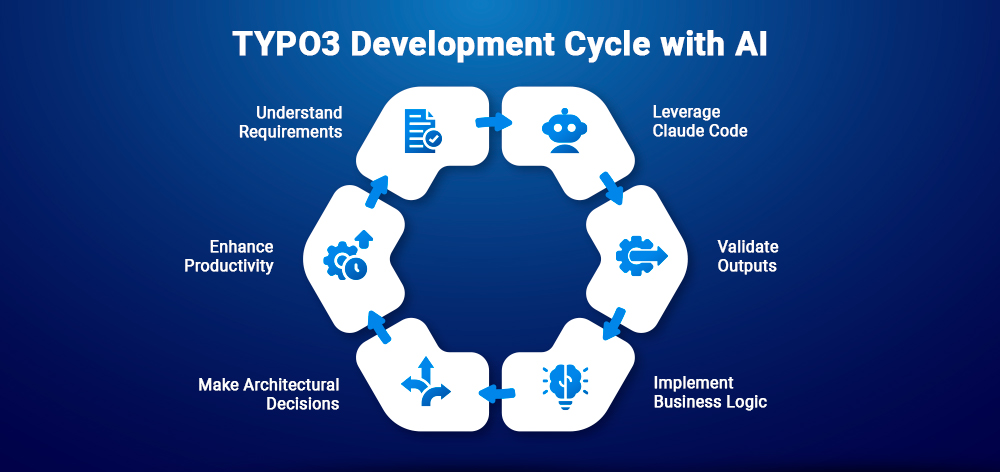
The reality is simple: AI + Your TYPO3 Knowledge = Better Productivity. Claude Code excels at structure generation and pattern implementation, but you still need to understand what you're building, validate outputs, and make architectural decisions. This guide shows you how to leverage both effectively.
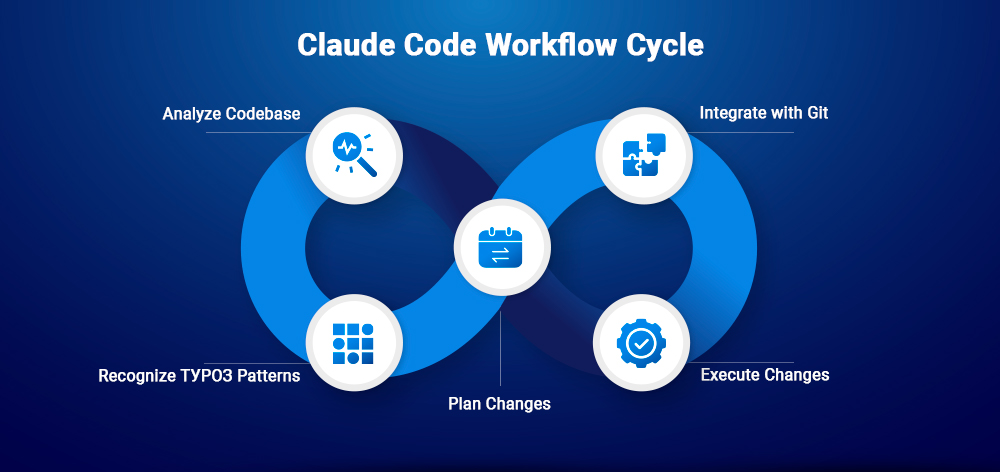
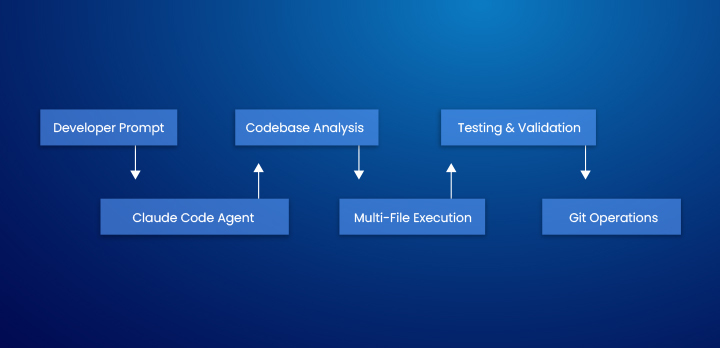
Claude Code is Anthropic's command-line agentic coding tool from the Claude 4 model family. Unlike autocomplete tools, it operates autonomously across your entire codebase, planning, executing multi-file changes, and integrating with git workflows.
Key characteristics:
Claude Code Architecture:
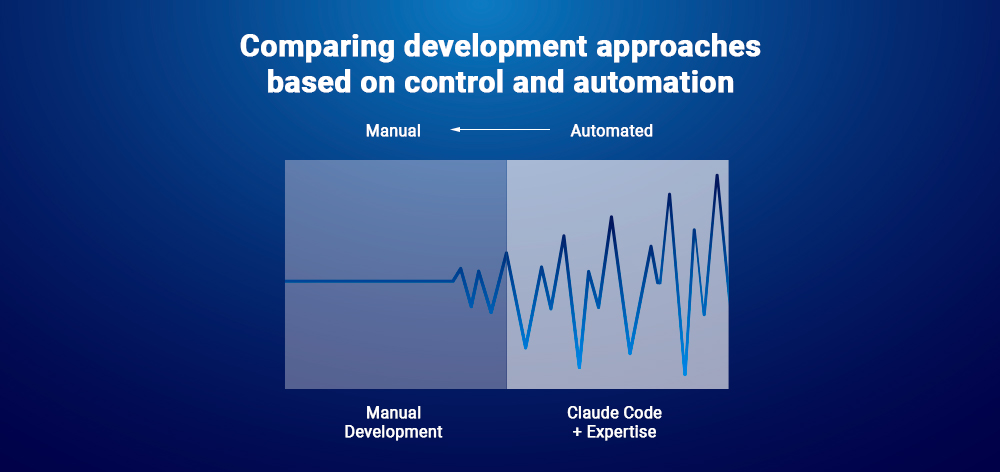
| Aspect | Manual Development | Claude Code + Your Expertise |
| Speed | Methodical, complete control | Fast scaffolding, requires validation |
| Code Quality | Depends entirely on your skill | Consistent patterns, needs edge case review |
| Learning | Deep understanding from ground up | Faster results, but can mask knowledge gaps |
| Complex Logic | Precise implementation | Needs clear specifications and review |
| Maintenance | Full ownership of every line | Good prompts = maintainable code |
| Cost | Your time only | API costs + review time |
Key Insight: Claude Code works best when you understand TYPO3 well enough to write effective prompts, validate outputs, and catch mistakes. It's a productivity multiplier, not a skill replacement.
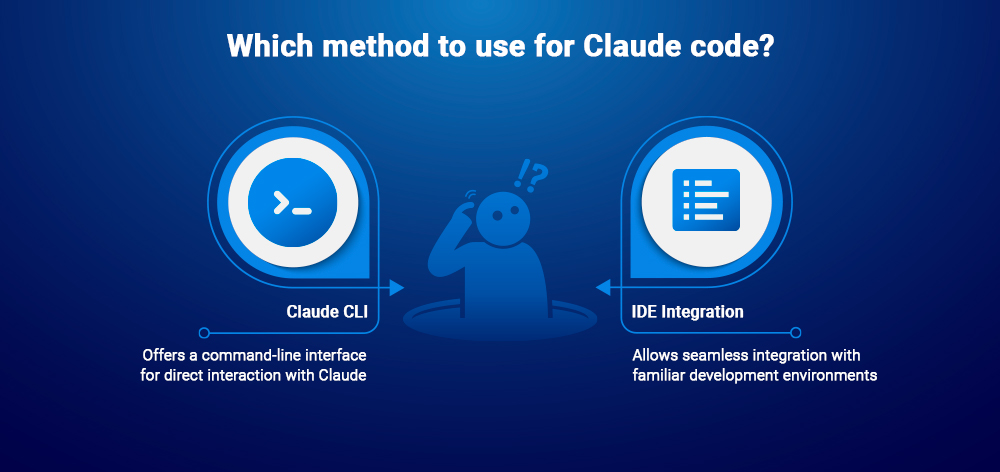
Checklist:
Quick installation:
# Install globally
npm install -g @anthropic-ai/claude-code

# Authenticate
claude-code auth

# Or set API key manually
export ANTHROPIC_API_KEY="your-api-key"Claude Code integrates with popular IDEs for seamless workflow.
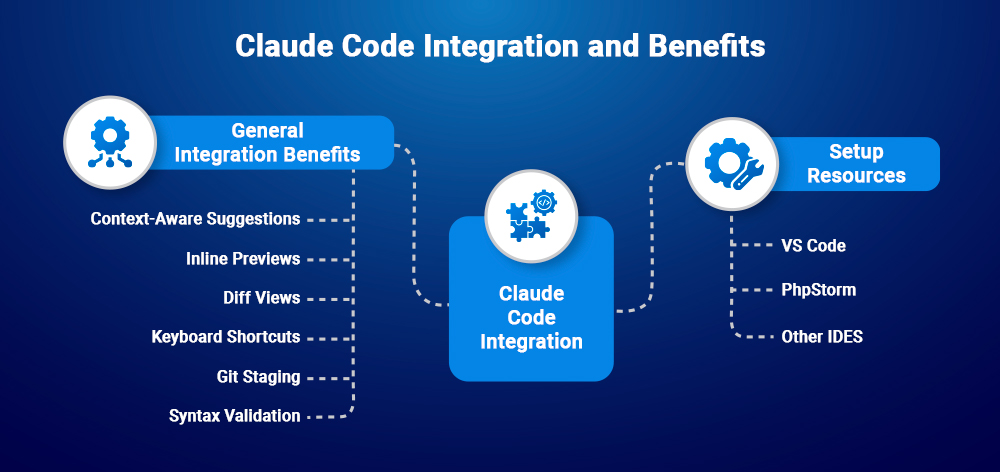
General integration benefits:
Setup resources:
Effective Claude Code usage starts with comprehensive prompts. Include extension purpose, data model, features, and technical requirements in one conversation starter.
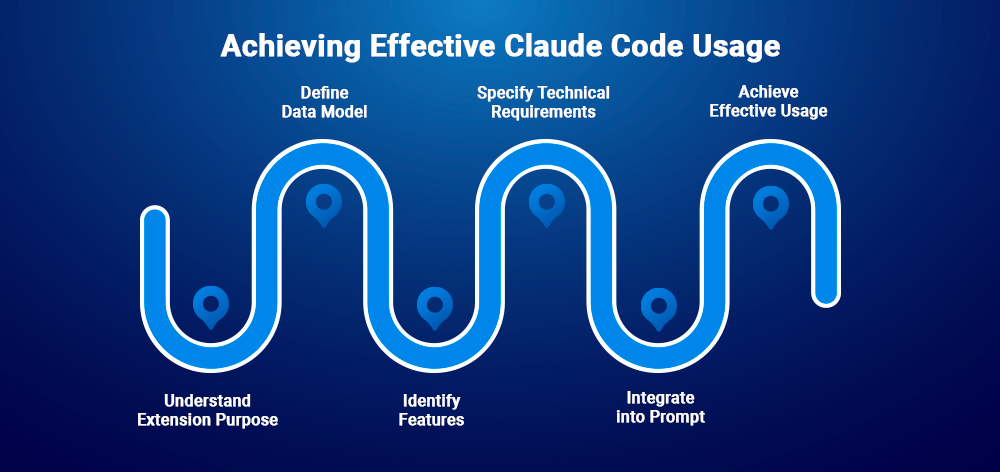
Example: News Comments Extension
Create a TYPO3 extension called "news_comments".

Purpose: Frontend comment system for news articles with moderation.

Data model:
- Comment table with fields: author, email, content, news_uid,
  status (pending/approved/rejected), created_at
- Relation to ext:news

Features:
- Frontend comment form plugin
- Backend moderation module
- Email notifications

Technical:
- Extbase/Fluid patterns
- PSR-12 standards
- Include TypoScript, TCA, composer.jsonWhat gets generated:
news_comments/
├── Classes/
│   ├── Controller/ (Comment, Moderation)
│   ├── Domain/Model/ (Comment)
│   ├── Domain/Repository/ (CommentRepository)
│   └── Service/ (NotificationService)
├── Configuration/
│   ├── TCA/ (comment configuration)
│   ├── TypoScript/ (setup, constants)
│   └── Backend/ (module registration)
├── Resources/Private/Templates/
├── composer.json
├── ext_emconf.php
├── ext_localconf.php
└── ext_tables.sqlGeneration time: ~3 minutes
Manual equivalent: 3-4 hours
Validation checklist:
Follow-up prompts for adjustments:
"Add a rating field (1-5 stars) to comments with frontend display"
"Create HTML email template for admin notifications"
“Add German and French localization files”
Pro Tip: Claude Code maintains conversation context. Reference files by name for quick modifications without re-explaining the structure.
# Install in your TYPO3 project
composer require mycompany/news-comments:@dev
./vendor/bin/typo3 extension:activate news_comments
./vendor/bin/typo3 database:updateschema
./vendor/bin/typo3 cache:flushScenario: Testimonial content element with author info, quote, and rating.
Prompt:
Create a TYPO3 testimonial content element in "site_package" extension.
Fields: author_name, author_role, company, testimonial_text,
rating (1-5 stars), author_image (FAL).
Include backend preview, responsive frontend template, TypoScript setup.
Use tt_content approach.
Generated:
Time: ~2 minutes | Manual: 1.5 hours
Scenario: E-commerce products with size/color variants and stock tracking.
Prompt:
Create "product_catalog" extension.
Models: Product (title, price, sku), ProductVariant (size, color, stock),
ProductImage (FAL).
Backend: List module with filters, inline editing, stock indicators.
Frontend: Product list, single view with variant selector.
Generated:
Time: ~5 minutes | Manual: 10-12 hours
Scenario: Update old extension to modern TYPO3 with API replacements.
Prompt:
Migrate "events_calendar" extension to modern TYPO3.
Fix: Old namespaces (Tx_ prefix), deprecated BackendUtility calls,
wizard TCA syntax, $GLOBALS['TYPO3_DB'] queries.
Update to PSR-4, QueryBuilder, modern TCA, proper plugin registration.
Generated updates:
Time: ~15 minutes | Manual: 1-2 days
What is T3AB?

T3AB (TYPO3 AI Builder) is an extension providing AI-powered development directly in TYPO3 backend. While Claude Code works from command line, T3AB offers visual interfaces for content creation.
Core capabilities:
| Feature | Claude Code | T3AB |
| Environment | Command-line tool | TYPO3 backend module |
| Setup | npm + API key | Extension install |
| Full Codebase Access | ✓ | - |
| Visual Interface | - | ✓ |
| Multi-extension Work | ✓ | - |
| Content Block Builder | Code-based | ✓ Visual builder |
| Git Integration | ✓ Native | Manual |
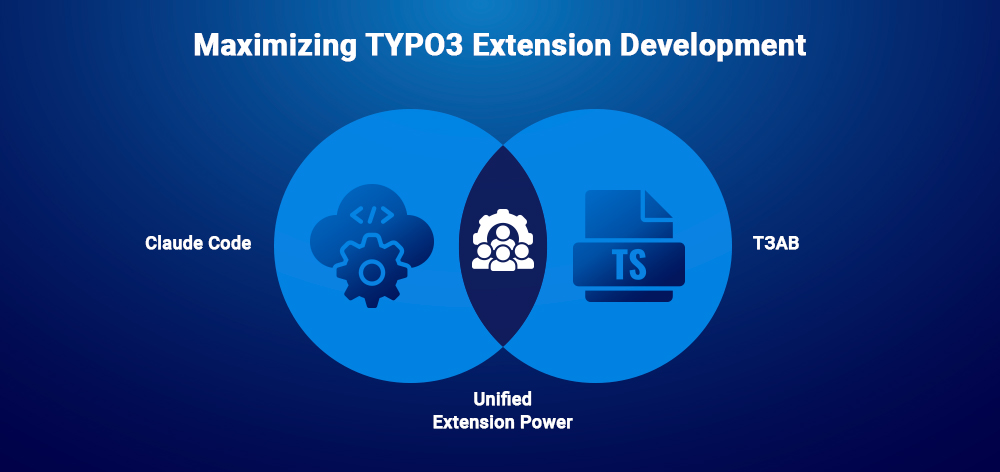
Use Claude Code for:
Use T3AB for:
Combined approach: Claude Code handles core extension architecture and business logic, while T3AB empowers content teams to create visual content blocks without leaving TYPO3 backend.
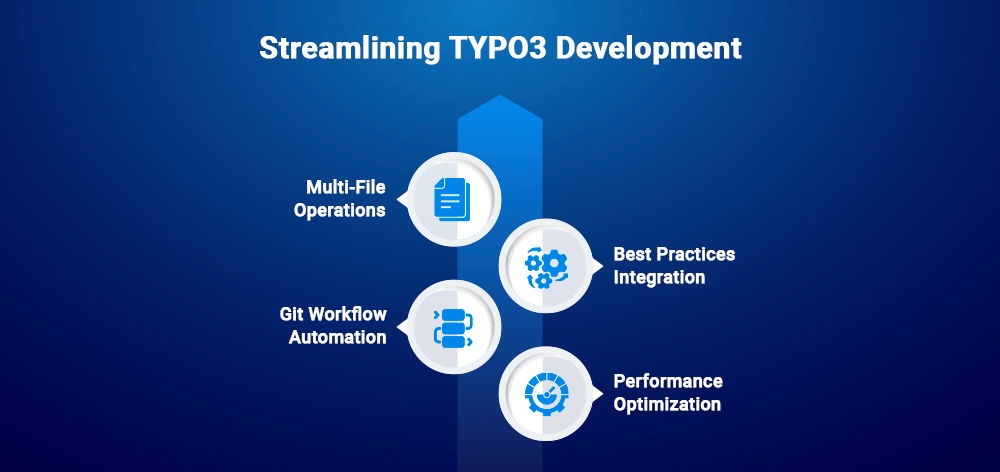
Example: “Update all extensions in packages/ to use modern TYPO3 APIs and create a summary report”
Example: “Audit extension for PSR-12 compliance and fix all violations”
Example: “Create feature branch for comment system, commit changes, and generate PR description”
Example: “Analyze ProductRepository and suggest performance optimizations for query efficiency”
| Do ✓ | Don't ✗ |
| Specify complete data models | Give vague descriptions |
| Mention PSR standards | Skip architectural requirements |
| Include example structures | Assume Claude knows your conventions |
| Request documentation | Generate undocumented code |
| Test incrementally | Create entire systems in one prompt |
| Specify dependencies | Ignore existing extensions |
Pro Tip: Start with project context:
"TYPO3 project with ext:news and ext:powermail. Custom extensions
use 'MyCompany' vendor. Follow PSR-12. Remember this context"
Warning: Always review AI-generated code for security vulnerabilities before deployment.
# Check Node.js version
node --version  # Should be 18+

# Reinstall if needed
npm install -g @anthropic-ai/claude-code

# Verify authentication
claude-code authTCA errors: Use Claude Code to debug: “Review TCA configuration for Comment model. I'm getting 'Unknown field type' error”
Extension not appearing:
Context limitations: Break large tasks into smaller prompts: “Focus only on Classes/Controller/ directory for this refactoring”
Claude Code transforms TYPO3 development by handling boilerplate and maintaining standards, letting you focus on architecture and business logic. The key is combining your TYPO3 expertise with AI assistance, not replacing one with the other.
Remember: Effective use requires understanding what to build, how to prompt clearly, and when to review critically. Your TYPO3 knowledge remains essential for architectural decisions, security review, and quality validation.
Next in series: We'll explore Cursor, the AI-first code editor with inline completion and codebase chat, comparing its IDE-native experience with Claude Code's command-line approach.
Yes, it needs API connection to Anthropic's servers for all operations.
Yes, Claude Code excels at refactoring, debugging, and modernizing existing codebases.
Absolutely. Claude Code amplifies your knowledge but doesn't replace it. You need TYPO3 expertise to write effective prompts and validate outputs.
Claude Code uses Anthropic's API with usage-based pricing. Check their pricing page for current rates based on token consumption.
Always review outputs. Use follow-up prompts to fix issues: "The TCA has a syntax error in line 45. Fix the field type declaration."
Yes, it works with standard git workflows. Each developer uses it independently and merges through version control.


Wolfgang Weber
Brand & Communication LeadWolfgang Weber shapes TYPO3 with passion and expertise. As TYPO3 enthusiast, he has contributed to TYPO3 projects that make websites faster and more secure. Outside of TYPO3, you'll probably find him exploring local cafés and…
More From Author