
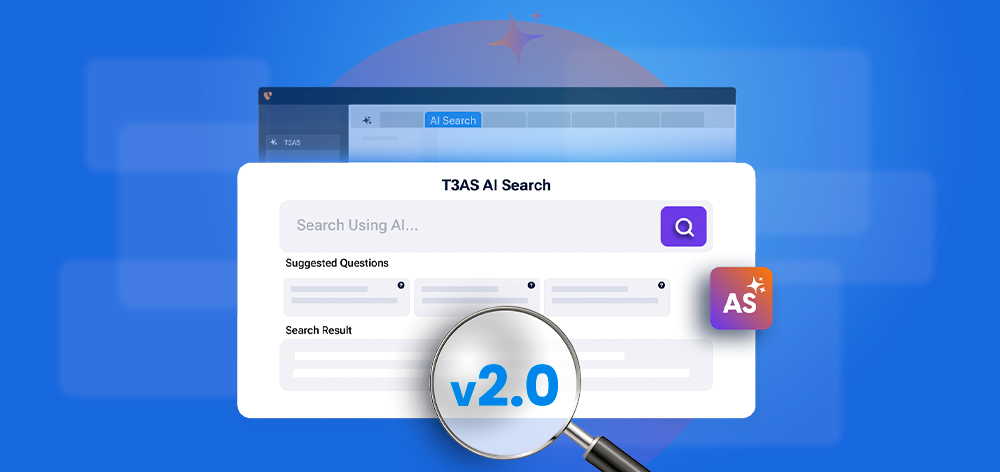
T3AS 2.0: AI Search for Better Discovery, Relevance and Conversion
AI


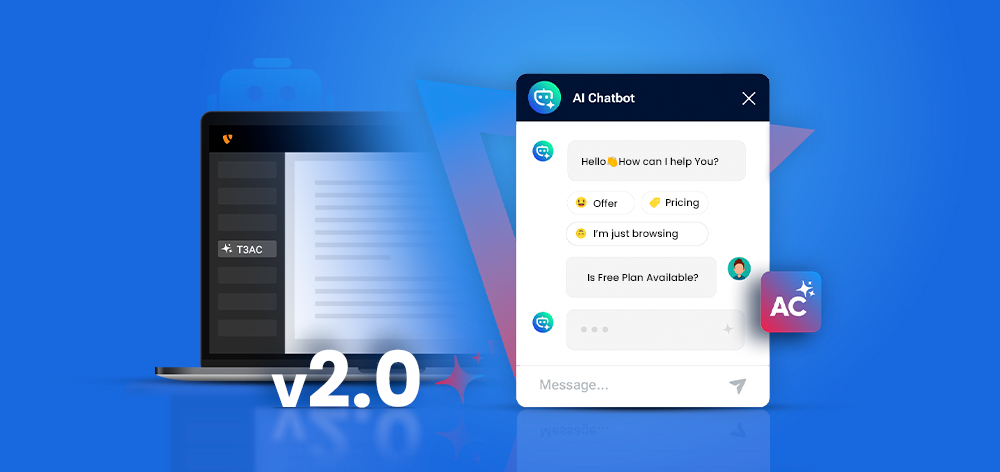
AI chatbots are already part of many TYPO3 projects, supporting users with content access and everyday queries. As usage grows, the focus is shifting from basic automation to systems that are easier to manage, understand, and control.
T3AC 2.0 takes this further with a more structured and transparent approach. As a data-driven AI chatbot, it gives teams clear control over data sources, system behavior, and usage, bringing more predictability into daily workflows.
With improved visibility and control, T3AC 2.0 works better in TYPO3 projects that need stability, clarity, and systems that are easy to manage over time, while combining control, automation, and insight in one place.
Before 2.0, many parts of the system worked in the background with limited visibility. With T3AC 2.0, this changes. The focus is now on clear control, transparency, and a more structured way to manage AI inside TYPO3.
T3AC 2.0 makes the AI workflow visible and easier to manage:
The system is now organized into defined modules for better clarity and flexibility:
T3AC 2.0 provides a clear and controlled way to manage how data is added and updated in the system.
The chatbot can connect to multiple data sources:
Each data source can be managed independently:
Earlier, there was no clear way to see what was happening during training. Now, every step in the process is visible and manageable.
The Training Center provides a clear view of how data is processed and prepared for the chatbot.
A structured interface to manage the full training pipeline:
Each item in the pipeline can be tracked and managed:
The central dashboard is a completely new addition in T3AC 2.0, giving a clear overview of how the AI system is being used.
Track system usage and performance in one place:
Control key actions directly from the dashboard:
T3AC 2.0 introduces deeper control over how the AI behaves and operates.
Adjust how the chatbot generates responses:
Keep AI usage within defined limits:
Improve response quality with structured context control:
Support for evolving AI requirements:
The CLI scheduler adds more control for development and automation tasks.
Run and manage processes without manual steps:
More control for testing and maintenance:
T3AC 2.0 provides more flexibility in how the chatbot looks and behaves.
Define how the chatbot interacts with users:
Adjust the chatbot interface to match your website:
The chatbot can now be deployed in more flexible ways.
Seamless integration within TYPO3 frontend:
Extend chatbot usage beyond TYPO3:
T3AC 2.0 provides full analytics with filters, tracking, and export options. It adds clear insights into how the chatbot is being used.
Understand user behavior and system usage:
Move beyond basic logs to meaningful analysis:
AI Chatbot 2.0 brings three key improvements to TYPO3 projects: clear visibility into how AI works, better control over data and costs, and a structured system that fits into existing workflows.
Instead of treating AI as a separate layer, it becomes part of the CMS with defined processes and manageable outputs.
This shift also reflects a more practical approach to AI. The focus is on control, automation, and insight, supporting teams in handling repetitive tasks while keeping decisions and responsibility where they belong. Download free!
T3AC 2.0 is built as a structured system inside TYPO3. It provides visibility into data sources, training, and usage, rather than working as a closed or external tool.
T3AC supports TYPO3 pages, news content, PDFs, web pages, sitemap XML, Q&A pairs, and search systems like Solr, ke_search, and indexed_search.
Training is handled through a dedicated Training Center where each item moves through stages like fetching, embedding, and completion, with full status tracking and control.
Yes. T3AC includes token tracking, budget limits, alerts, and hard caps to manage usage and avoid unexpected costs.
Yes. It is designed for structured environments where control, transparency, and compliance are important, especially in projects with large content and multiple stakeholders.
T3AC can be managed alongside tools like T3AS through a centralized backend (T3CS), giving a unified view of AI operations and configurations.
Jürgen Pietschmann
TYPO3 AI ConsultantJürgen is a TYPO3 AI Consultant at AI Universe. He helps businesses make the most of their TYPO3 websites by integrating AI-powered solutions. From smart content creation and automated SEO improvements to seamless chatbot…
More From Author