



Very courteous and competent team. Very courteous and competent team. All my problems were solved with confidence. Very courteous and competent team. Very courteous and competent team. All my problems were solved with confidence.
Overview
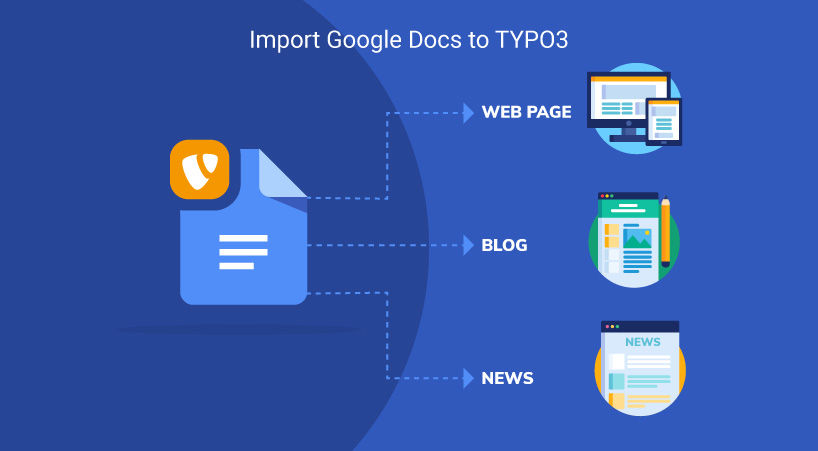
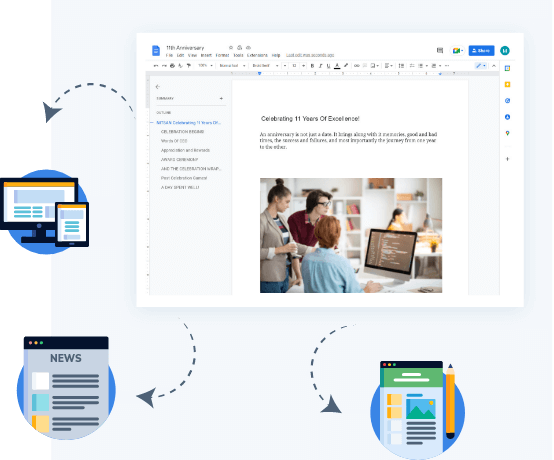
Manually migrating all the content from your Google Docs to the TYPO3 website seems a tideous task right? We feel you and so to make this content migration task easy for TYPO3 people we developed an amazing solution to save your priceless time! Transferring Google Docs to TYPO3 has been made easy with a feature-rich TYPO3 solution to import your Google Docs to your TYPO3 pages, news, and blog in just one-click.
This TYPO3 extension can draft and collaborate Google Docs in TYPO3 just as normal with single to export your Google Docs into TYPO3 seamlessly. Your team can collaborate in Google Docs and you can save hours importing into TYPO3.
Key Features
TYPO3 Backend Screens


What Our Customers Say
Reviews from Google, Trustpilot and Community
As a TYPO3 developer, I am always looking for interesting extensions and templates. T3Planet offers very engaging and... As a TYPO3 developer, I am always looking for interesting extensions and templates. T3Planet offers very engaging and illustrative products and very useful extensions. Do check their website out and you won't regret it.
A trustworthy and fairly priced marketplace with well-thought-out TYPO3 solutions. The customer service is always very... A trustworthy and fairly priced marketplace with well-thought-out TYPO3 solutions. The customer service is always very friendly and responds quickly.
Free Vs Pro Features
KEY FEATURE LIST | FREE | Premium |
|---|---|---|
| Dashboard | ||
| Google Doc Import to TYPO3 Pages | ||
| Access to Google Docs Backend Module | ||
| One-click Acces of Google Docs | ||
| Access to Google Docs Limit (FREE - 10, PRO - Unlimited) | ||
| Import docs created by own Google account | ||
| Document Import Compatibility Google Doc Import to TYPO3 NEWS | ||
| Docs Accessibility Import docs created/shared by Other Google Accounts | ||
| Search Feature at Google Docs Listing | ||
| Link to view page immediately after import | ||
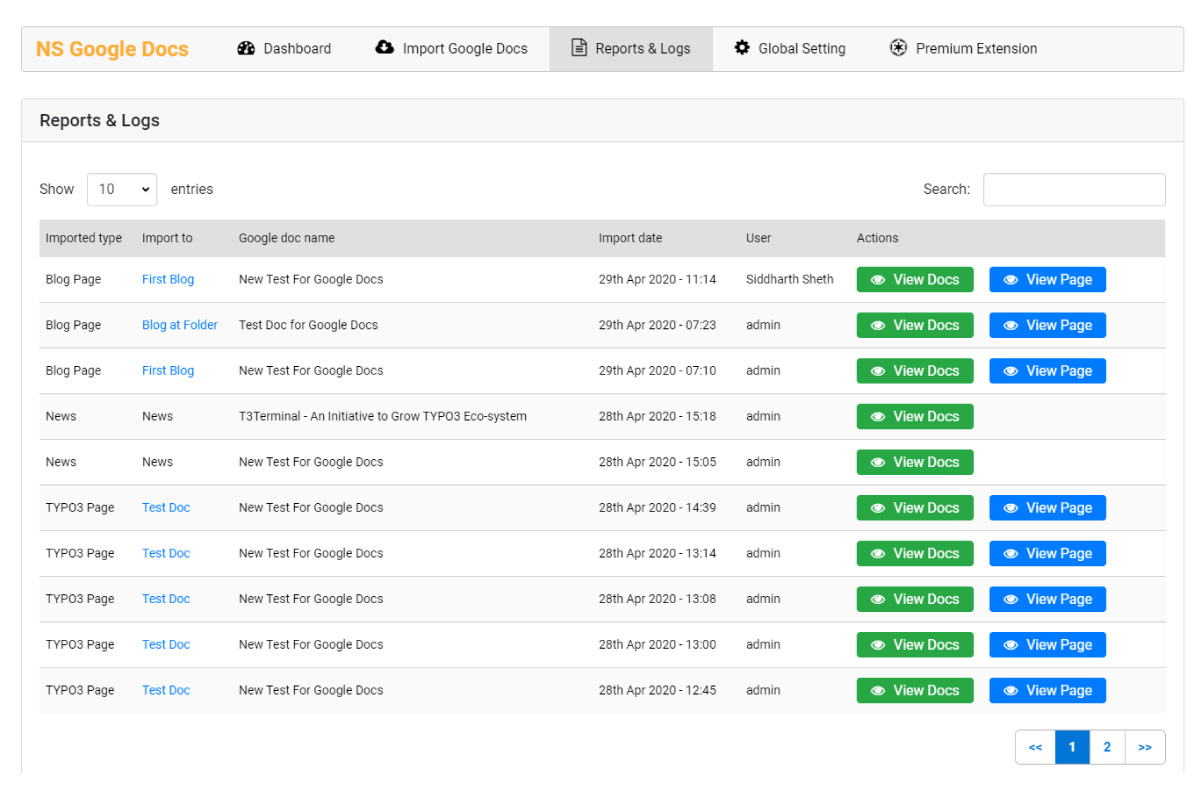
| Detailed Reports & Logs |
Transparent Pricing
All inclusive. No extra costs.
Simple, honest pricing. No credit card, no auto-charge. Buy when you're ready. Choose what works for you
Free Download Free Trial
Try Free for 30 Days
Full access to all features. Test on live, staging, or local. Stops after 30 days - no charges, no auto-subscription.
- Every feature fully unlocked
- Works on live, staging and local domains
- Email support during trial period
- No credit card required
- No auto-conversion to paid plan
€0
Start Free Trial Try for FreeNo credit card · No auto-charge · Simply stops after 30 days Secure checkout · Instant license delivery · 30-day money-back guarantee
Buy Now Buy now
Annual License
Production domains
Purchased product never stops working. Pay annually only for updates & support - not to keep the product running.
- Staging & local installations always free.
- Once installed, your copy keeps running.
- 12 months of updates and support included.
- Dedicated support manager.
- Instant license delivery to inbox.
€199/year Custom quote
Secure checkout · Instant license delivery · 30-day money-back guarantee
All prices EUR, annual licence. Production domains only. Staging and local installations are free and do not count towards your limit. 30-day money-back guarantee.
Running a different number, like 2 or 7? Tell us how many and we will send a custom order priced for your count, not rounded up to the next tier. Same for 11 domains or more. Tell us your number →
Compatibility Data
Change Log
Frequently Asked Questions
More FAQs
What does the TYPO3 Google Docs extension do?
It lets your team write and collaborate in Google Docs and then bring that content into TYPO3 without copying it by hand. You import Google Docs into TYPO3 pages, news and blog with a single click. A dedicated backend dashboard lists your Google Docs, shows a preview before you import, can override existing content on re-import and keeps detailed reports and logs.
What is the difference between the free and the PRO version?
The free version gives access to 10 Google Docs; the PRO version has no limit. The feature comparison on the page lists the full feature set, including import to TYPO3 pages, news and blog, permissions per import target, re-import with override, search in the Google Docs listing and detailed reports and logs.
Which Google accounts can I import documents from?
You log in with a Gmail account of your choice and import the docs it created. You can also import docs that other Google accounts created or shared. No technical or coding knowledge is needed: you follow a few steps and can then export your Google Docs to your TYPO3 website. After the import, a link lets you view the page immediately.
How many domains does a licence cover?
One licence covers one production domain, including its subdomains. Staging, development and local installs are free. For more sites, choose the licence for up to 3 or up to 10 domains. Details: Buying and Licences FAQ.
How do I install and update it?
Install it with Composer (the premium version comes from our private Composer server) and activate your licence key in System > T3Planet Shop. Updates arrive through Get Updates in the same module. Step by step: Installation and Updates FAQ. Prefer us to do it? Our installation service costs €49 per extension.

Sovereign TYPO3 AI

AI Assistant for TYPO3T3AI
Write, optimise and translate content right in the backend.
 AI Foundation
 AI Chatbot
 AI Search
 AI Accessibility
 AI Localization
 AI Builder