
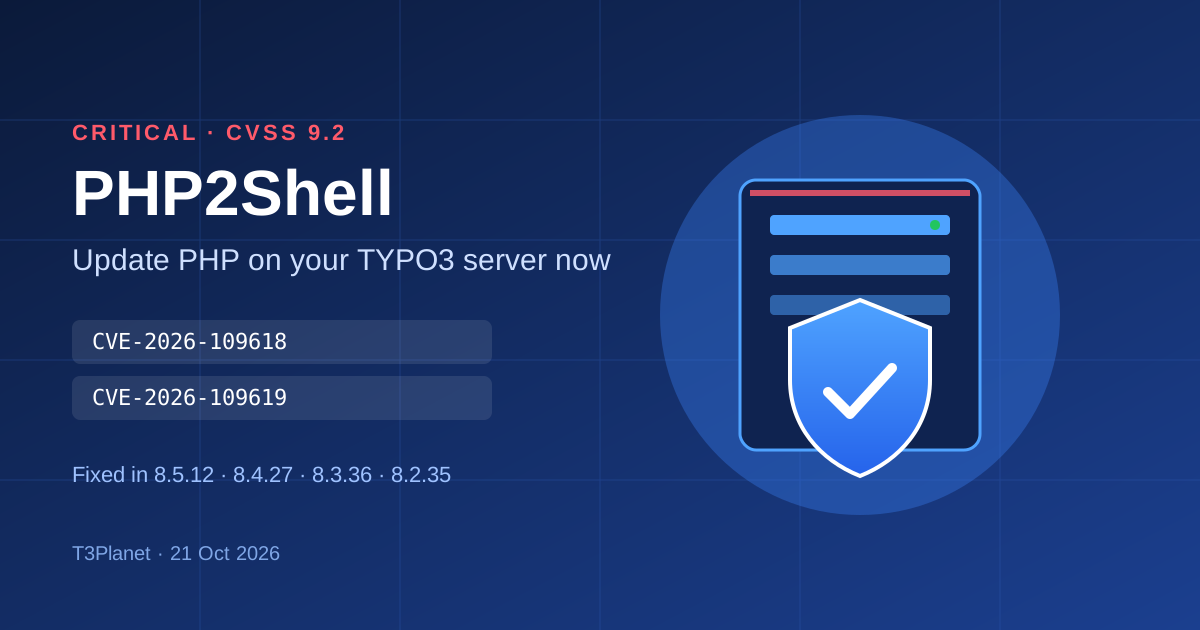
Critical PHP security release (PHP2Shell): what TYPO3 site owners must do now
Security


Did you ever faced situation where your TYPO3 project needs multiple TYPO3 repository? For example, You have main repository of TYPO3 installation and sepearate number of Git-repositories for your custom TYPO3 extensions? In that situation, to well maintain your TYPO3 project, we highly recommend to use Git-submodule concept as below.

Did you ever faced situation where your TYPO3 project needs multiple TYPO3 repository? For example, You have main repository of TYPO3 installation and sepearate number of Git-repositories for your custom TYPO3 extensions? In that situation, to well maintain your TYPO3 project, we highly recommend to use Git-submodule concept as below. Here is how to add Git-submodules in your TYPO3 project.
Step 1. Clone the main repository.
Step 2. Use the command git submodule add -f and provide the Sub repository and Path folder where you want to clone
Step 3. You can check .gitmodules created at the root of your project
Step 4. Now push the .gitmodules main repository.
// Add submodule
git submodule add -f git@gitlab.com:t3terminal/themes/products/ns_theme_[Your theme].git public/typo3conf/ext/ns_theme_[Your theme]/
// Recursive Git submodule update
git submodule update --init --recursive
// Synchronizes submodules' remote URL configuration setting to the value specified in .gitmodules
git submodule sync

Keval Pandya
TYPO3 Team Leader at NITSAN and T3Planet, Love TYPO3!
More From Author